

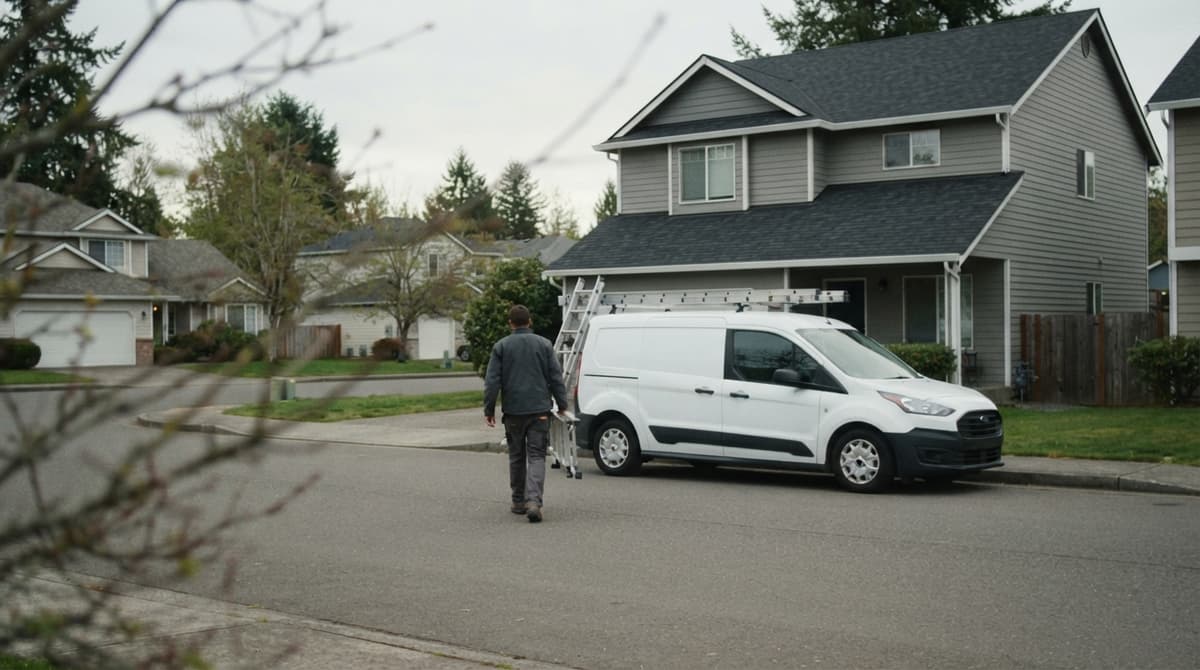
Roofing Website Builder: What to Use and What to Avoid
Roofing website builders are the tools and services roofers use to make a company site.
Homeowners type roofers near me about 165,000 times a month, so the best choice brings calls and booked jobs, not just pages.
Here is what to look for, and how to check the result before you pay.
A roofing website builder has 3 jobs: get the site found in Google search and on the map, earn a homeowner's trust in a few seconds, and turn the visit into a phone call or an estimate form.
Most builders handle the look. Fewer handle town pages, call tracking and fast edits during storm season.
Roofers comparing options need a fair look at the 3 kinds of builder and the pages every roofing site needs. A real setup helps too, like the one we run for a roofing and exteriors company in central Ohio. Search Console and PageSpeed Insights let any owner check a site for free.
Phone design, tracking and the claims a roofer should never print matter just as much, along with 5 questions to ask any builder before signing.
Book a callWhat Is a Roofing Website Builder?
A roofing website builder is a tool or service that lets a roofing company create and edit its own website.
The owner picks the pages, adds text and photos, and publishes. Nobody on the crew needs to write code.
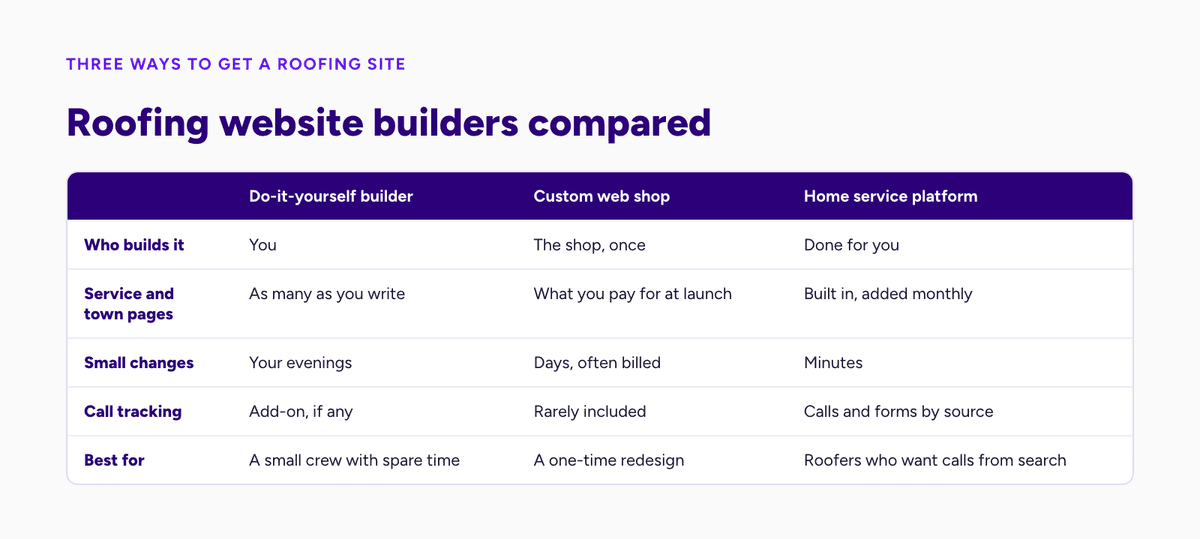
The market splits into 3 groups, and each group asks a different amount of the owner's time. The difference shows up months later, when the site either keeps growing or sits frozen.
The 3 Kinds of Builder
There are 3 groups, and every option a roofer meets fits one of them:
- Do-it-yourself builders, where the owner drags blocks around a blank page and writes every word alone. Monthly fees are low. The real price is evenings: every service page, form and fix waits on the owner's spare hours. Most of those sites stall at 4 or 5 pages.
- General web design shops build a site for any kind of business, from dentists to roofers. Most shops deliver a polished design. Few shops know how homeowners search for roof work. Every later change goes through a ticket, a queue and a separate invoice.
Which Kind Starts Ready?
The third group is the one built around roofing work from day one:
- Builders made for home service companies start from service pages, town pages, call buttons and quote forms. The structure already matches how roofing jobs arrive. Time goes into real job details and local photos instead of layout and plugins. A roofer on one of these platforms starts with a working site on day one rather than an empty template.
A builder only helps when the site brings in calls and booked jobs. Pretty pages that nobody finds are a cost, not a tool.
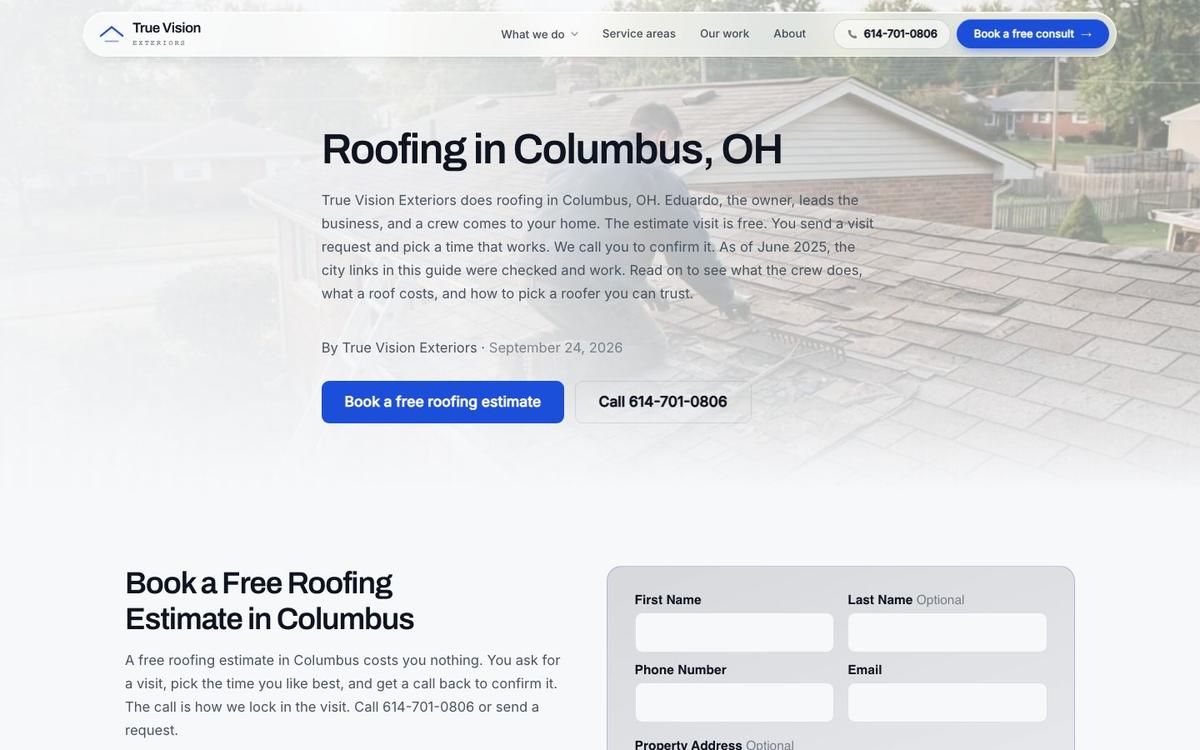
See your new homepage before you pay anything
Send us your roofing website. Tell us the towns you cover. The homepage rebuild is free. You see it before you pay anything. We also check where you rank on the map today. You get that report town by town. Every next step starts from your own numbers. The preview needs no contract.
Book a call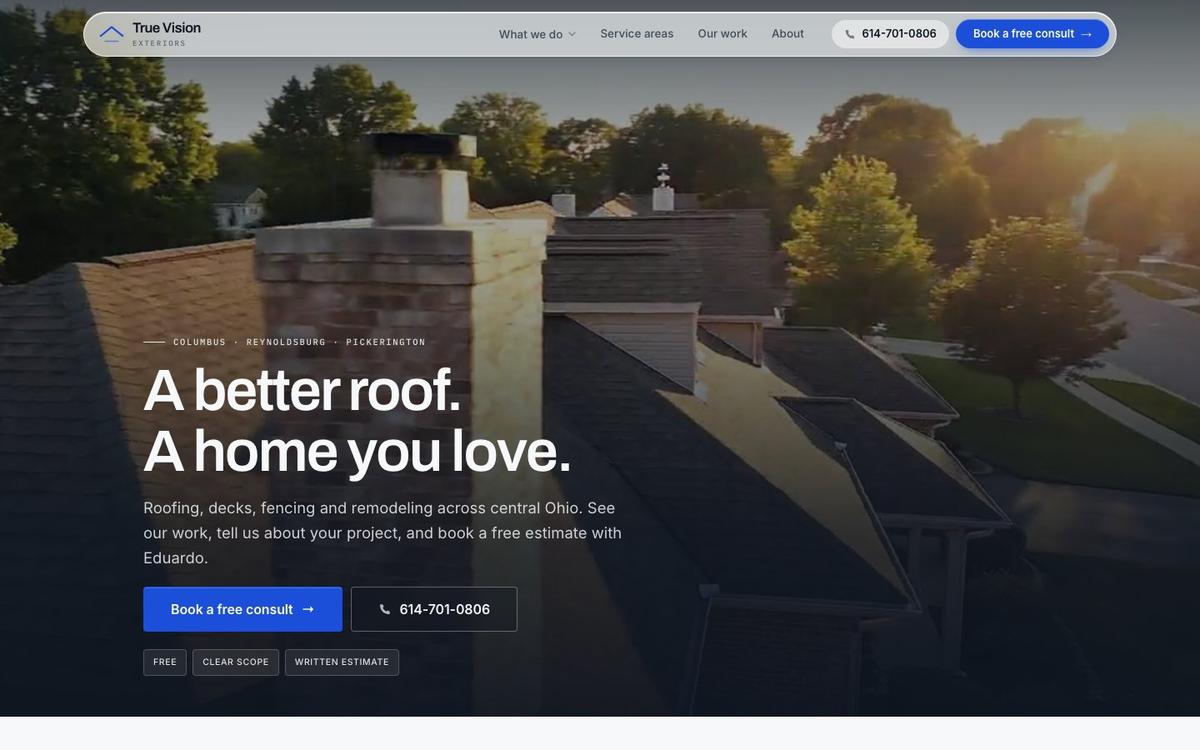
What a Roofing Website Needs to Do
A roofing site has one job: turn a homeowner's search into a phone call or a form. Everything else is secondary. Our roofing website design guide covers the look and layout side of the same job.
Design, colors and slogans matter only as far as each one moves a worried homeowner toward the call button.
The checklist below covers the 4 duties every roofing site carries, whichever roofing website builder produced it.
The 4 Duties
There are 4 duties a roofing company website must meet: Each duty ties back to roofing SEO: the site is where search traffic turns into calls.
- The roofing website shows up in search and on the map. A homeowner types a roofing term and a town, and Google decides within a second whose pages and listings appear. Clear service pages, town pages and an accurate Business Profile are what give a roofing company a fair chance on both result types.
- The website loads fast. Google publishes Core Web Vitals, a set of speed and stability checks for pages, and the free PageSpeed Insights tool scores any address against those checks. A roofing site that fails them loses visitors before the headline appears. Each extra second of loading on a weak cell signal sends more homeowners back to the results page.
What About Phones and Calls?
The last 2 duties decide what happens once a homeowner lands on the roofing website:
- The roofing site works on a cell phone. Statcounter's platform data put mobile at 49.1% of US web traffic in September 2026, and Pew reports that 91% of US adults own a smartphone. Many homeowners search for a roofer from the driveway. A roofing site has to read, scroll and dial cleanly on a small screen in bright sunlight.
- Make the next step obvious. Every page needs a call button or a short form within one thumb's reach. A page that never points to a call has no job. A worried homeowner with water in the attic will not hunt for a phone number buried in the footer.
Choosing a Type
The right type of roofing website builder depends on 2 things: the hours an owner can spare, and the amount of work the company wants Google to send.
An owner with little time who wants search calls belongs on a home service builder.
An owner who enjoys the work and needs only a simple brochure site can manage with a drag-and-drop tool.
Each type carries a clear trade-off, so match the trade-off to the week, not to a sales page.
Do-It-Yourself Builders
A do-it-yourself builder is cheap in effort to start but heavy in effort to finish. The owner picks a look, drags in blocks and types every word. Four trade-offs follow:
- Every roofing page falls on the owner. Writing a service page, setting up its form and checking it on a phone takes an evening. A roofer covering 10 towns and 6 services needs dozens of pages. Most owners publish 3 or 4 and stop there, and the site never covers the searches that bring jobs.
- Roofing templates look alike. Hundreds of roofers start from the same few designs, so a homeowner comparing 3 companies sees 3 versions of one page. Nothing on the site sets the crew apart, and the decision falls back on price and reviews alone. Original job photos and local detail are the only reliable way out of that sameness.
What Else Do DIY Sites Miss?
There are 2 more gaps on most do-it-yourself roofing websites:
- Search help for roofing pages is thin. Google wants pages that answer a clear need, and generic template text rarely does. A drag-and-drop tool offers fields for a title and a description, but the owner still has to know what to write. Without that knowledge, the pages exist but never match what homeowners actually type into Google.
- Owners skip accessibility. The Justice Department's web guidance says businesses open to the public must meet ADA requirements online, and the WCAG standard explains contrast, labels and alt text. Few owners check any of those on their own. A roofing website builder made for businesses should handle those basics for every page it produces.
This route fits a small crew with a simple goal and spare evenings.
Custom Design Shops
A custom shop is good at sites that look sharp. The risk is what happens after launch.
Changes can be slow, and some shops bill each one separately. A new phone number or storm offer can wait days in a queue.
Many shops hand over the finished site and move on to the next client. The website then sits still as the roofing business changes. Before signing, ask the questions below.
Questions for a Shop
Three answers decide if a shop is worth hiring:
- Who owns the site and the domain name? The roofing company itself should hold the domain registration. Buyers get names through ICANN-accredited registrars and their resellers. A shop that registers the address under its own account holds the company's web presence hostage when the contract ends.
- Who can edit the site, and can the owner log in? A roofer should be able to change a phone number, swap a photo or pause an offer without filing a request. A site only the shop can touch drifts out of date within a season, and every stale detail costs a little trust.
How Fast Is a Change?
The third answer is the one that decides how the roofing website keeps up with the business:
- How long does a small change take, and what does it cost? Ask for the typical turnaround on a one-line edit and the fee for it. A shop that needs a week and charges by the hour is slow and costly. Every storm, price change and new town becomes a delay the business pays for twice.
A good-looking site the owner cannot touch is a site that falls behind.
Home Service Builders
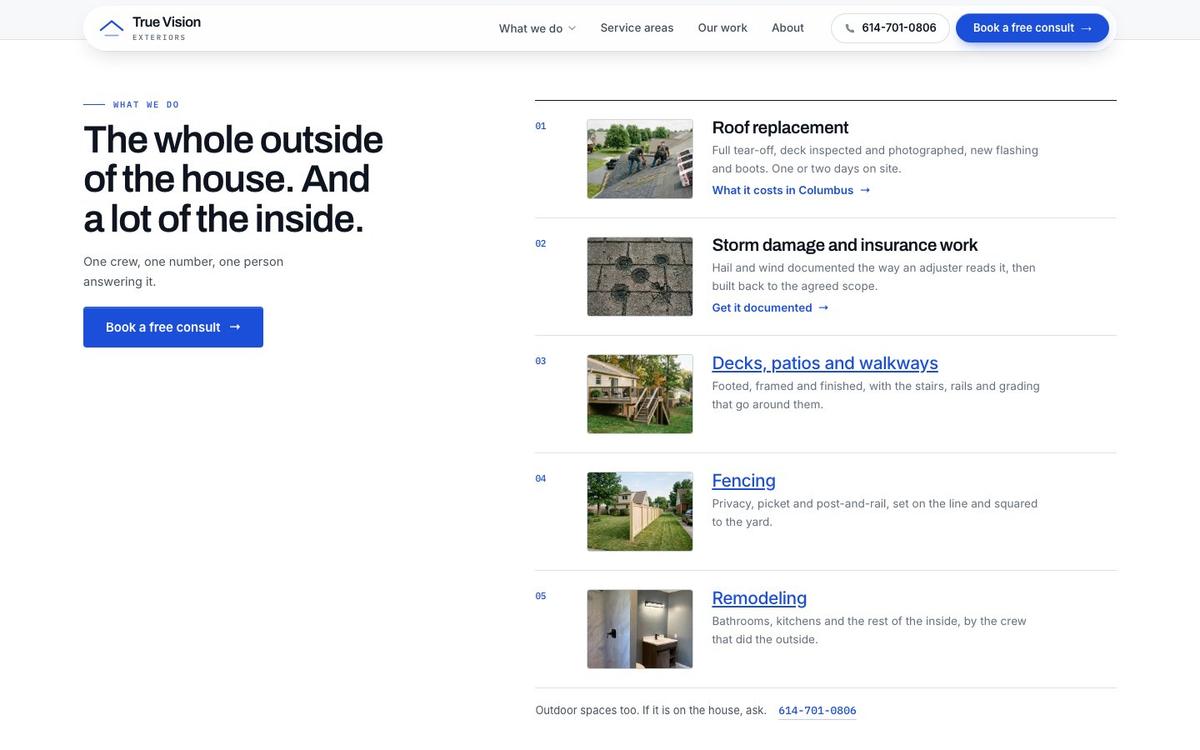
A website builder made for home service companies is the type that fits how roofers get work. Each site starts from service pages, town pages, call buttons and forms, not from a blank canvas.
The structure is already in place, so the owner's time goes into real job details instead of layout.
That makes a home service builder the best fit when the goal is calls from search and the map.
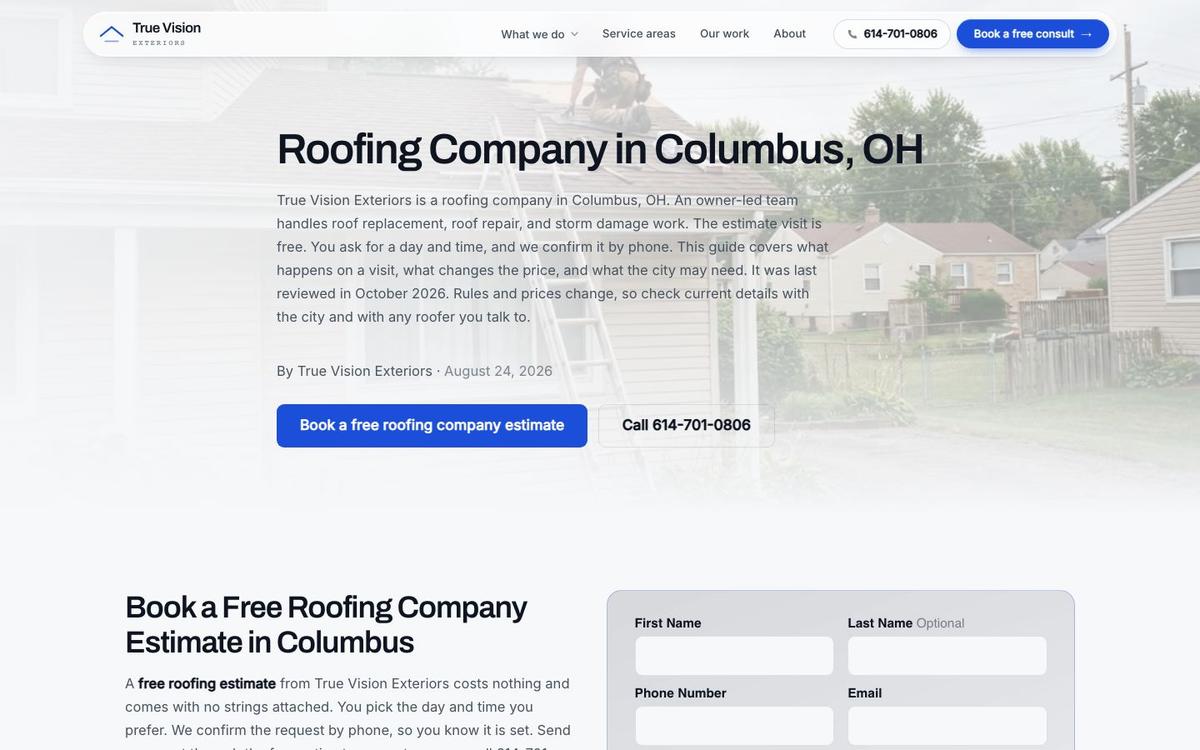
How Our Platform Fits
The Software Society is a builder of exactly this kind of home service website.
The Software Society runs its own website platform. Our team sets up the pages, the call buttons and the town coverage for each roofing client.
The client gets a site made for search, not just for show, and edits go live in minutes instead of days. The person on the phone is the person making the change, with no hand-off.
What the Numbers Say
Homeowners decide how well a roofing website builder did, through how they search and choose. There are 5 figures that frame the job.
Each figure comes from a public source, and each one points at a feature a builder either supports or ignores. Read them as a checklist for any platform demo.
Five Figures
There are 5 numbers that shape a roofing site:
- Roofing demand is local and large. Google Ads data from DataForSEO's keyword planner, pulled in October 2026, shows roofers near me draws about 165,000 searches a month in the US and roof repair about 90,500. Each of those searches names a need and, through the searcher's location, a town.
- Paid roofing clicks are expensive. The same planner shows roofers pay about $40 per click for roof repair ads and $31 for roof replacement, with top-of-page bids reaching $70 to $88. A site that converts more visits into calls makes every one of those paid clicks cheaper.
What Do Homeowners Check?
The next 2 figures cover how homeowners and Google judge a roofing company:
- Reviews decide the shortlist. BrightLocal's 2026 Local Consumer Review Survey found 97% of consumers read reviews for local businesses, and 47% will not use a business with fewer than 20 reviews. A builder should make showing real reviews on every page easy. Homeowners compare those numbers in seconds, so fresh reviews belong on the homepage, service pages and town pages alike.
- The map rewards categories and accuracy. Whitespark's 2026 ranking factors report ranks the primary Business Profile category 1st of 187 local pack factors. A website that repeats the same services and towns as the listing supports that relevance. Mismatched services or towns between the site and the listing weaken that signal for no good reason.
What Does Google Read?
The last figure is about the code behind a roofing website:
- Structured data names the trade. Schema.org defines a RoofingContractor type, and Google reads local business markup to understand a company. A roofing website builder should add that markup on its own. Markup is invisible to visitors. It tells search engines the business type, address, phone, hours and service area in a format machines read without guessing. A builder should keep it in sync whenever those details change.
A roofing website builder that makes town pages, reviews and job photos easy is serving those numbers.
Pages Every Roofing Site Needs
A roofing site is strongest with one page for each thing a homeowner searches for. That structure keeps the site clear for people and for Google.
A single page listing every service and town matches no search well, and Google reads it as a page about nothing in particular.
The core set below is the minimum, whichever roofing website builder hosts it.
The Core Set
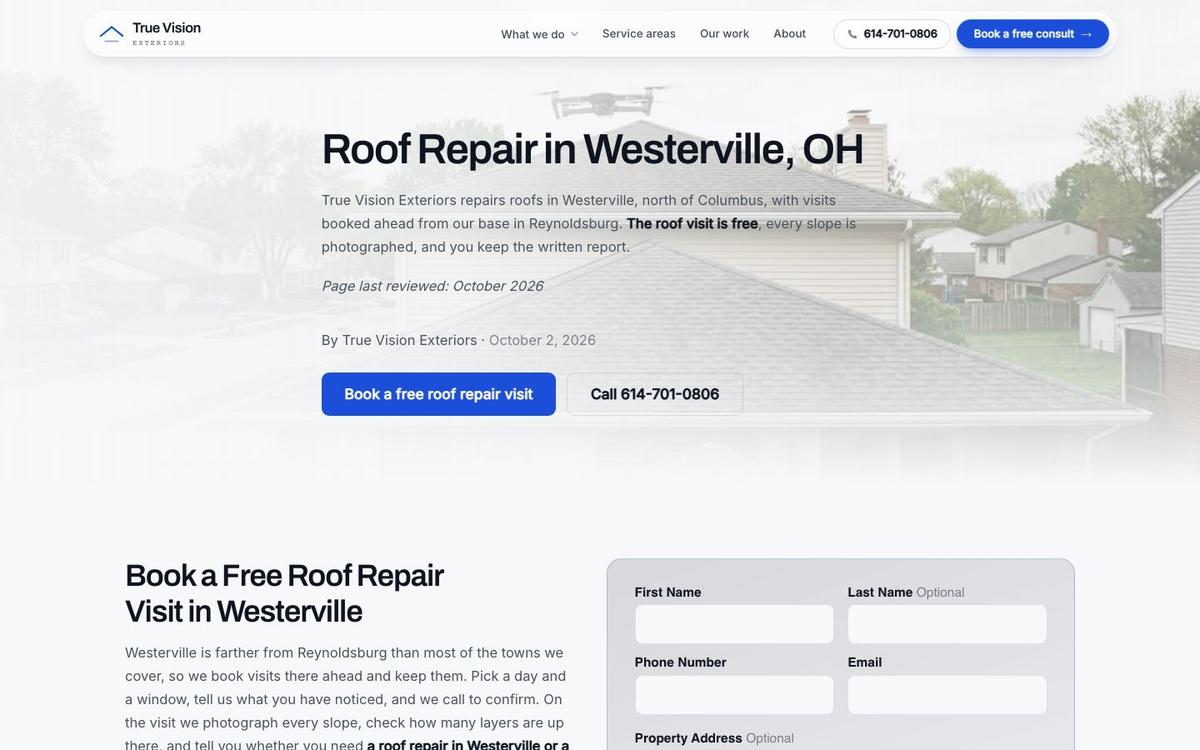
Every roofing website should carry these 4 page types: Each service page works as a roofing landing page for one job and one town.
- A homepage that says who the company is, what it does and where it works, with the phone number and a call button above the fold. The homepage is the page most visitors see first. It carries the strongest proof: real job photos, recent reviews and the towns covered.
- One page per service, such as roof repair, roof replacement, storm damage, gutters and siding, wherever the company offers each one. A service page explains the job, the visible signs, what affects cost and how the process runs. Each one ends with a call button.
Find out where you show up on the map
We check your roofing company on Google Maps. The check runs point by point on a grid. It covers your whole service area. Then we walk you through it on a short call. You see the towns that already find you. You also see the towns that call a competitor. The check is free, with no obligation.
Book a callWhich Pages Close the Deal?
The other 2 page types turn interest into calls from each town a roofing company covers: Pages built for one job convert best, as the roofing landing page guide shows.
- A contact page with the phone number, a short form and the service area. The contact page should load fast on a phone and show the hours and the towns served. It should also confirm what happens after a form arrives, so a homeowner knows when to expect a reply.
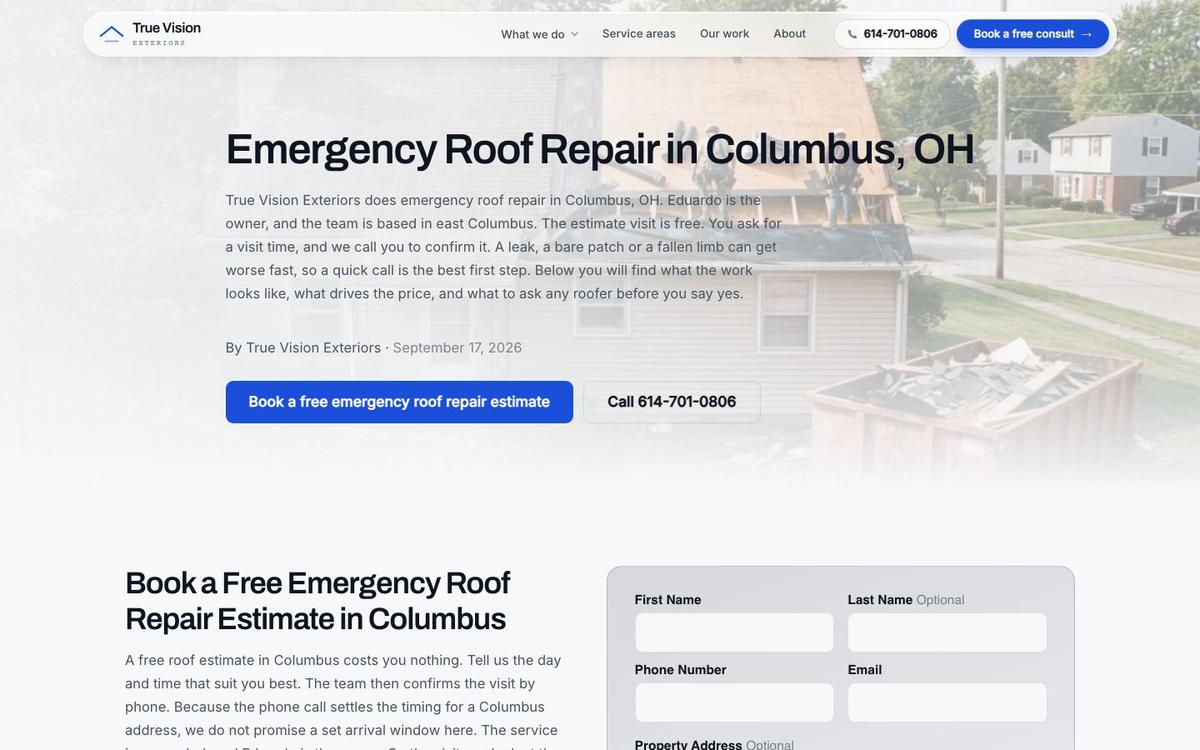
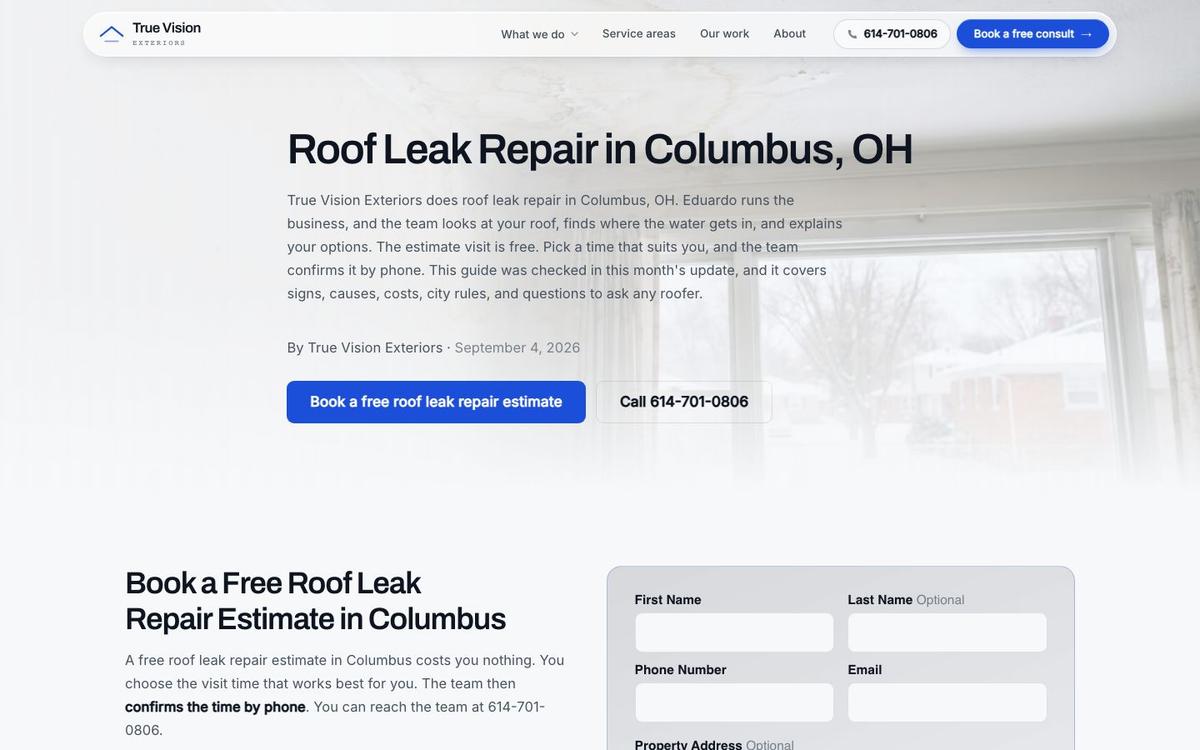
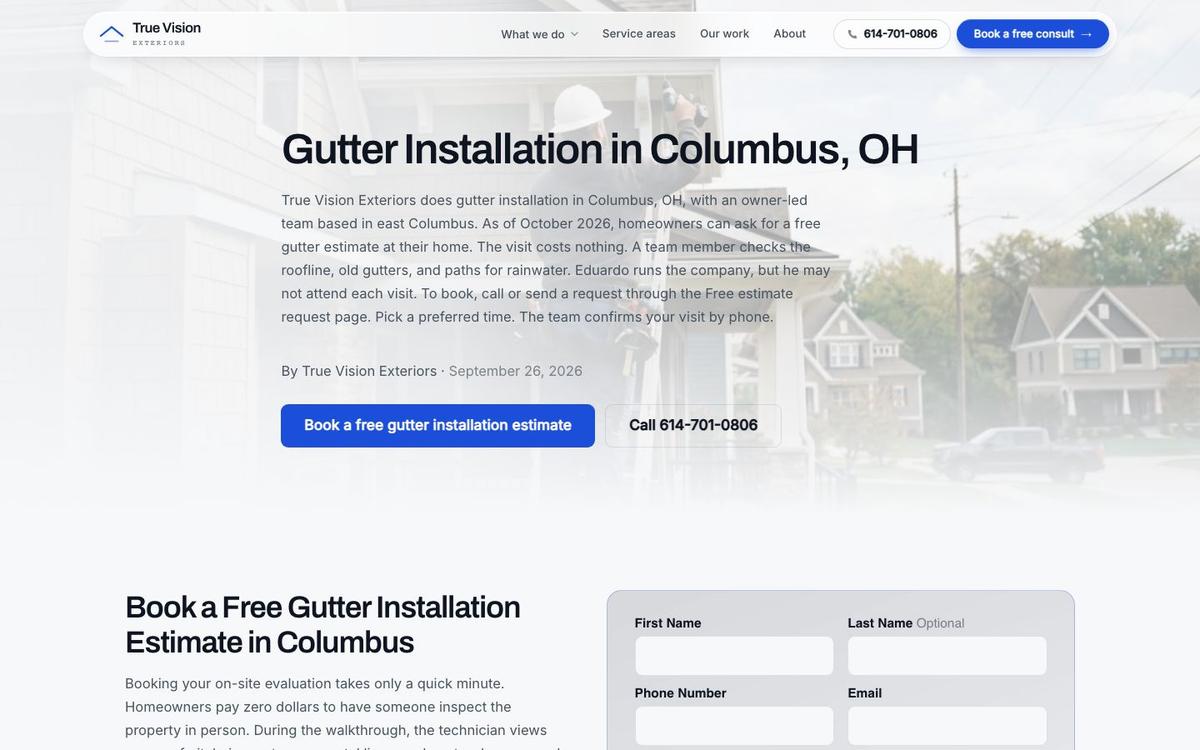
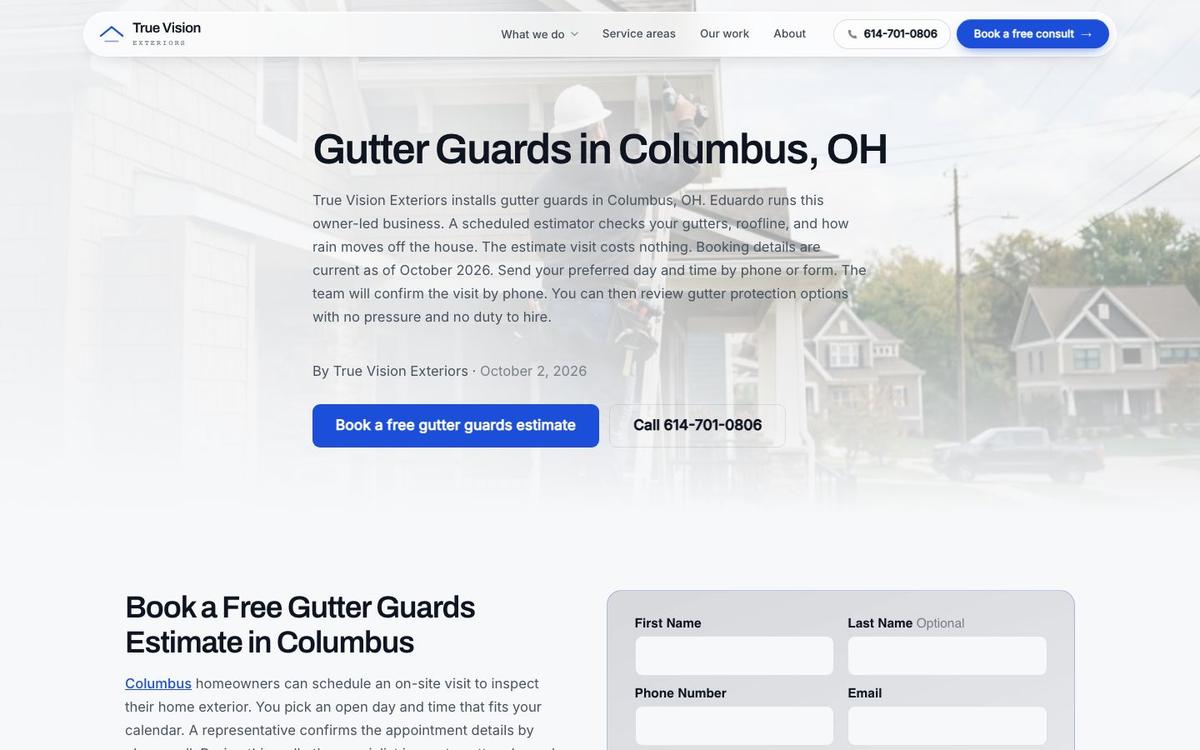
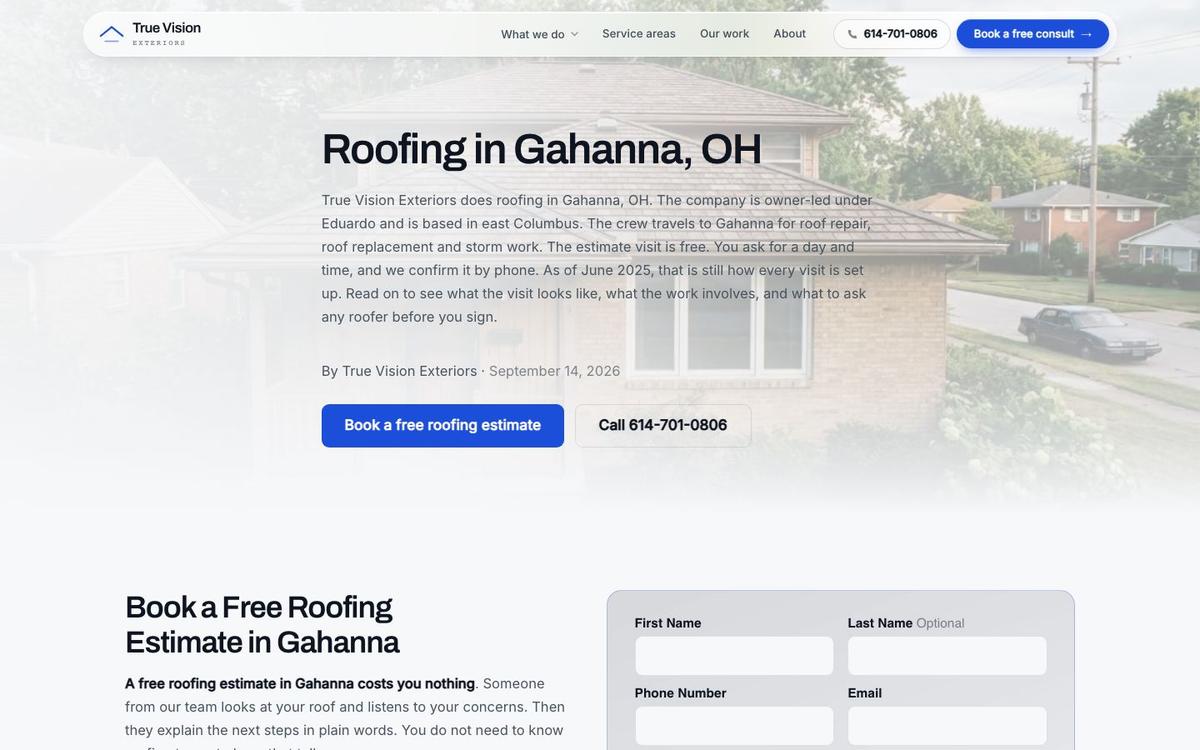
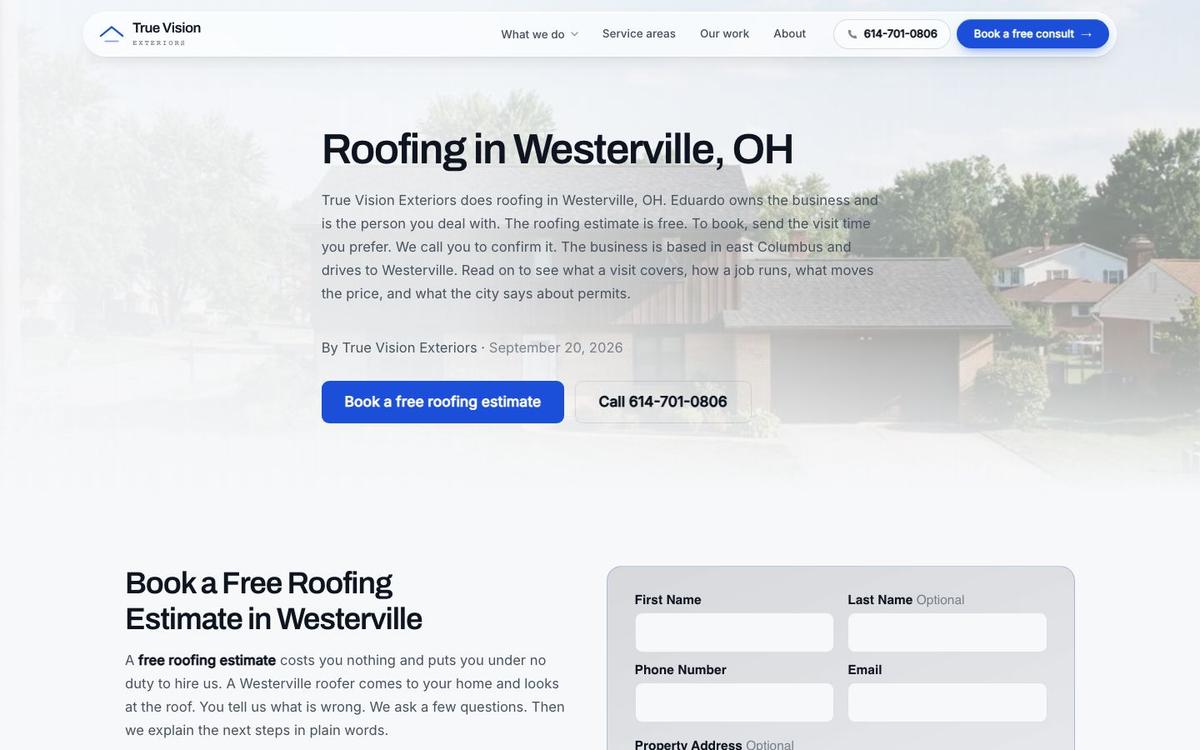
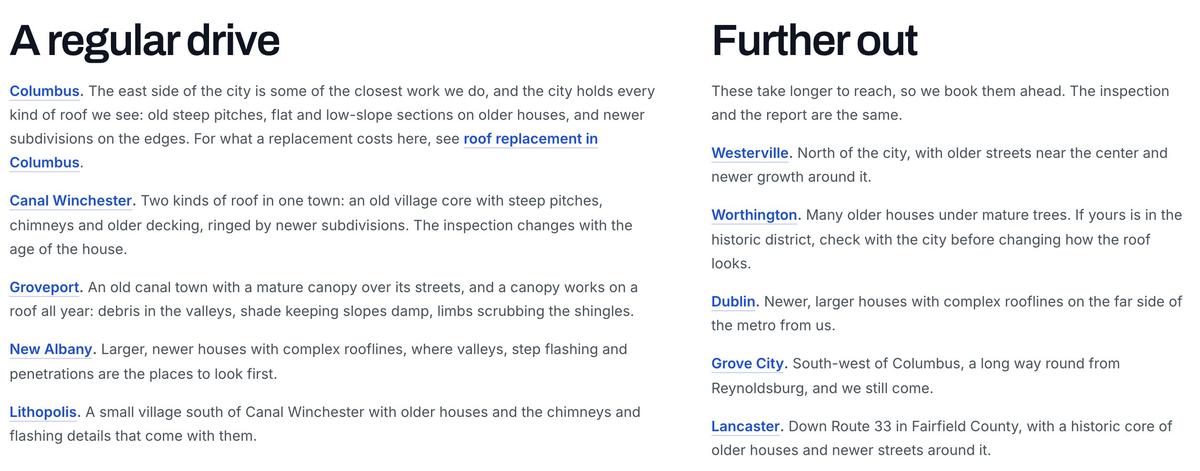
- One page for each town served, with jobs and photos from that town. A town page tells Google where the company works and tells the homeowner the crew knows the neighborhood, its housing stock and its weather. Each town page also gives the crew a place to show work from that exact area.
Real Detail
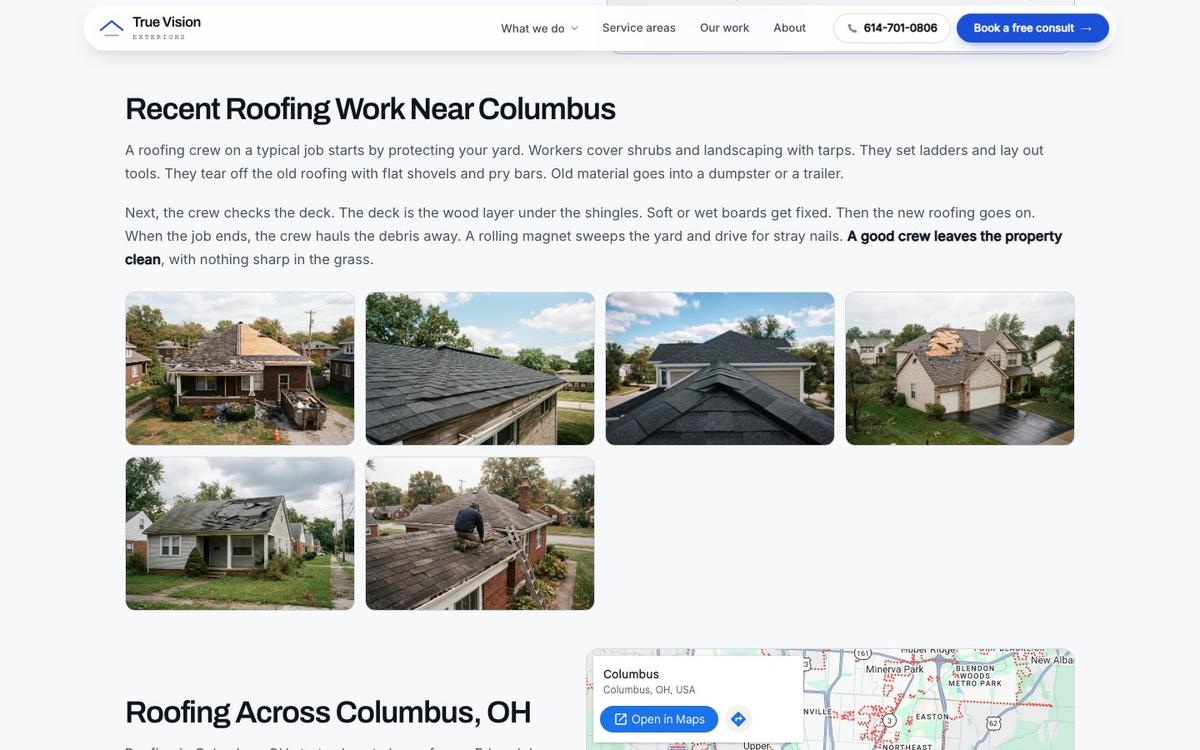
Real photos from real jobs are the strongest content a roofer has. Say what the crew did, where and why. Real photos and fresh reviews give a homeowner reasons to call you.
Real detail beats polish every time, and no competitor can copy a job note about a street the crew actually worked on.
A roofing website builder that makes adding those photos quick will produce a better site than one with prettier templates.
Town Pages
Town pages are needed. Homeowners search with a town name when they want a roofer nearby. Our guide to local SEO for roofing companies covers how town pages support the map.
A page for each town tells Google where a roofing company works, and it tells the homeowner the crew knows the area.
Each town page needs real local content. A copy with only the town name swapped is thin. Google's spam policies treat bulk pages built to catch similar searches as doorway abuse.
A Real Case
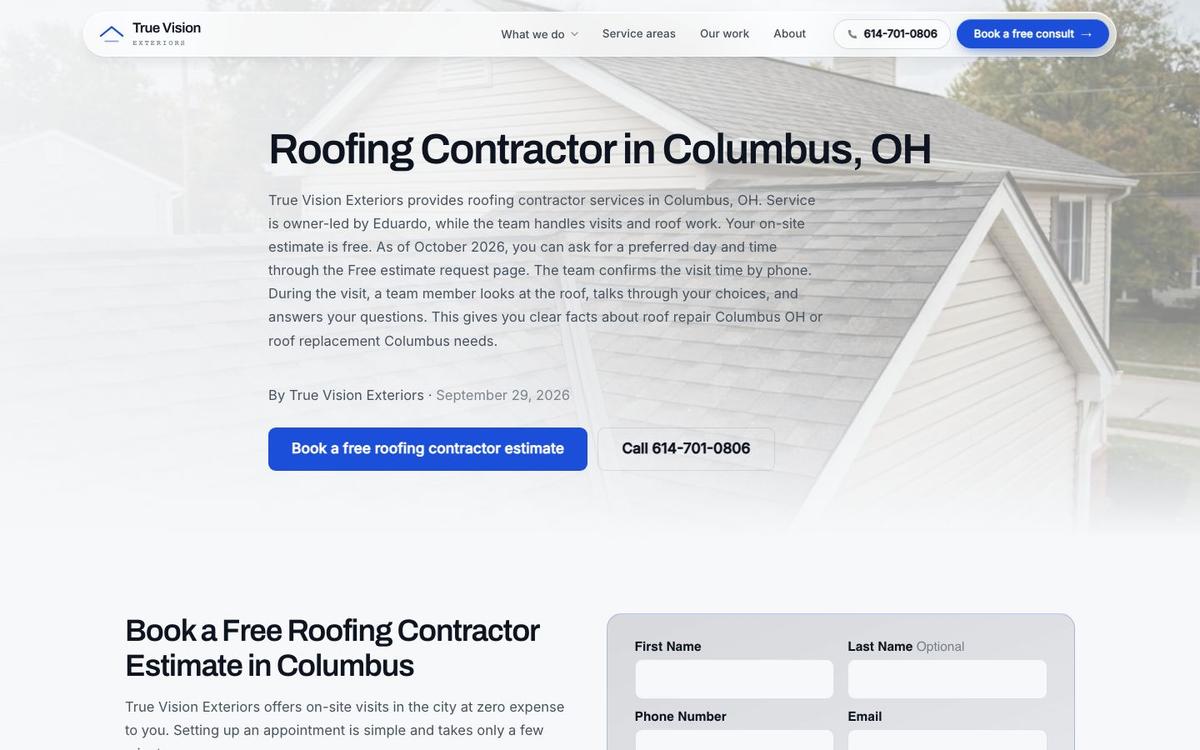
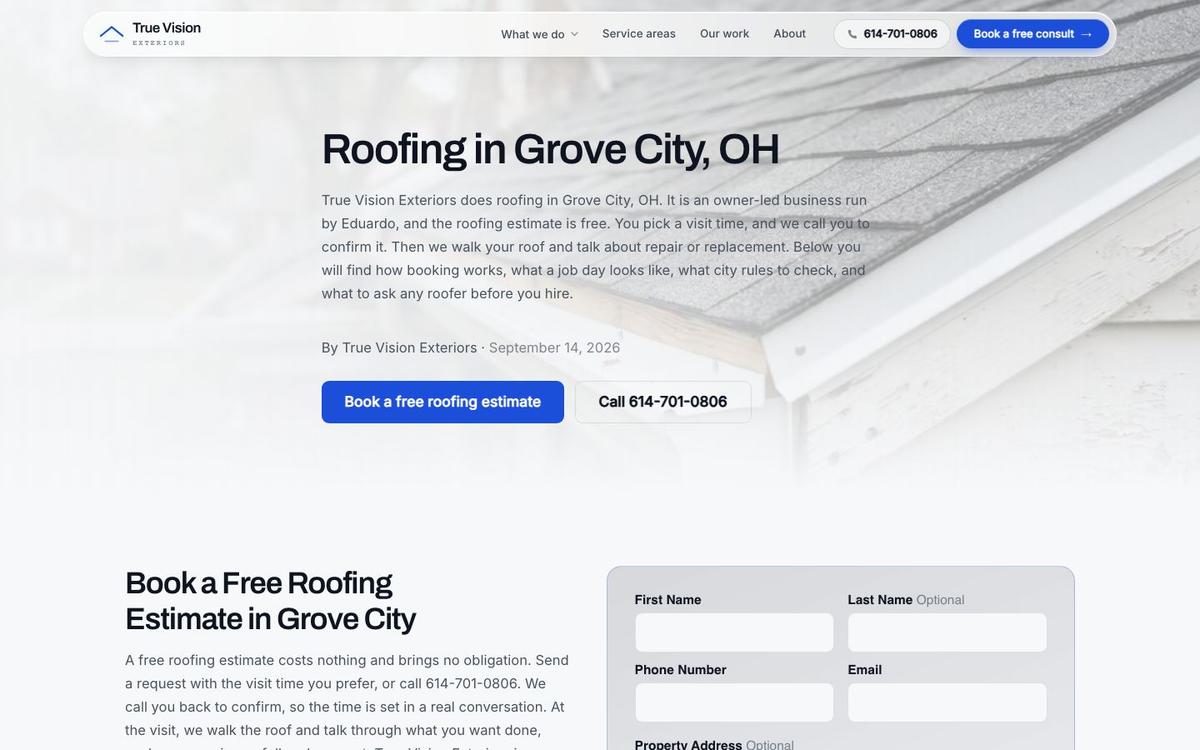
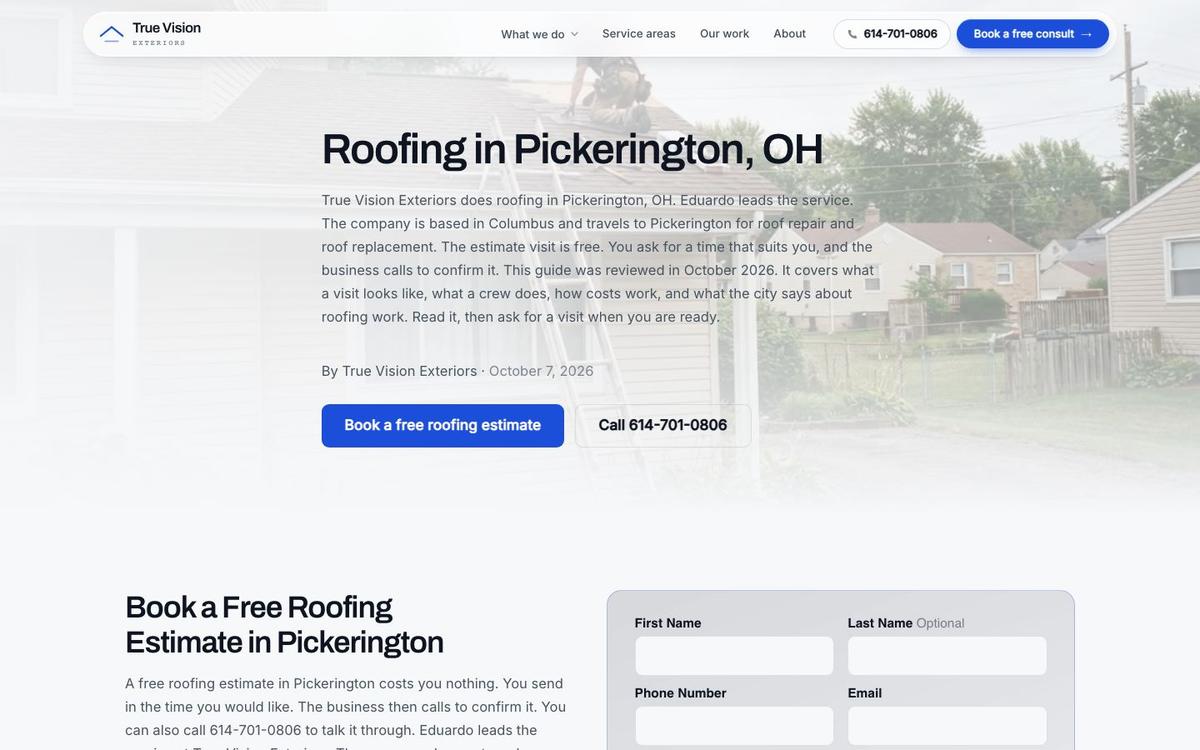
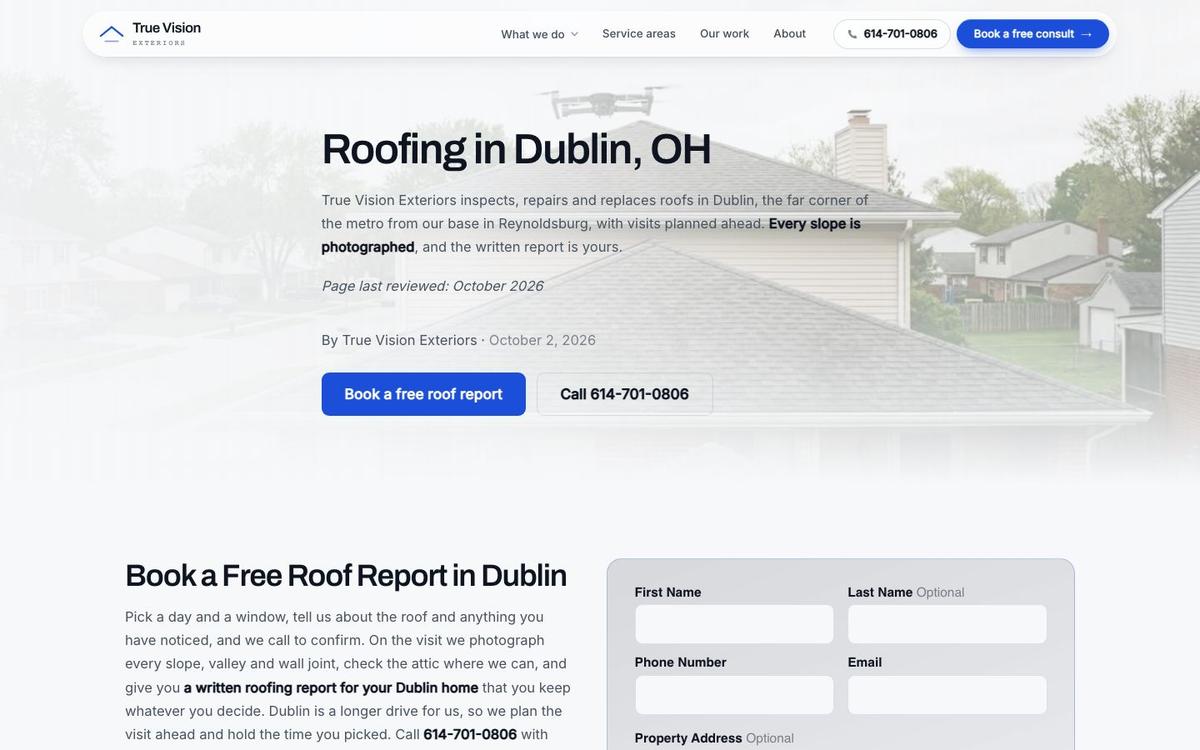
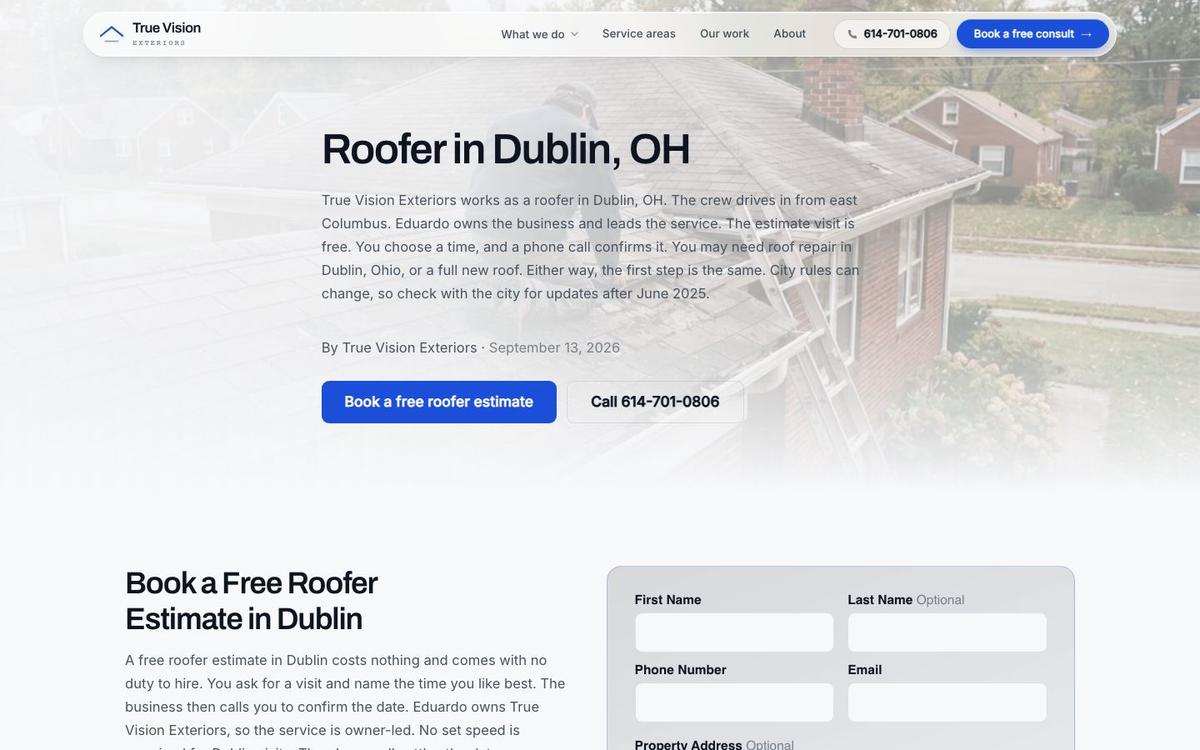
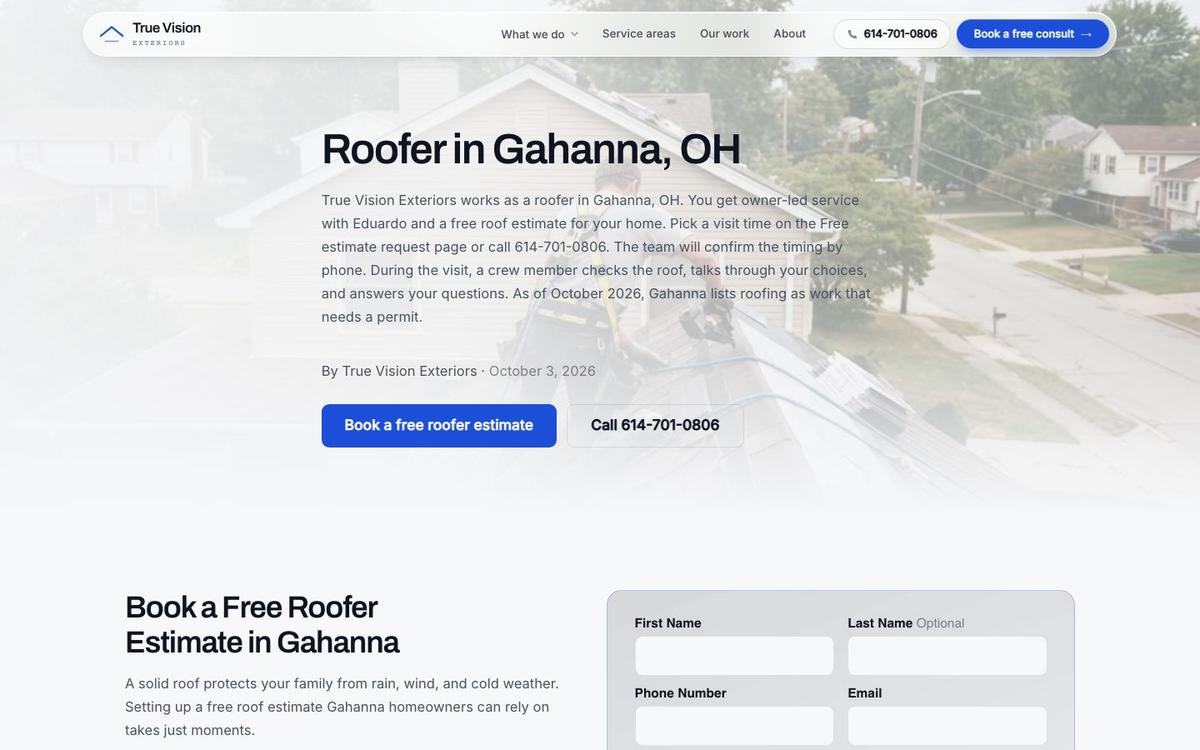
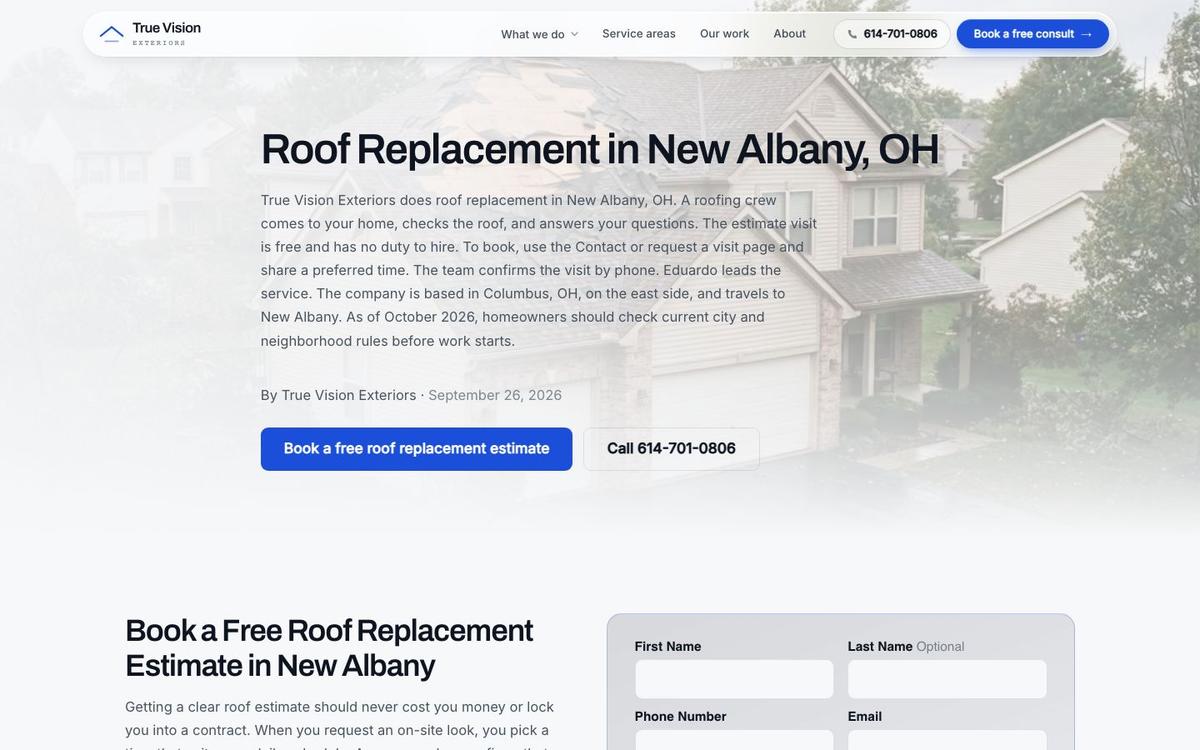
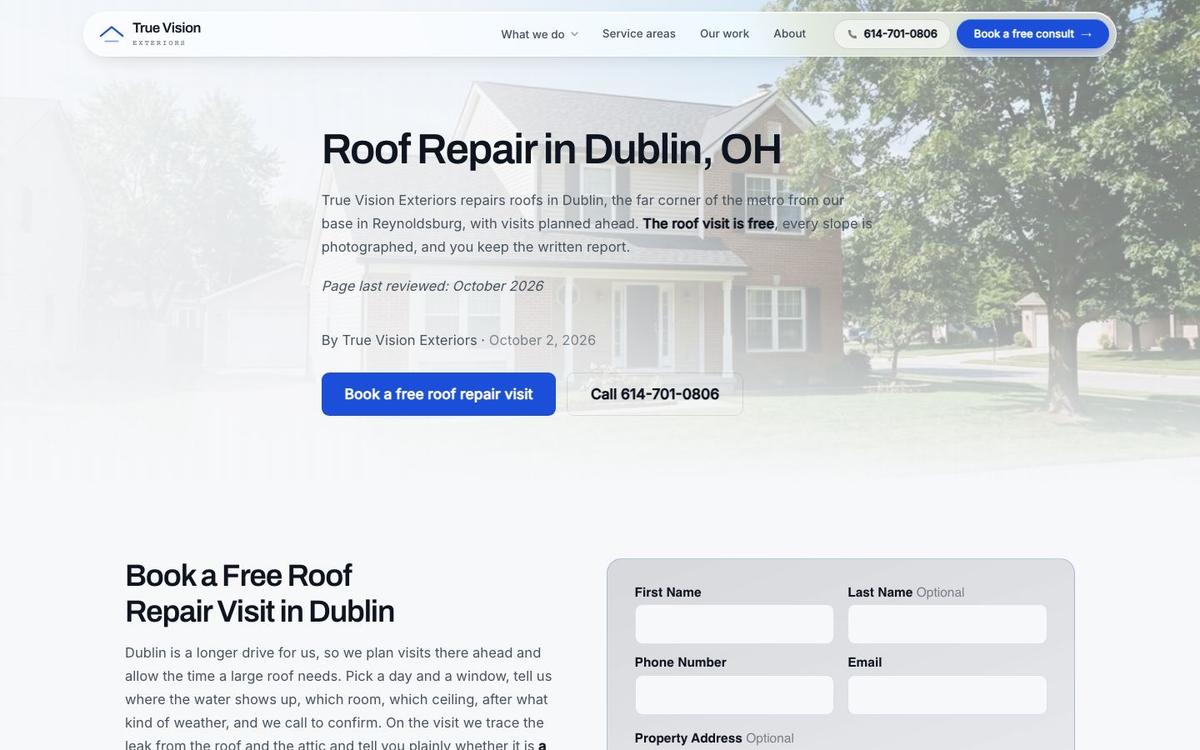
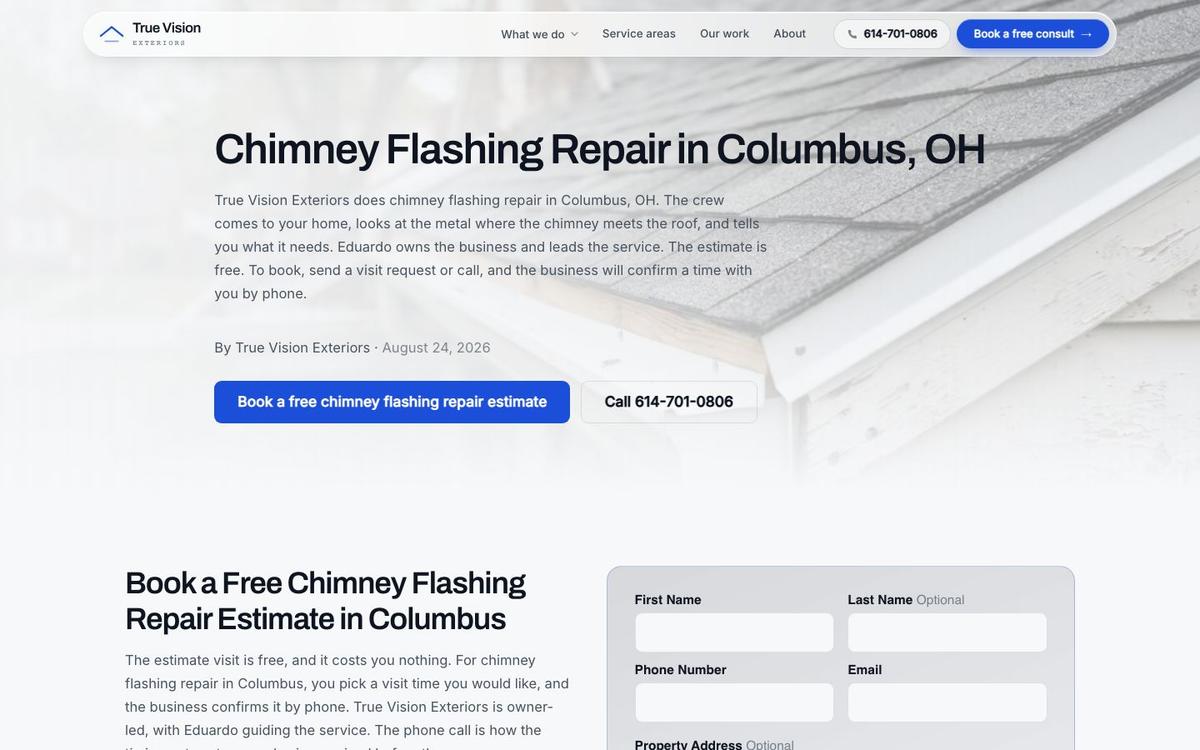
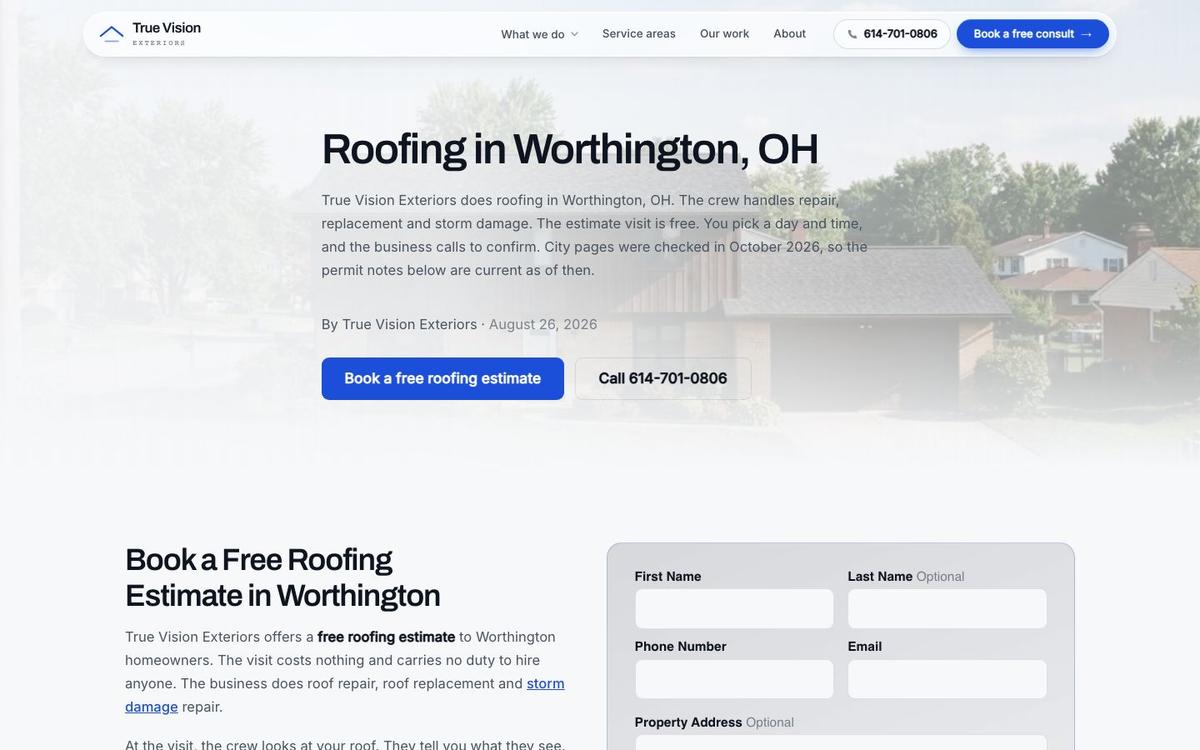
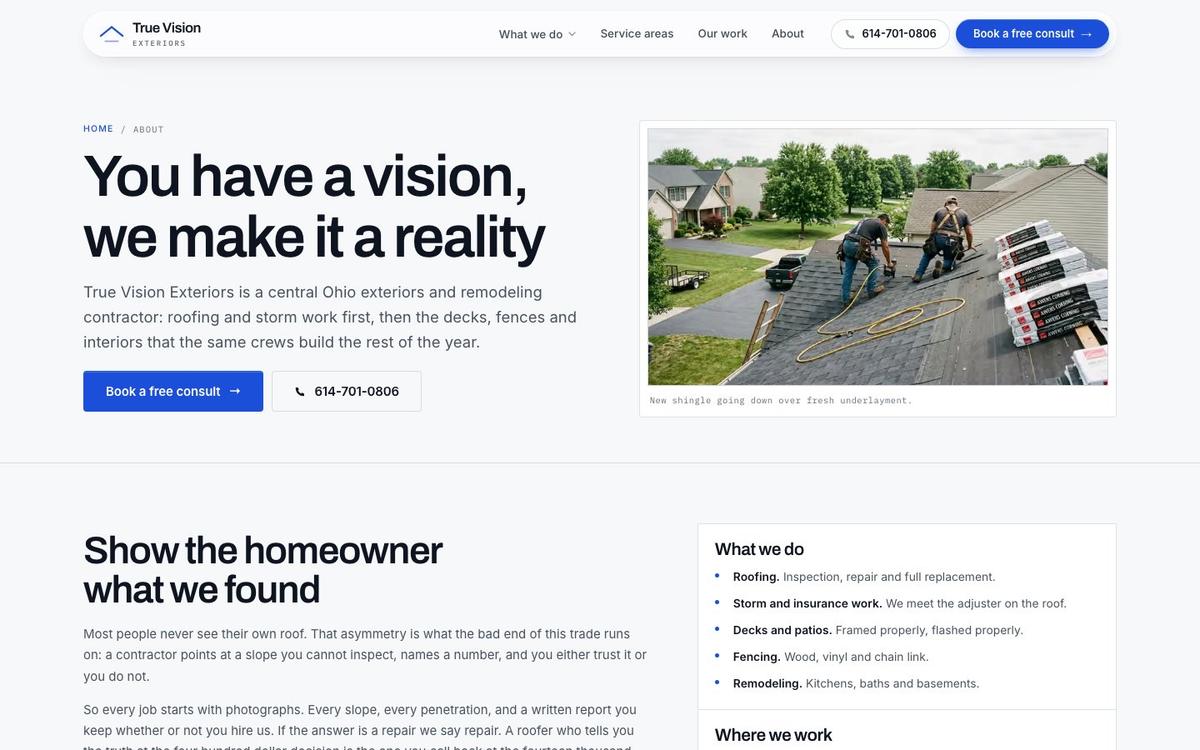
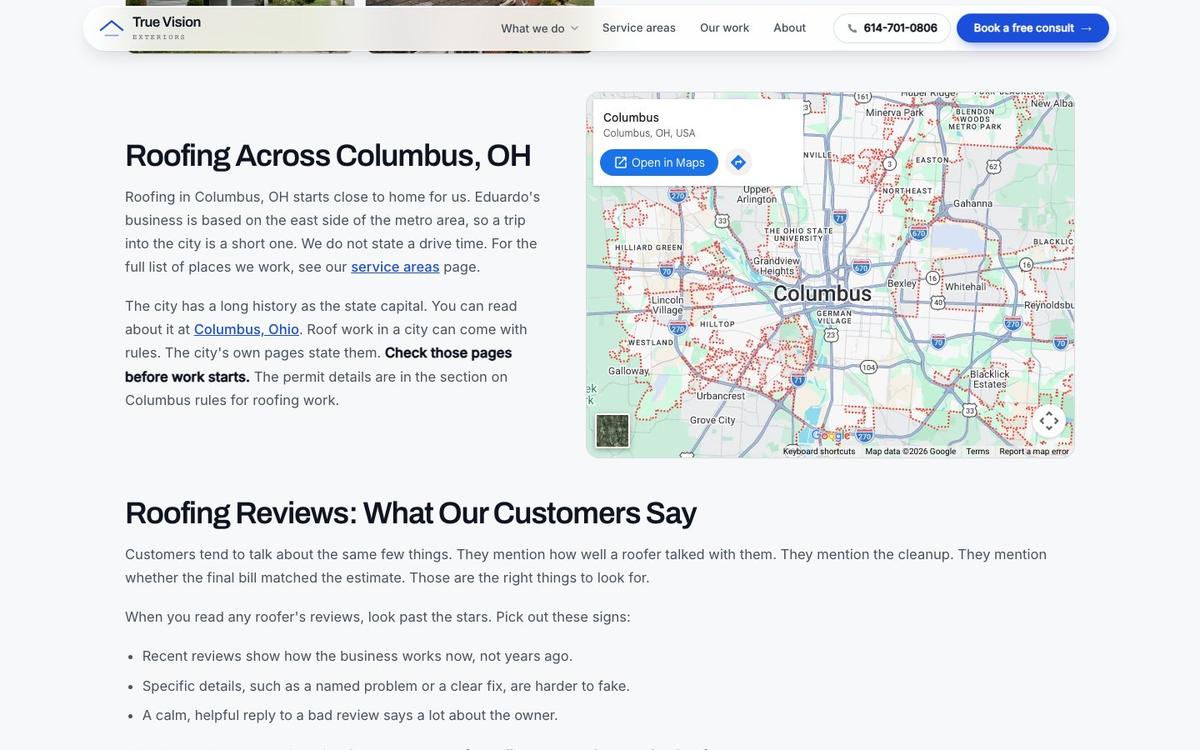
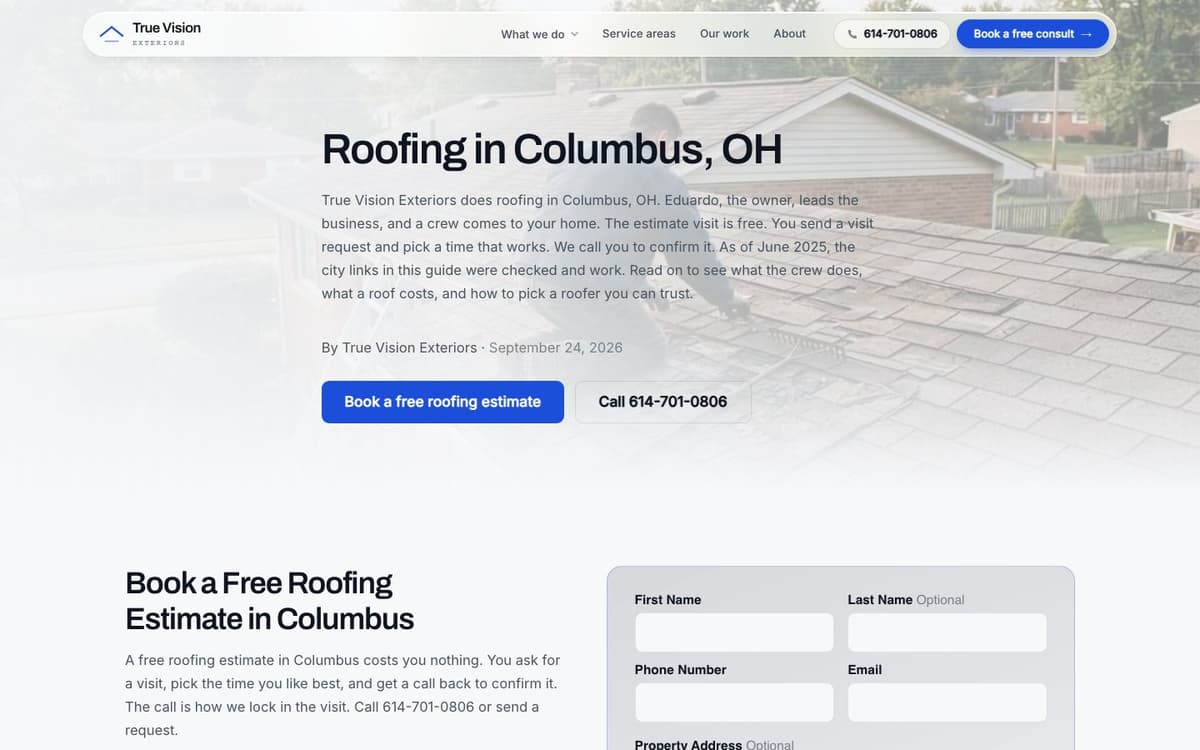
We work with a roofing and exteriors company in central Ohio. The company's site has service pages and 17 town pages, one for each town it serves. Our guide to local SEO for roofing companies explains the grid scan behind those pages.
Each page talks about local jobs, local housing and local streets rather than a template.
A town page earns its place with facts about that town. The monthly map scan shows the towns that need the next round of work.
The Map
Google picks map results by 3 factors, relevance, distance and popularity, and each one means something specific for a roofer. Reviews drive popularity, and our guide on how to get more roofing reviews covers the routine.
The set of 3 local results at the top of the map is the Google Map Pack.
A website supports only some of those factors, so knowing the split keeps expectations honest. No page can promise a top spot, but a strong site gives a roofing company a fair shot.
The Three Factors
Here is how each factor applies:
- Relevance: does the website and the Business Profile match what the person typed? A site with a clear page for roof repair and a page for each town gives Google plain evidence that the roofing company does that job in that place. Relevance is the part of ranking a website controls most directly.
- Distance: how close is the business to the searcher? No website changes where the office sits, and a rival 2 miles closer to a homeowner starts with an edge no page can erase. Town pages help a roofer compete further out, but distance still sets the starting line.
Why Does Popularity Matter?
The third factor is the slowest to build for any roofing website: A strong Google Business Profile carries much of that popularity.
- Popularity: how well known is the business online? Reviews, mentions on local sites and links from trusted sources all count. A roofing website helps by showing reviews, earning local links and giving other sites something worth citing. Popularity grows slowly, so roofers who start early on reviews and links pull ahead.
Speed of Changes
Speed of changes is a real advantage. Roofing work shifts with the season and with storms. Services, offers and phone numbers need quick updates. A roofing website that takes weeks to edit falls behind the business. Search results move slowly too: see how long roofing SEO takes for the full timeline.
Picture a hail storm on Friday. The owner wants a storm damage page and a new offer live that day.
With a slow shop, that request waits in line, and by Monday the rush is over.
Minutes, Not Weeks
On our own website platform, changes take 5 to 10 minutes. The client sends the request, and our team makes the edit the same day. A roofing marketing agency on its own platform makes those edits the same day.
The person on the call is the person doing the work, so nothing gets lost in a hand-off.
Ask any roofing website builder how long a small edit takes; the answer shows how far the site will lag the business.
Phone Design
The phone view is where a roofing website builder wins or loses. Most homeowners with a leak search on a cell phone.
A call button that stays on screen turns a roofing search into a call in one touch.
Each one is easy to test on the owner's own phone in under a minute.
Four Phone Rules
There are 4 rules for the mobile layout:
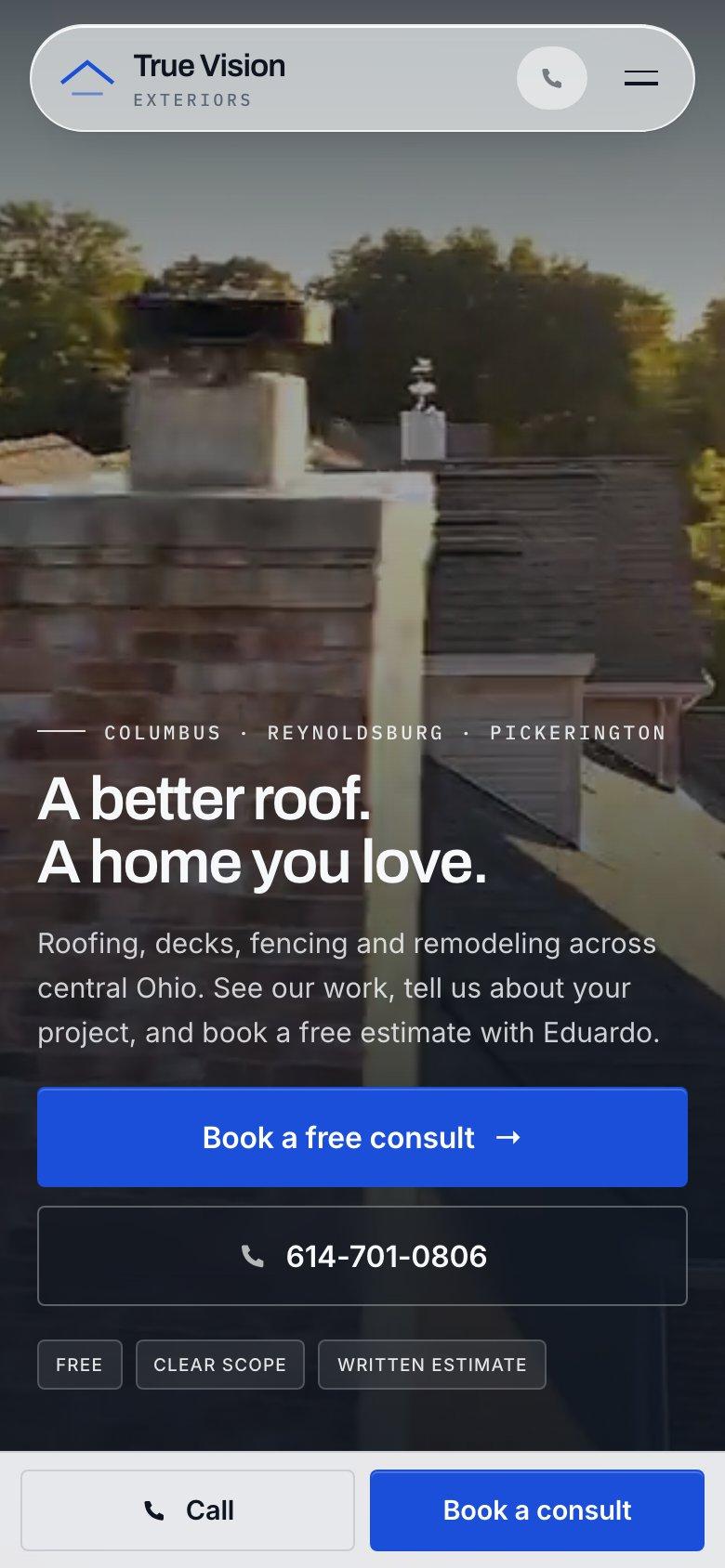
- Show the roofing call button at all times, pinned to the top or bottom of the screen. A standard tel: link lets the phone dial in one tap. The button should stay in view as the visitor scrolls through photos and reviews. On a phone, that single button is the most important element of the whole roofing site.
- Use a short form with 4 fields: name, phone, address and what is wrong with the roof. Every extra field loses people, and a homeowner standing in a wet hallway will not fill out a survey. The office can ask the rest on the callback. Short forms bring more submissions on every device.
What Should Stay Off the Screen?
The other 2 rules are about what to remove from a roofing website on phones:
- Skip pop-ups that cover the page. Pop-ups block the very button a worried person came to tap, and on a small screen the close icon is hard to hit. A roofing site has one action that matters, so nothing should sit on top of it. Google also discourages intrusive interstitials on mobile.
- Avoid heavy photo galleries above the fold. Large images slow the first screen, and Google indexes the mobile version of a site, as its mobile-first indexing guide explains. Compress photos and load the gallery lower on the page. A fast first screen keeps the call button visible as the rest of the page loads behind it.
Test the site on the owner's own phone, then run it through PageSpeed Insights. If a call takes more than 2 taps, fix the layout.
Content From the Roofer
The best words on a roofing site are the roofer's own. Describe real jobs: the problem, what the crew did and the town. Use the company's own photos. BrightLocal's 2026 survey found 54% of consumers check a business website after reading positive reviews.
A short job note reads like this: a ridge leaked after a storm, the crew replaced the flashing and 40 shingles, and the job was in a named town.
That note is specific, and nobody else can write it.
Claims to Leave Out
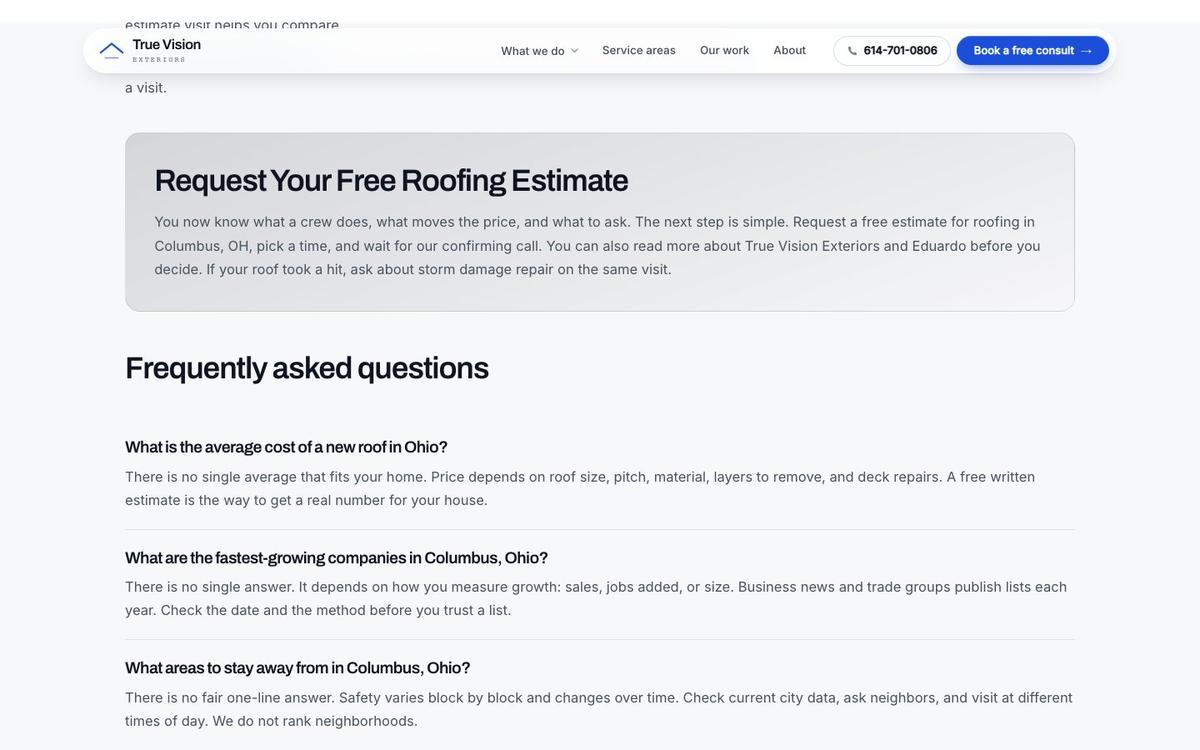
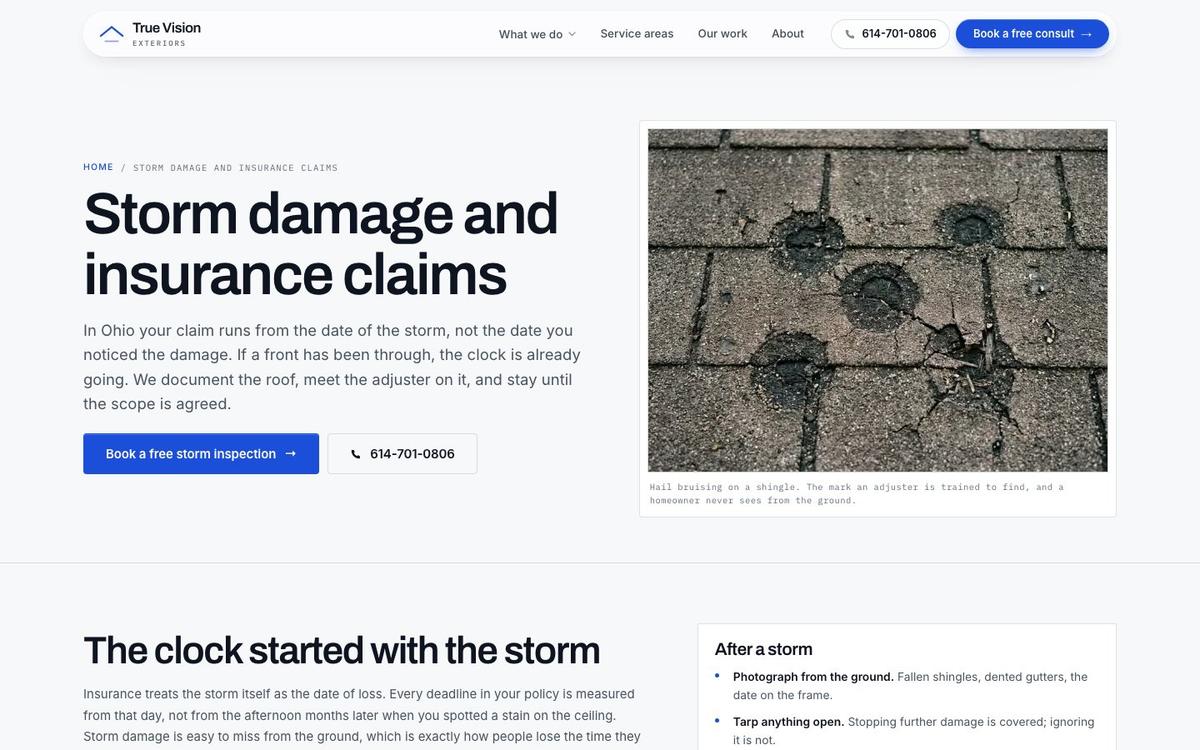
There are 6 roofing claims to leave out unless the company can prove them: licenses, insurance, awards, years in business, response times or round-the-clock service.
The Federal Trade Commission needs advertising to be truthful and backed by evidence.
An unproven claim is a liability for the roofer, not a selling point. A homeowner can check most of them in a few minutes.
Talk to the person who would do the work
The person you talk to is the person doing the work. Bring your questions. Bring the towns you serve. Name the roofing jobs you want more of: repairs, replacements or storm work. You leave with a clear read on your website. You also get notes on your Business Profile and the first fixes to make.
Book a call
Beyond the Website
A new roofing website is not enough to bring calls on its own. Homeowners have to find the site, and that takes search work. The plan for how to get roofing leads shows where the website sits among the other channels.
Google's SEO starter guide explains that search engines need to find, read and understand each page. That work is roofing SEO: the steady effort to help pages show in search and in map results.
Who Runs the Search Work
There are 3 kinds of help for that work: a roofing SEO company or a roofing marketing agency can run it, and roofing SEO services include page writing, profile work and tracking. For the full channel mix, see digital marketing for roofers.
At The Software Society, SEO is a paid monthly plan priced by towns, services and pages a month. Results take time, and nobody can promise rankings or lead counts.
Tracking
Once the site is live, track what it earns. Count website calls and forms by source to see the work that pays. The sources we track are search, map, ads and bots. Our guide to roofing leads explains why a lead only counts once it books.
Three more measures complete the picture. Each one is free or nearly free to set up on any roofing website builder.
Three More Measures
There are 3 more measures worth tracking: Our guide to roofing leads shows how to count booked jobs, not just calls.
- Map Pack position for the roofing company on a grid, never from one spot.
- Visits from AI tools such as ChatGPT, Gemini and Perplexity, as their own channel.
- Search clicks and queries in Google Search Console, a free report.
Tracking by source shows where each job came from. Without it, the company pays for work nobody can see.
What a Grid Scan Shows
A map grid scan is a grid of points across a service area. Each point shows where the company appears on the map from that spot.
One check from the office hides the truth. Rank changes from street to street.
A typical scan shows green points near the shop and red points 15 miles out.
For the central Ohio roofing and exteriors company, we run a monthly Google Maps grid scan. The results pick the next town pages to build or improve.

Questions Before You Pick
There are 5 questions that sort good builders from poor ones. Ask each one before paying anyone, and watch how the answers come back. The same questions apply when comparing the best roofing SEO companies.
Clear, short replies are a good sign; vague ones mean trouble later. The best roofing website builder answers all 5 without a dodge.
The Five Questions
There are 5 questions to put to every builder: Ask the same questions of any roofing SEO company you talk to.
- Who builds and edits the pages, and how fast do changes happen? The answer should name a person and a turnaround in hours or days. A builder that cannot say who touches the site, or quotes weeks for a phone number change, will leave the roofing company stuck during every storm season.
- Can the site carry a page for every town and service covered? A roofer serving 17 towns and 6 services needs room for dozens of focused pages. A builder that caps page counts, charges per page or pushes one long page for everything is selling a brochure rather than a search tool.
What About Ownership and Tracking?
The middle 2 questions protect the roofing company long after launch:
- Does the company own its content and its domain? The business should hold the registration for the web address customers type, and the text and photos should leave with the business. Ask for both in writing, along with what happens to the site if the contract ends.
- How will the owner see calls and forms by source? A good answer covers tracking numbers, form tags and a monthly report splitting search, map, ads and spam. A builder with no answer is asking the roofer to pay for a site whose results nobody can measure.
Who Picks Up the Phone?
The last question is about what support looks like day to day on a roofing website: The roofing SEO services guide lists what a monthly plan should include.
- Who answers when the owner has a question? The best setup puts the owner in touch with the person doing the work. A support queue with rotating staff means repeating the same story every time, and small fixes stall as tickets wait for someone new. Direct contact with the builder is the fastest path to every fix.
Mistakes to Avoid
There are 5 mistakes that cost roofers calls again and again, whichever roofing website builder they chose:
- One roofing page for everything. A single page listing every service and town matches no search. Homeowners searching for roof repair in one town land on a wall of text about every job and place. They scroll for a few seconds and leave. Splitting the page into focused service and town pages fixes the problem.
- Stock photos on a roofing website. Homeowners trust real jobs more than smiling models. Stock images of crews in spotless gear on perfect roofs read as fake to anyone who has hired a contractor before. A phone photo of a real tear-off, with the crew's truck in the drive, builds more trust than any polished stock shot.
Which Mistakes Hide in the Details?
The next 2 mistakes are easy to miss on a roofing website:
- Copied roofing town pages. Pages with only the name changed add little. Google's spam policies treat bulk pages built only to catch similar searches as doorway abuse. Each town page needs real local content: jobs finished there, the housing stock, the weather and the streets the crew knows.
- No call button on the mobile website. A worried person will not hunt for a number. Homeowners searching from a driveway or a wet hallway expect to tap once and talk to someone. A site that hides the number in the footer loses that call. The next roofer on the list gets it.
What Happens When Nobody Updates It?
The last mistake is one that grows quietly on any roofing website: Search results reward steady work, and how long roofing SEO takes explains the timeline.
- A roofing website untouched for months. Old offers and wrong numbers cost trust. An expired storm offer, last year's phone number or a missing new service tells homeowners nobody minds the shop. Fresh job photos and current details show an active company, and a quick monthly review keeps the whole site accurate.
Fix the first mistake that applies. Each fix is small, and each mistake costs calls every week it stays.
Moving a Site
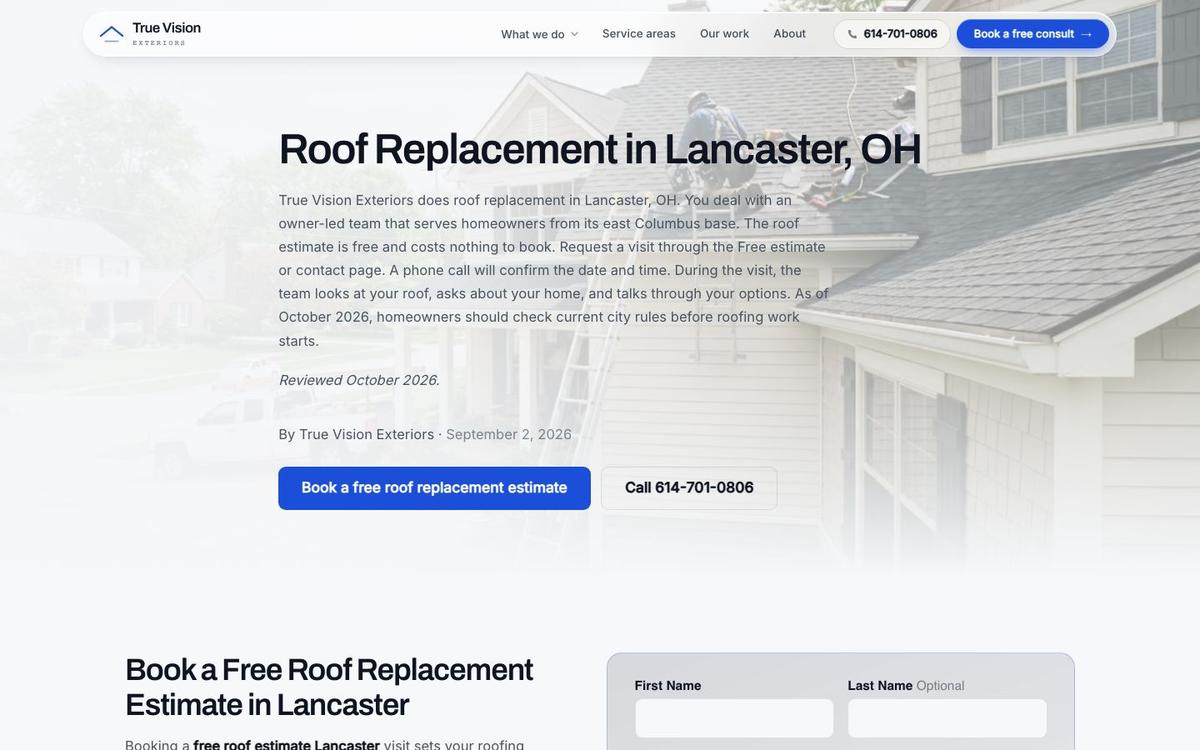
Switching a roofing website to a new builder is safe with a plan. Pages, photos and the domain can all move. Each old page address should point to its new home with a permanent redirect. The roofing website design guide covers what to keep when a site moves.
Google's redirect records recommends that method whenever possible. Ask any new builder to explain its redirect process before switching. Keep a list of the old addresses so none get lost.
Get a second opinion on your current setup
A second opinion is free. Already paying someone for roofing marketing? Send us the website. Send the reports you get each month. We read them and compare them with your real spot on Google. Then we tell you what works and what wastes money. You also get the questions to ask your provider next. You keep the notes either way.
Book a call
In Google's Own Words
Google's records answers most of the questions roofers ask about websites and search, in plain language. Six lines are worth keeping on hand. Each one settles an argument a sales pitch can start: Google's help page names the first local factor: "Relevance is how well a Business Profile matches what someone is searching for." (Google Business Profile Help)
- On local ranking: "Local results are mainly based on relevance, distance, and popularity." That line comes from Google's local ranking page. The same page notes that "businesses with complete and accurate info are more likely to show up in local search results."
- On helpful pages, Google's content guide asks: "After reading your content, will someone leave feeling they've learned enough about a topic to help achieve their goal?"
What Does Google Say About Spam and Promises?
The other 3 lines cover copied pages, phones and guarantees for any roofing website:
- On copied town pages, Google's spam policies describe doorway pages as sites or pages "created to rank for specific, similar search queries."
- On phones, the mobile-first guide says "Google uses the mobile version of a site's content, crawled with the smartphone agent, for indexing and ranking."
- On promises, Google's guidance on hiring an SEO is blunt: "No one can guarantee a #1 ranking on Google."
Roofers can also find trade resources at the National Roofing Contractors Association.
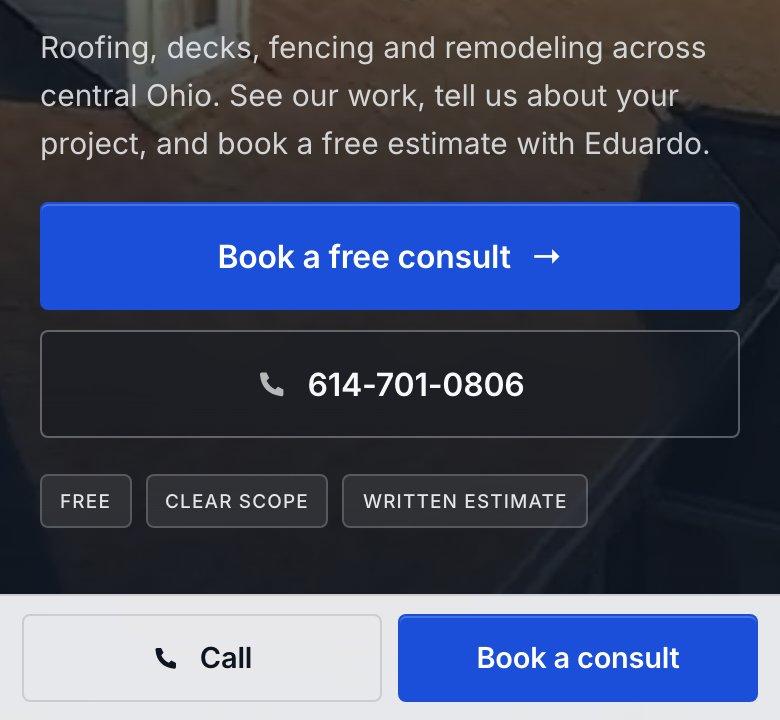
How We Build Roofing Websites
The Software Society is a website and SEO team for home service businesses across the United States, working on its own website platform.
The person you talk to is the person doing the work. Here is the proof we can share:
- Past SEO campaigns grew organic traffic 26x in 14 months, and 15x on another.
- We hold Top Rated Plus status on Upwork with a 99% job success score.
- We have worked for brands like New Balance, Purina and Aramark, plus SEO for Planned Parenthood.
These are past results for other kinds of sites, and a roofing client will not necessarily see the same.
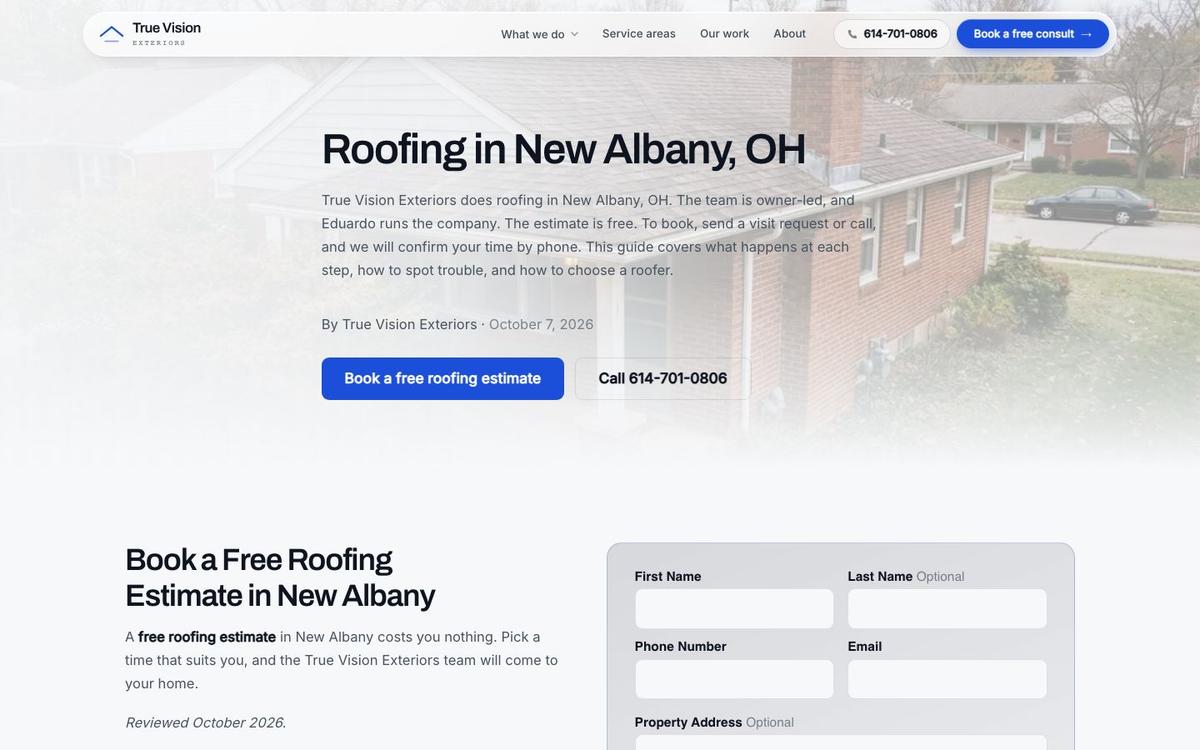
Getting Started
The first step is a rebuilt homepage the owner sees before any payment. The owner judges the work, not a sales pitch. The 3 steps are short:
- Send the current website, plus the towns and services covered.
- We rebuild the homepage and show it.
- The owner decides about the full site and monthly SEO.
The free rebuild covers the homepage only. It is a real sample of how we write, lay out and build for calls.
A good roofing site is fast, covers each service and town, and is easy to change. Send us the current site and judge the new roofing homepage yourself.
Frequently asked questions
Can a roofer build a site alone?
Yes, with a drag-and-drop website tool. The owner writes every page, sets up the forms, checks the phone layout and keeps the content current. Most owners find the page count stops growing after a few weeks, once storm season or a busy schedule takes over. A builder made for home service companies saves those evenings and keeps the site expanding.
Does each town need its own page?
A page per town is the clearest way to show Google where a roofing company works. Homeowners search with a town name. Each page needs real local content, such as jobs finished in that town, local roof types and photos from nearby streets. A copy with only the name swapped adds little and can count as spam.
Will a new site rank without SEO?
Not on its own. A new roofing website still has to be found, and that takes search work over months: service and town pages, a complete Business Profile, reviews and local links. Nobody can promise rankings or lead counts. A good site gives the company a fair start, and steady monthly work builds on that base.
What separates a builder from a platform?
A website builder is a tool the owner runs alone: templates, blocks and a publish button. A platform built for home service businesses arrives with the structure in place, including service pages, town pages, call buttons and tracking. On our platform, our team does the building and the edits, so the owner spends time on roofs instead of layouts.
Can an existing roofing site move to a new builder?
Yes. Pages, photos and the domain name of a roofing website can all move. Each old page address should point to the matching new page with a permanent redirect, so search traffic the site already earns carries over. Ask any new builder how redirects are handled, and keep a list of old addresses so none slip through during the switch.
Does the domain stay with the company after a switch?
It should. The website domain belongs to the business, not to the builder, and it points to whichever platform hosts the site. Confirm the registration sits in the company's own name and account before signing with anyone. A domain held in a vendor's account can turn a simple switch into a long, costly dispute.
Start with a free homepage rebuild
The first step is a rebuilt roofing homepage. We check your map position. You get a clear plan for your market before any payment. The plan names the service pages your area supports. It names the town pages too, in the order we would build them. Nothing to pay until the plan earns it. The homepage preview is yours to keep.
Book a callRelated guides
More on the same work.
Guides
- Roofing Website Design
- Best Roofing SEO Companies
- How to Get More Roofing Reviews
- Roofing Marketing Agency
- Roofing SEO
- Roofing SEO Company
- Roofing SEO Services
- Local SEO for Roofing Companies
- Roofing Leads
- How to Get Roofing Leads
- Google Ads for Roofing Companies
- Roofing Landing Page
- Google Business Profile for Roofers
- Digital Marketing for Roofers
- HVAC SEO