

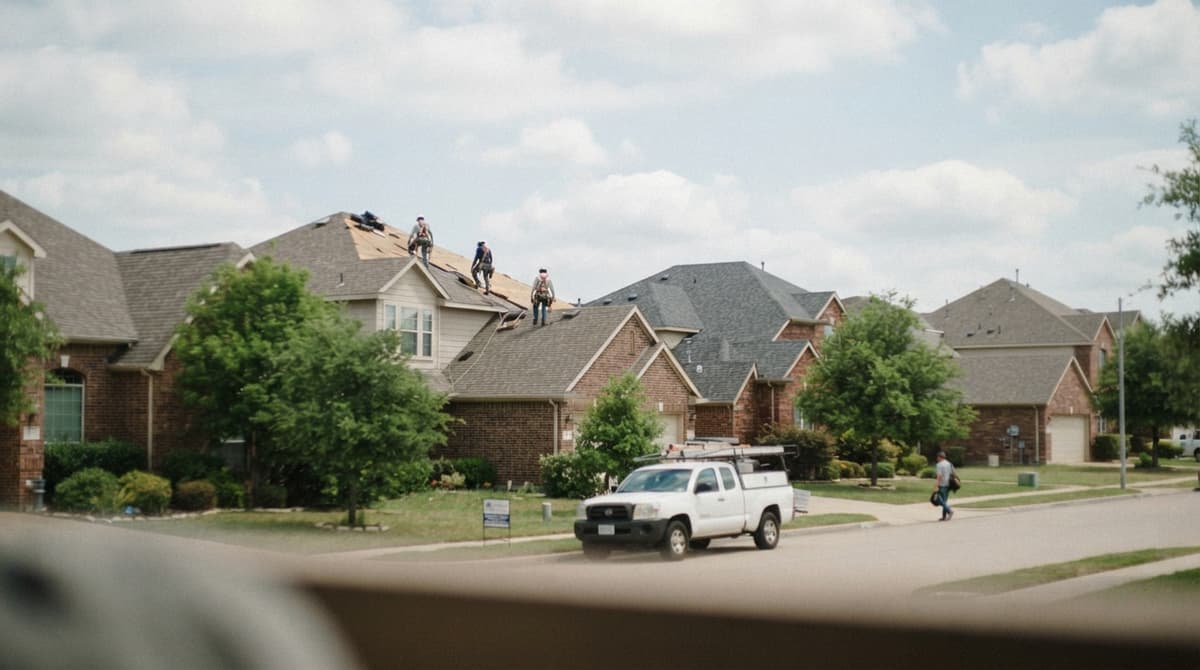
Roofing Landing Page: What to Put on It and How to Build One
A roofing landing page is one web page built to get one action from one visitor. For a roofer, that action is a phone call or an estimate form. The page names one job, such as roof repair, and one town. It gives a worried homeowner what they need to act fast.
The focus here is pages that earn calls from Google search and the map, and how a set of them works together, with a real central Ohio setup as the example.
Book a callWhat Is a Roofing Landing Page?
A roofing landing page is a single page with a single goal. A visitor lands on it from a search or an ad. The page then asks for one thing: call us, or fill in a short form for an estimate. Nothing else competes for the click.
Three page types do three different jobs:
| Page type | Main job | Example |
|---|---|---|
| Homepage | Introduce the whole company | Who you are and what you do |
| Service page | Explain one kind of work | Roof replacement |
| Landing page | Win one action for one need | Roof repair in one named town |
In practice, a good service page can also act as a landing page. The label matters less than the focus.
See your new homepage before you pay anything
Send us your site and the towns you cover. We rebuild your homepage free and show you where you rank on the map today.
Book a callWhy Roofers Need a Roofing Landing Page
Homeowners search when something has gone wrong. A leak shows up after a storm. A shingle lands in the yard. They want help now, and they do not want to read about your company story.
A homepage tries to speak to everyone. A focused page answers one need. Google tells site owners to build helpful, people-first content, and a page about one job in one town fits that advice well.
One page per job type and town also gives Google a clear match for each search. We make no promise about rankings or lead counts. A clear page simply gives you a fair chance.
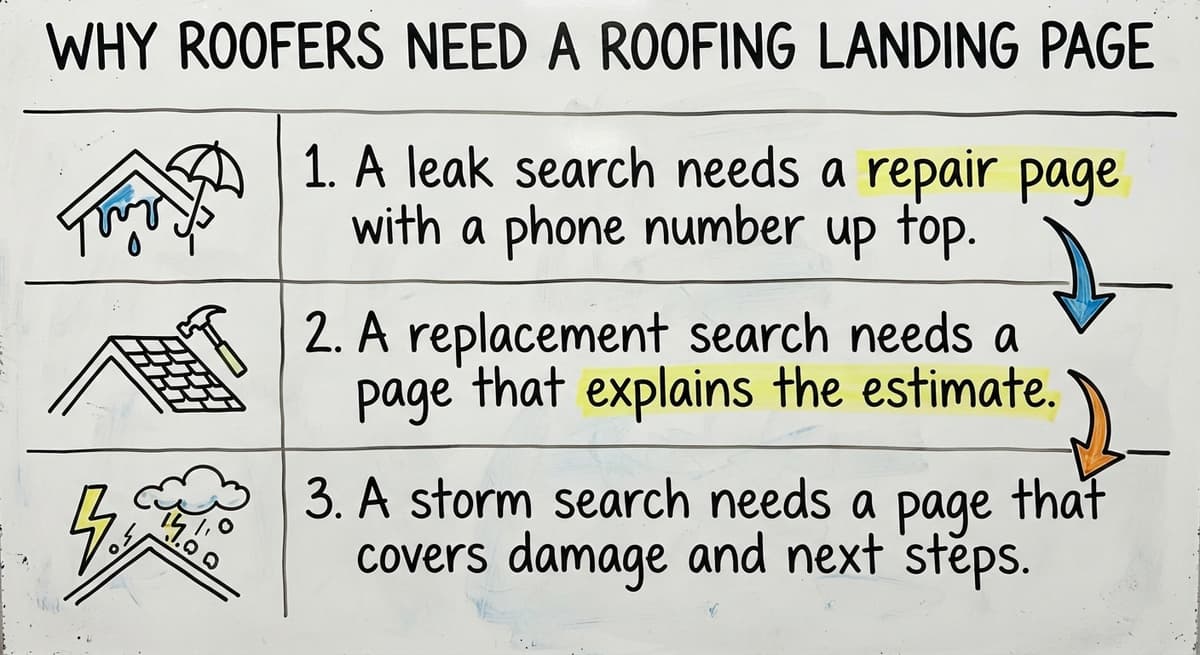
- A leak search needs a repair page with a phone number up top.
- A replacement search needs a page that explains the estimate.
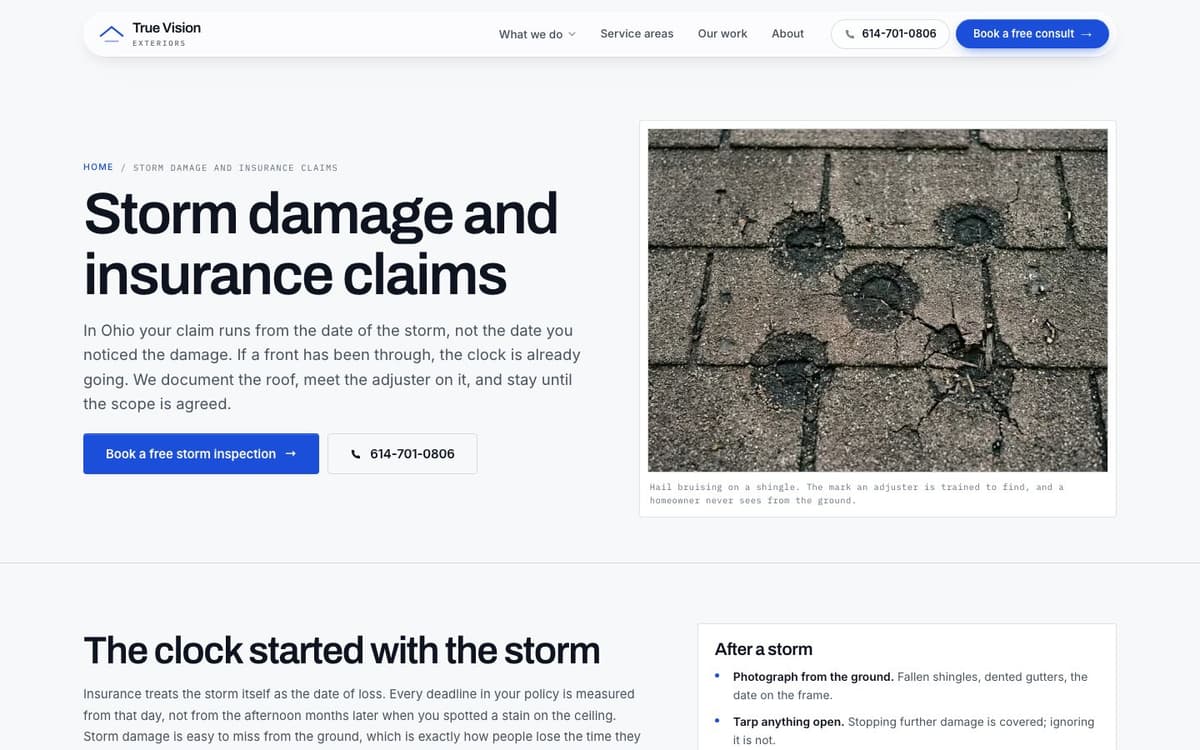
- A storm search needs a page that covers damage and next steps.
When the page matches the worry, the visitor stays.
What Goes on a Roofing Landing Page?
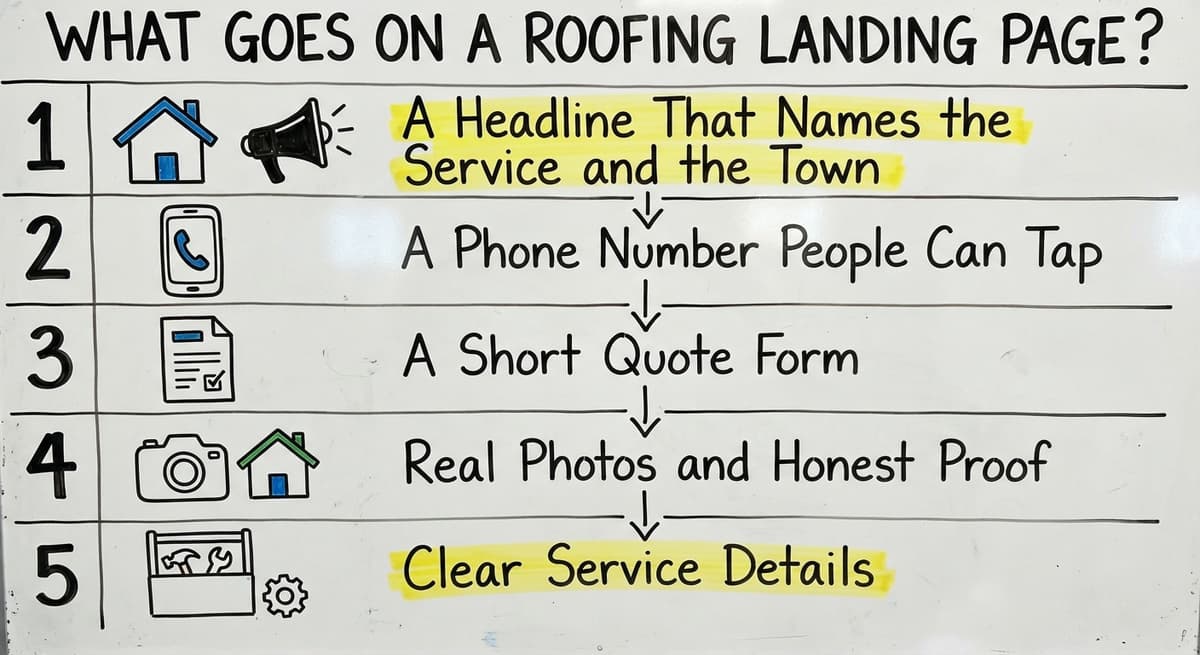
A good roofing landing page holds 7 parts: a headline, a phone number, a form, proof, service details, photos and FAQs. Together they let a worried homeowner decide in seconds.
- The headline says the job and the town.
- The phone number is a button they can tap.
- The form is short.
- Proof and photos show real work.
- Service details explain what you do.
- FAQs answer the last doubts.
Keep the layout plain. Cut anything that does not help someone call or send the form.
A Headline That Names the Service and the Town
A strong headline says the job and the place. "Roof Repair in Dublin, Ohio" tells a visitor they are in the right spot. A clever slogan hides what you do, and a stressed reader will leave.
Match the words people type into Google. If they type "roof leak repair," do not write "Protecting What Matters Most." Google also says page titles help it and readers understand a page, so write the title tag the same way as the headline. Keep both short and plain.
The best headline is the one a visitor can read in one second and know they are in the right place.
A Phone Number People Can Tap
Most homeowners search on a cell phone. Google now mostly uses the mobile version of a page to index and rank it. So build for the small screen first.
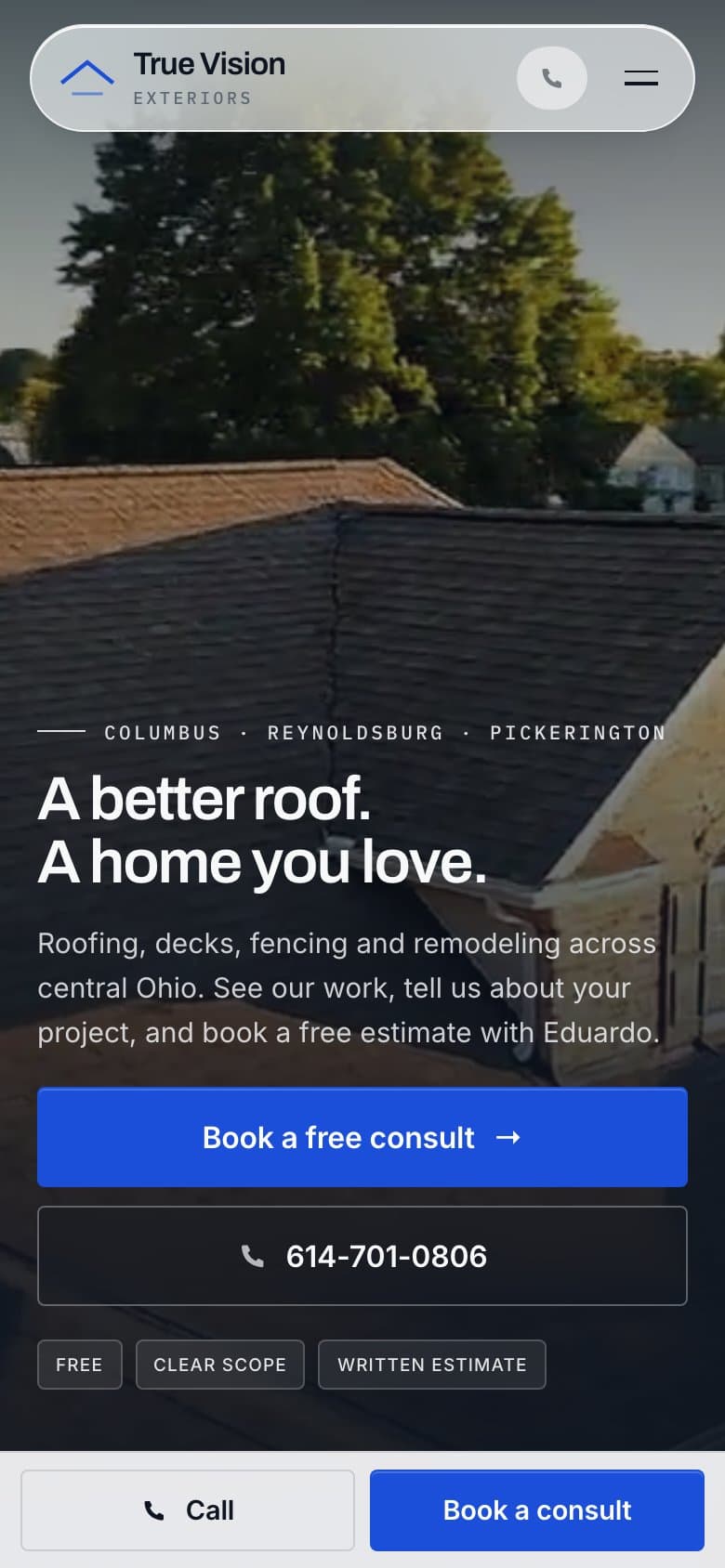
Put a click-to-call button at the top of the page. Keep it in view as the visitor scrolls, so it is never more than one tap away. Also write the number as plain text. A number locked in an image cannot be tapped, copied or read by a search engine.
- Use one number per page so you can count the calls.
- Make the button large enough for a thumb.
- Repeat the number near the form and at the bottom.
A phone number that takes effort to use is a call you did not get.
A Short Quote Form
A short form gets more sends than a long one. Ask for only 4 things: name, phone, address or ZIP code, and job type. That is half the load of an 8-field form. Every extra field gives a busy person a reason to quit.
Tell the visitor what happens next. For example: "We read your request and call you to set up a time to look at the roof." Do not promise a response time unless you can keep it every day.
Place a thank-you message after the send so the visitor knows it worked. This also lets you count each form as a result.
A short form with a clear next step beats a long one that asks for everything.
Real Photos and Honest Proof
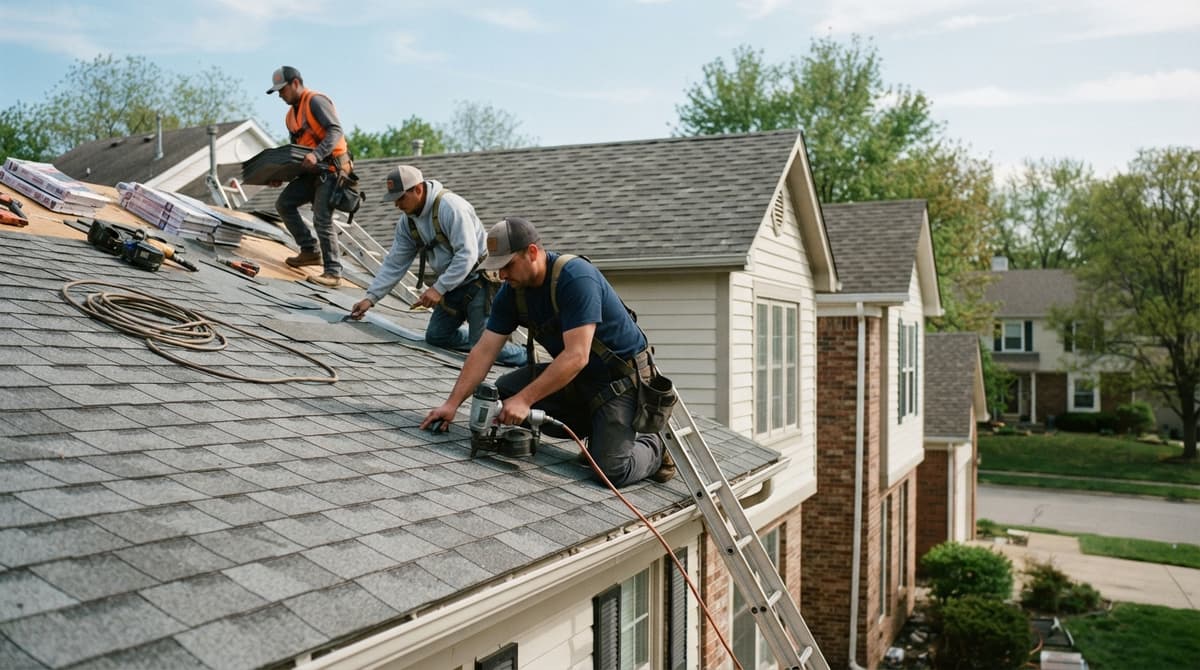
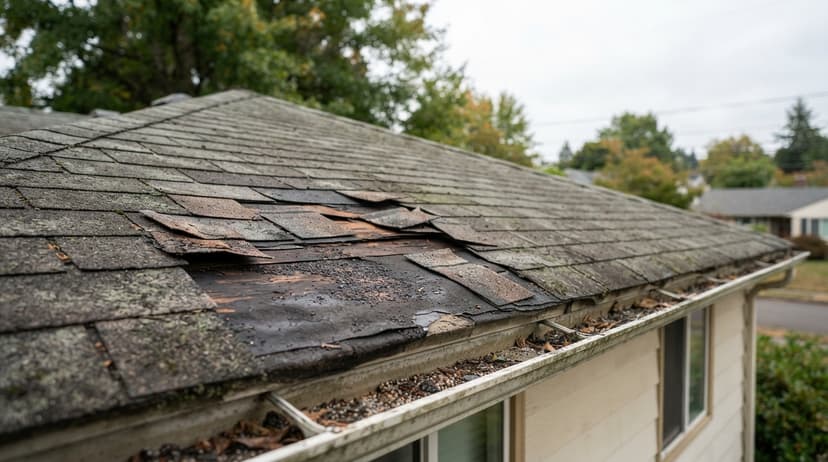
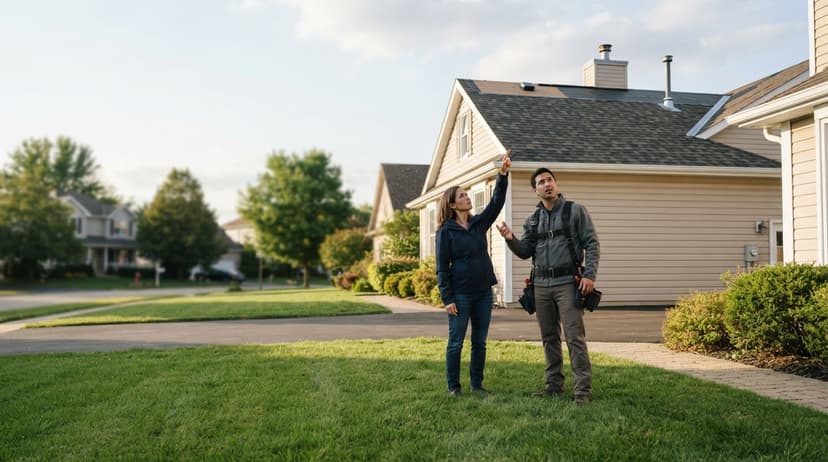
Use photos of your own crews and your own finished roofs. Stock images of smiling workers tell a visitor nothing. A photo of a real roof on a real street tells them a lot.
Show reviews that are real and that you can check. BrightLocal's 2026 Local Consumer Review Survey found 97% of consumers read reviews for local businesses, so a page without them is missing what most visitors look for. The FTC has a rule against fake reviews and testimonials, and Google has its own review policies.
Do not post a license, insurance, award or years-in-business claim unless you can prove it. An unverified claim is a liability. If a homeowner or a regulator asks for proof, you need paper in hand.
Proof you can back up builds trust. Proof you cannot back up costs it.
Clear Service Details
Explain the work in plain words. List what you do: repair, replacement, storm damage, and gutters or siding if you offer them. Skip any service you do not offer.
Describe how an estimate works at your company. Does someone visit the roof? Is there a charge? Who calls the homeowner? Honest answers calm a nervous reader.
Use the same name for each service that customers use. If people say "roof leak repair," do not call it "envelope remediation." Google's own advice is to write for people and use words they know.
When the page uses the customer's words, the customer knows they found the right company.
Find out where you show up on the map
We check your Google Maps position across your service area and walk you through it on a short call. Free, with no obligation.
Book a callHow to Build a Roofing Landing Page in 7 Steps
A roofing landing page comes together in the same order every time:
- Pick one service and one town, such as roof repair in a named suburb.
- Write the headline with both, in the words homeowners type.
- Put the phone number and estimate button at the top, tappable on a phone.
- Add a short form: name, phone, address and what is wrong.
- Add proof: real photos from jobs in that town and real reviews.
- Answer the questions homeowners ask before calling, in plain words.
- Track every call and form by source, then change one thing at a time.
Demand makes the effort worth it. Google Ads data from DataForSEO's keyword planner shows roof repair draws about 90,500 searches a month in the US, and roofers pay about $40 a click to advertise on it. A page that converts more of those visits pays for itself quickly.
Do Roofers Need One Page for Each Service and Town?
Yes, most roofers do better with one page per service and per town, because a single page cannot speak to every search. A page that tries to cover roof repair, replacement and storm work in 12 towns says a little about everything.
Separate pages let each one speak to one search. Here is a real example. A central Ohio roofing and exteriors company we work with has service pages and town pages for the 17 towns it serves. We do not name the client.
The math adds up fast. If a company offers 3 core services in 17 towns, a full set is 17 times 3, or 51 pages. Few owners write that many by hand.
Each page needs real local detail. Mention local roof styles, weather, streets or nearby jobs. Google's spam rules warn against doorway pages, which are near-copies built to catch searches. The same text with the town swapped is exactly that.
A town page earns its place only when it says something true about that town.
How Google Decides Who Shows on the Map
Google states its local ranking rule in one line. In its help page on local ranking, it says: "Local results are mainly based on relevance, distance, and popularity." Use that wording. The older word "prominence" is out of date.
Here is what each part means for a roofer:
- Relevance: your profile and your page match what the person searched.
- Distance: how close your business is to the searcher. A page cannot change this.
- Popularity: reviews, links and mentions of your business around the web.
A roofing landing page helps with relevance. Good reviews and links help with popularity. Nothing you build changes where your office sits.
You control two of the 3 factors. Spend your effort there.
Talk to the person who would do the work
The person you talk to is the person doing the work. Bring your questions, your towns and the jobs you want more of.
Book a call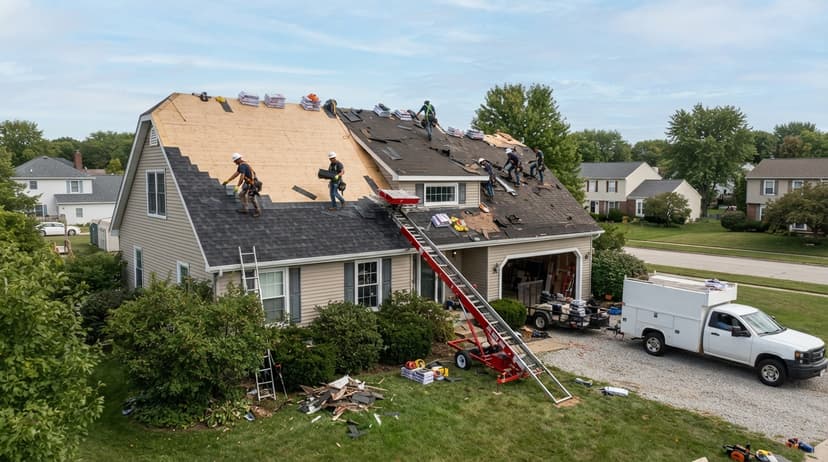
How a Roofing Landing Page Supports Your Google Business Profile
Your Google Business Profile is your free listing on Google Search and Google Maps. A roofing landing page and that profile should back each other up.
Start with the link. Point the profile to the page that fits the profile best, which is often the homepage or the main service page. Then check your details:
- Use the same business name, address and phone number on the profile and on every page.
- List on the profile only services the page also explains.
- Follow Google's guidelines for representing your business, including the rules for names and service areas.
If the profile says one thing and the page says another, Google has less reason to trust either. Matching details make both stronger.
Landing Page for Ads or for Search?
Use separate pages for paid ads and for search, because the two have different jobs. An ad page can be stripped down. The visitor already clicked, so the page just needs a headline, a button and a form.
A search page needs depth. It must earn a place in results by giving real detail about the job, the town and your process.
Keep them apart so ad tests do not hurt search pages. When you test a new headline for Google Ads, you do not want it to replace the text that ranks. You can also tell Google to keep an ad-only page out of its index.
Track each source on its own. Calls from an ad and calls from the map are two different results.
A split keeps your tests safe and your numbers clean.
Mistakes That Cost Roofers Calls
Five common mistakes cost roofers calls every week. Most are easy to fix once you see them.
- Slow pages and clunky mobile layouts. Google lists page speed and layout shifts among the signals of a good page experience.
- Sending every ad and search to the homepage. The visitor must hunt for the right service.
- Copying text between town pages. It reads as filler to people and to Google.
- Hiding the phone number. A menu tap or an image-only number loses the call.
- Claims that are not true. A false license or award can bring legal trouble.
Fix the phone number first. It takes minutes and pays off at once.
How to Tell If the Page Is Working
Count calls and forms, not just visits. Say a page gets 400 visits in a month, with 20 calls and 12 forms. That is 32 actions, or 8% of visits. If visits double but actions stay flat, the page is not working.
We track calls and forms by source: search, map, ads and bots. Google's Search Console performance report shows which searches bring clicks.
Also watch your Map Pack position on a grid. The Map Pack is the short list of 3 local businesses shown with a map. Your position changes block by block, so one spot check misleads.
Count visits from AI tools, such as chatbots, as their own channel. They are a new source worth watching.
The real test is simple: did the phone ring more?
Find out where you show up on the map
We check your Google Maps position across your service area and walk you through it on a short call. Free, with no obligation.
Book a callWhy Does a Monthly Map Grid Scan Help?
A monthly map grid scan helps because it shows where you appear across your whole service area, not at one point. A grid checks many spots at once, so you see strong and weak zones.
It also shows which towns need a new or better page. If you rank well near your office but vanish 10 miles out, that town needs attention.
We run a monthly scan for the Ohio roofer mentioned above. Each month we compare the grid to the last one and pick the next towns to work on.
A grid turns a vague hunch into a list of towns to fix.
Why Fast Changes Matter
Storm season does not wait for a slow web team. We build on our own website platform, so edits take minutes. That lets you add a storm-season page after a hail event. It lets you fix a wrong phone number before it costs a week of calls.
Slow edits are a quiet cost. Every day a broken number stays live, you lose calls you never see.
Our past campaigns grew organic traffic 26x in 14 months, and 15x on another. Those are past results. We do not promise they will repeat, because every market and starting point is different.
Speed does not replace good work. It lets good work reach the page while it still matters.
Build It Yourself or Get Help?
Owners can write a first roofing landing page with the checklist above. Pick one service and one town. Write the headline, add the button, keep the form short and add real photos. That is a fair start.
Help makes sense when you need many town pages and tracking. Writing 51 pages while running crews is hard. So is setting up call and form counts by source.
The person you talk to is the person doing the work. SEO with us is a monthly plan priced by towns, services and pages a month. We do not state a price here, because it depends on your plan. You can read more about how long roofing SEO takes before you decide.
Do it yourself while you have time. Get help when volume or tracking gets past you.
See Your New Homepage Before You Pay
We rebuild your homepage free and show it to you before you pay anything. It is a low-risk way to see our page style and our approach on your own business.
Here is the proof behind our work, exactly as it stands:
- Top Rated Plus on Upwork with 99% job success.
- Work for brands like New Balance, Purina and Aramark.
- SEO for Planned Parenthood.
If you like the new homepage, we talk about town and service pages next. If you do not, you owe nothing.
You see the work first, and you decide second.
Next Step
A roofing landing page works best as one piece of a set: one page per service and town, linked to your profile and measured by calls. If you want help, we start with a free homepage rebuild. You see it before you pay. Ask for yours today.
Frequently asked questions
How long should a roofing landing page be?
Long enough to answer the search and no longer. Many pages work at a few hundred words, with more room for service detail on pages meant to rank. Lead with the call button and the form. Add depth below for readers who want it.
Do I need a page for every town?
Not for every town on day one. Start with the towns that bring the most work. Add a page for each town you want to win, and give each real local detail. Copied text with a swapped town name does not help.
Can a landing page rank on the map?
A page cannot rank on the map alone. Map results come from your Google Business Profile. The page supports it by matching your services and details. Google says local results rely on relevance, distance and popularity, and no one can promise a spot.
What should I track first?
Track calls and forms first, split by source. Visits tell you little if the phone is silent. Once you can see calls from search, the map and ads, you can see which pages deserve more work.
Should a roofing landing page have navigation menus?
For an ad landing page, keep menus minimal so the visitor sees one action: call or request an estimate. For a search landing page that is part of your site, keep the main menu, because Google and visitors both use it to find related service and town pages.
How many photos should a roofing landing page have?
Enough to show real work from that service and town, usually a handful of before and after shots plus the crew on site. Real photos of local jobs build more trust than any number of stock images.
Start with a free homepage rebuild
Your homepage rebuilt, your map position checked and a clear plan for your market. Nothing to pay until you decide.
Book a callRelated guides
More on the same work.
Guides
- Roofing SEO
- Roofing SEO Services
- Local SEO for Roofing Companies
- Roofing Marketing Agency
- Roofing Website Design
- Roofing SEO Company
- Roofing Website Builder
- Roofing Leads
- Best Roofing SEO Companies
- How to Get More Roofing Reviews
- How to Get Roofing Leads
- Google Ads for Roofing Companies
- On Page SEO Check List
- Google Business Profile for Roofers
- Digital Marketing for Roofers