


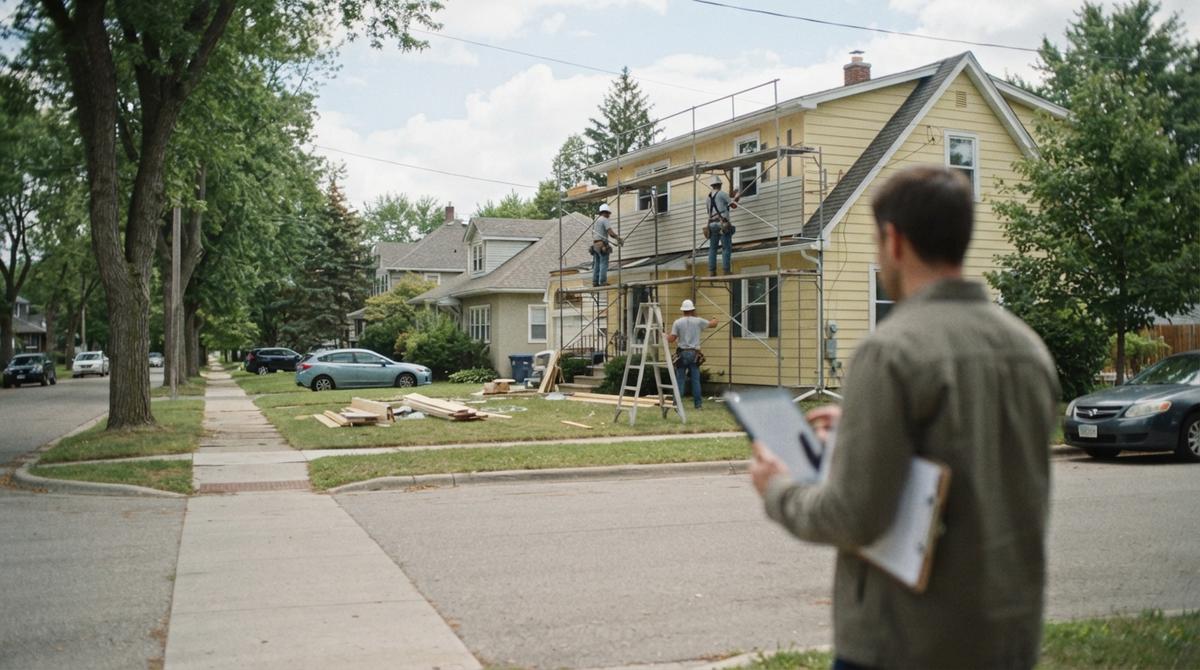
Best App for Contractor Leads
Contractor lead apps come in four main types. Some sell contact forms. Some bill per call. Some run bidding boards, and some are free map listings. Each one bills a different way and sends a different kind of caller. A $50 lead that never books costs more than a $150 lead that does. It covers roofing, HVAC, and remodeling. It also covers the red flags in a sales pitch and how to test any app for 60 days.
Book a call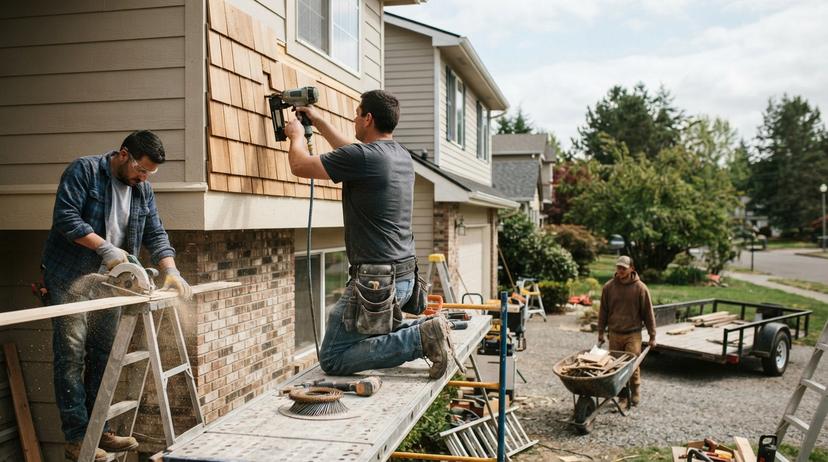
What Is the Best App for Contractor Leads?
The best app for contractor leads is one that books jobs. No single app fits every trade or town.
Lead apps sell trust as much as contacts. Thumbtack tells homeowners they can get up to $2,500 back if a job is not done as agreed. Your pick depends on 4 clear factors. First is your trade. Second is your town size. Third is your job price. Fourth is how fast you answer the phone.
Below, we cover the main app types for contractors. You will see real job costs and red flags. You will also learn to track every dollar.
The right app brings calls your margins can handle.
What Is a Contractor Leads App?
A contractor leads app is a site that pairs homeowners with pros. Most bill per lead, per call, or per click.
Some charge a flat fee each month. Some send customer details straight to your inbox. Others post open jobs. You bid against rivals.
Free profiles work in a different way. Google Business Profile Help advises owners to "Enter complete data" on a free profile. That helps nearby customers find your business directly.
Know how each app bills you before you spend a dime. Our guide to contractor leads breaks down each model.
See your new homepage before you pay anything
Your homepage, rebuilt free. You see it before you pay anything.
Past SEO campaigns grew organic traffic 26x in 14 months.
New website plus 100 SEO pages in the first month: $397 a month, cancel anytime
Book a callWhat Are the Main Types of Contractor Lead Apps?
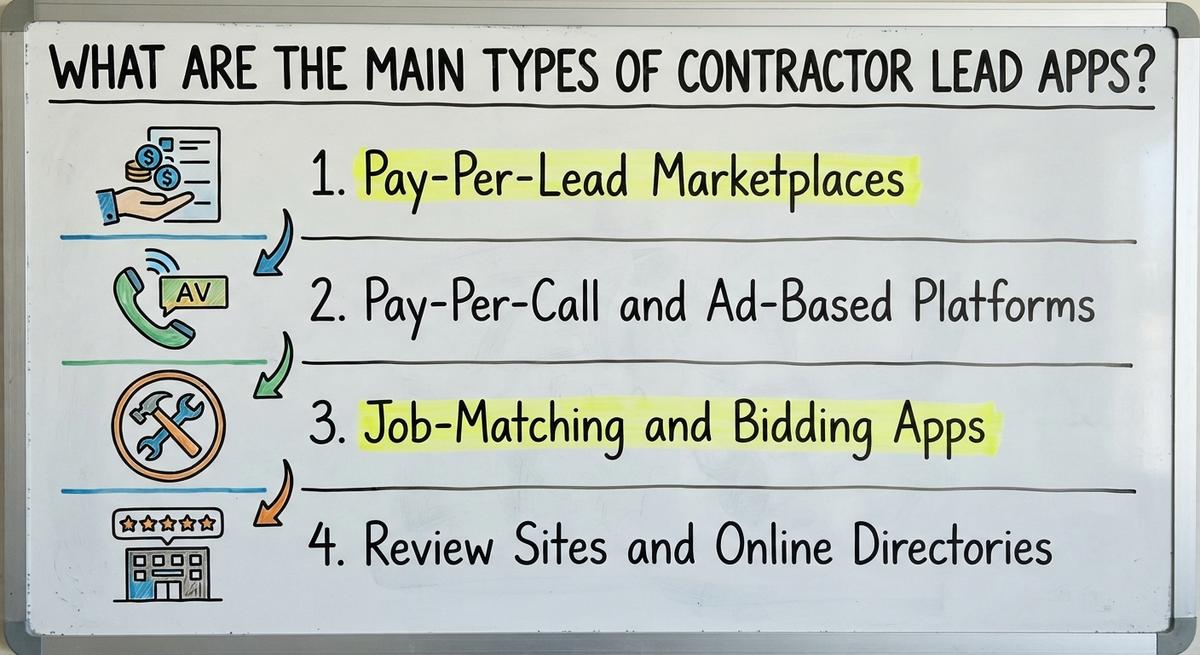
Four groups make up the contractor lead apps market. Each group fits a different style of trade business.
The best app fits how your office takes calls. Estimating speed matters as much as lead volume.
The right model for your crew protects your profit.
Pay-Per-Lead Marketplaces
A pay-per-lead marketplace is a site that sells homeowner contact forms to contractors. A homeowner asks for help with a sagging roof. Or a dead AC unit.
The site bills you once that form lands. You owe that pay-per-lead fee even if the caller ignores you.
Sites like Thumbtack fill gaps in a slow week. Bills climb fast if half those leads never book.
Treat marketplaces as backup volume, not your main source.
Pay-Per-Call and Ad-Based Platforms
An ad-based platform is a system that bills per click or call. Many urgent pay-per-call leads come from Google ads.
Lead vendor EverConnect claims "PPC calls can have conversion rates up to 30% higher." That is a vendor claim. It is not a promise.
Callers here have an active problem. Think of a broken furnace in January. They want help fast. They pick the first pro who answers.
Set a strict daily budget cap. Once that cap runs out, your ad stops showing. Our guide to Google Ads for contractors covers caps step by step.
Pay-per-call ads deliver urgent leads fast.
Job-Matching and Bidding Apps
A bidding app is a digital board where homeowners post projects. You browse jobs. You pay a credit to send a quote.
Price pressure stays high on these lead apps for contractors. Buyers compare 3 to 5 bids side by side.
Small handyman tasks fit this format well. Our page on free leads for contractors covers the no-fee side. Taskrabbit notes that "Taskprotect offers up to $1,000 in coverage for claims."
Big roof replacements rarely earn strong margins here.
Winning on price alone shrinks your profit on every job.
Review Sites and Online Directories
An online directory is a phone book with customer ratings. A free listing builds basic trust. It also brings the odd contractor lead.
Paid upgrades push you higher in directory results. Houzz Pro sells paid plans to builders and remodelers. Homeowners check these profiles to vet your crew.
A paid directory alone leaves your schedule too thin.
Use directories for trust. Put real budget into stronger call drivers. Our guide to contractor advertising compares paid channels.
Shared Leads vs. Exclusive Leads and Why Some Never Book
Shared leads are contacts sold to 3 or 4 contractors. Buying shared leads turns your first call into a race.
Exclusive leads are inquiries sold to your company alone. Exclusive contacts cost more upfront than shared forms.
Your crew gets a quiet window to build trust. There is no price war.
Ask any vendor in writing how many pros get each lead. Our page on exclusive contractor leads lists more questions.
Why Exclusive Leads Still Go Cold
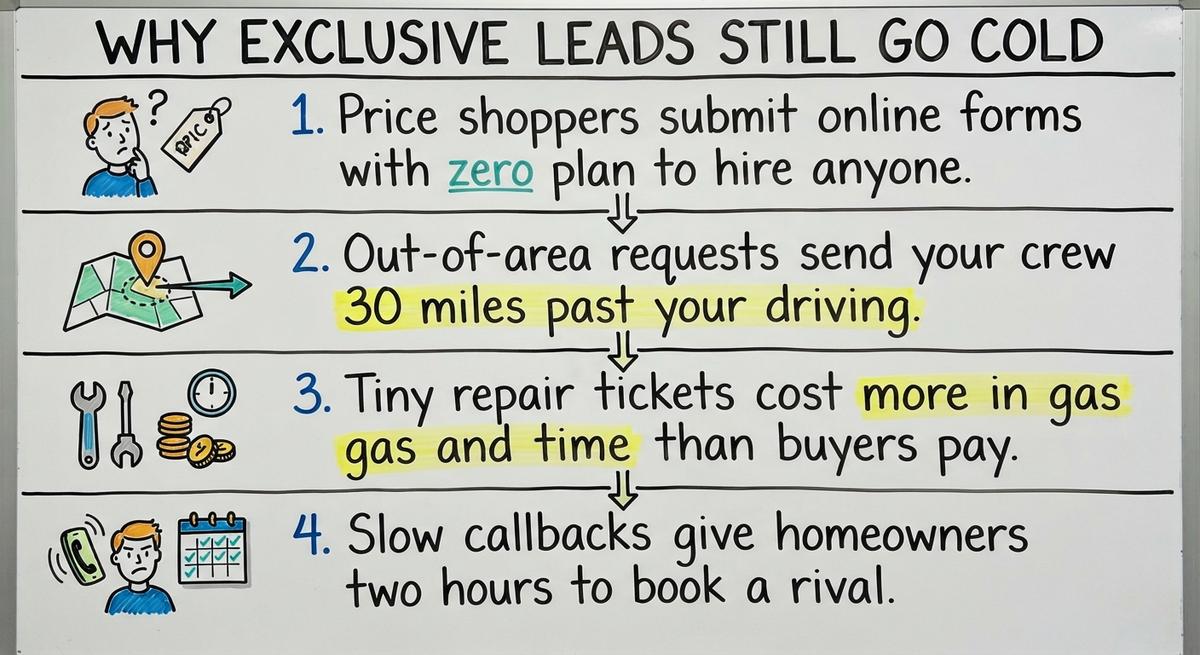
Four issues make exclusive contractor leads go cold:
- Price shoppers submit forms with zero plan to hire.
- Out-of-area requests sit 30 miles past your zone.
- Tiny repair tickets cost more in gas than they pay.
- Slow callbacks give homeowners time to book a rival.
Blaming the app is easy in a flat week. Slow follow-up kills more deals than bad lead data.
Check your own phone speed before you cancel a source.
Find out where you show up on the map
A free map check for your company. See which towns find you and which call a competitor.
Book a callWhat Do Contractor Lead Apps Really Cost?
True cost per lead is never the price on your invoice. Only booked jobs pay your bills.
Cost guides such as Fixr work with general contractors and other experts. Homeowners read them to set a budget. That budget shapes how many quotes they ask for.
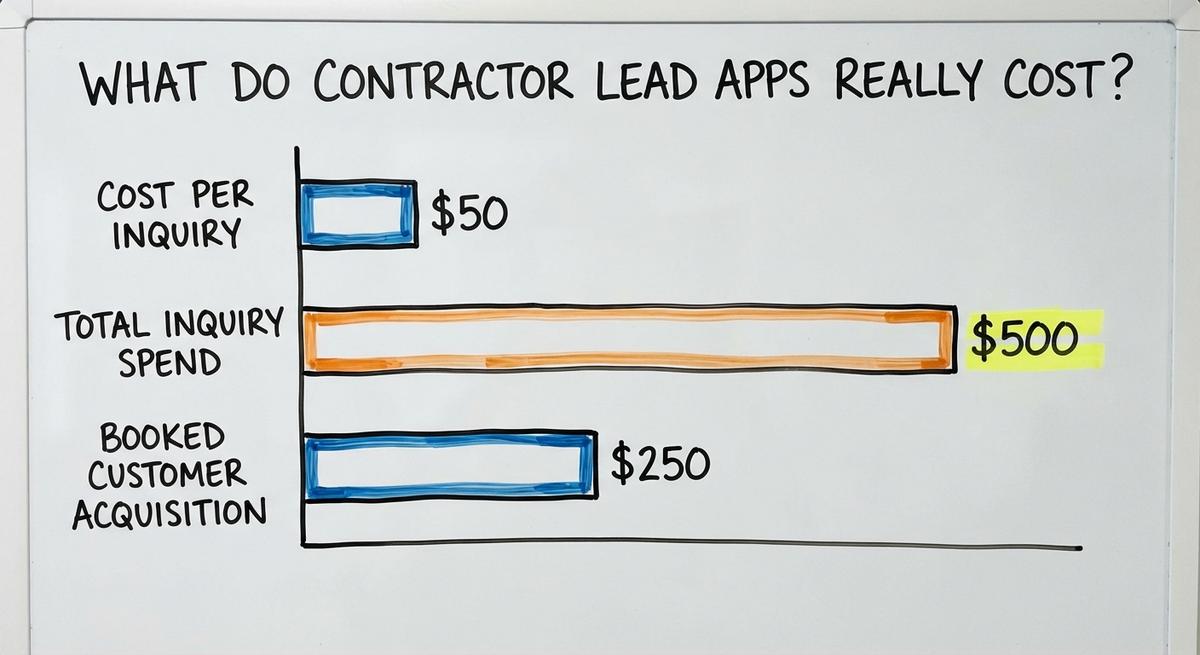
Say you buy 10 inquiries at $50 each. That is $500 total. You close 2 roof repairs. Each booked customer cost $250 to win.
Three hidden costs push that price higher.
- Platform fees hit your card before you buy one contact.
- Bad numbers and spam waste budget if you never dispute them.
- Office hours add cost when staff chase dead voicemails.
Divide total spend by booked jobs to see real lead value. Ask for each vendor's 2026 rate card and refund policy in writing.
How Do You Judge the Best App for Contractor Leads and Spot Red Flags?
Five questions help you vet the best app for contractor leads. Sales reps talk about clicks. The fine print controls your exit.
Ask these 5 questions before you sign:
- Exclusivity: How many other pros get this lead?
- Refund policy: Do you credit fake numbers or wrong trades?
- Territory controls: Can I block ZIP codes and tiny jobs?
- Contract exit: Can I cancel with no early fee?
- Call proof: Do you share audio of real calls?
Get clear answers to all 5 before you pay.
Red Flags to Watch for During a Lead App Sales Pitch
Three warning signs spell trouble in a sales pitch. Walk away if a rep guarantees a top Google spot.
Walk away if they promise a set number of booked jobs. Long lock-in contracts hide bad lead quality. So do missing refund rules.
Vague answers about where leads come from mean trouble.
Get every promise in writing. Start with a tiny test budget.
Your Google Business Profile and How Map Ranking Works
A Google Business Profile is a free listing that brings leads on Maps. Homeowners who search for a roofer see 3 map results first.
Those 3 spots form the local Map Pack. Keep your name, phone, address, and services the same everywhere.
Never list fake office addresses or unverified trade licenses. Never claim 24-hour service if nobody answers at midnight.
Accurate map data builds trust with homeowners and Google. Roofers can see a full setup in our Google Business Profile for roofers guide.
Results you can check
Past SEO campaigns grew organic traffic 26x in 14 months, and 15x on another. Top Rated Plus on Upwork with 99% job success.
Work for hundreds of small businesses and large clients like New Balance. Before The Software Society, our founders’ agency worked with Planned Parenthood.
Book a call
How Google Map Ranking Works
Three signals drive your rank for contractor leads on Google Maps. Google Business Profile Help states, "Local results are mainly based on relevance, distance, and popularity."
Relevance is how well your services match the search. Distance is how close your shop sits to the caller. Your profile should "Enter complete data," as Google puts it.
Popularity reflects your reviews, web presence, and activity. Nobody can guarantee a permanent top map pin.
Accurate details and steady reviews give Google what it asks for. Our guide on how to get more Google reviews covers the review side.
Your Website vs. Rented Lead Apps
Paid lead apps are like a rented apartment. Inquiries stop the day you stop paying rent.
Your own website works like owning the building. It gains value as you add service pages.
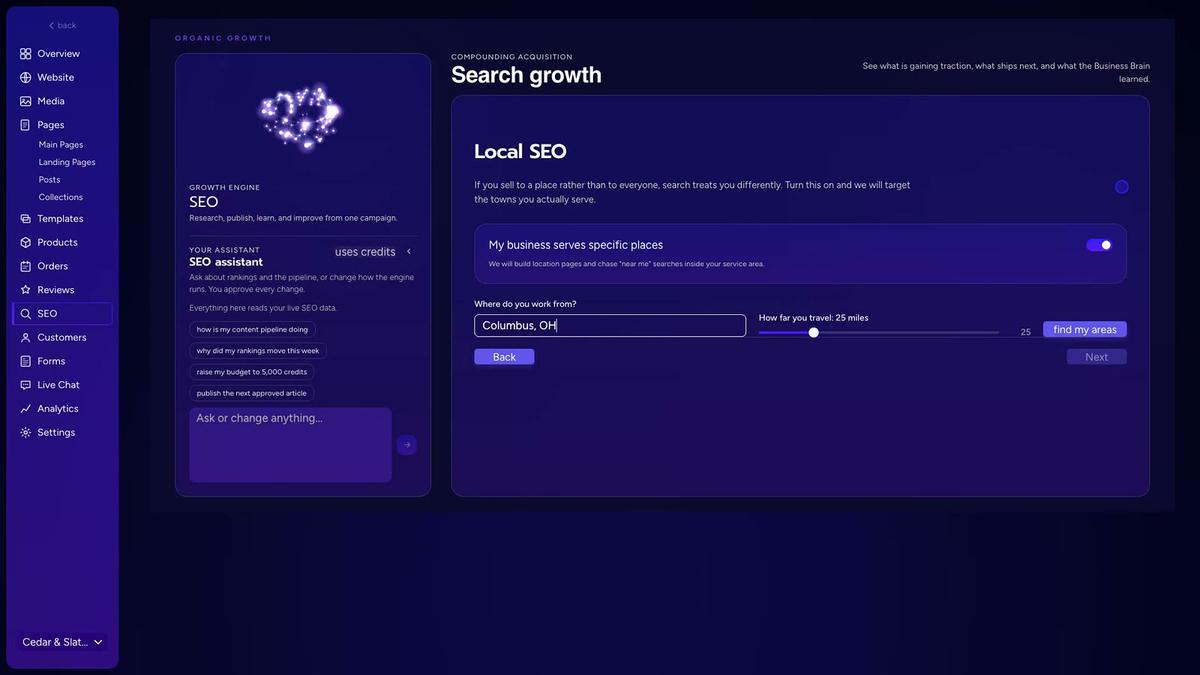
Build a page for each town your crew covers. Strong local SEO for contractors helps neighbors find you without ads.
Your website is an owned asset. It lowers lead costs over time.
Turning Website Visitors Into Owned Calls
Mobile speed decides if a visitor calls or leaves. Put a big tap-to-call button atop every page.
Add a short quote form beside that button. A homeowner with a leaking roof needs you in seconds.
Shared leads go to several crews at once. Callers on your own site want your crew alone.
Good SEO for contractors shifts your mix toward zero-fee calls.

Lead Sources Compared at a Glance
Six channels show how home service leads compare. Payment, speed, competition, and ownership differ across each one.
| Lead Source Type | How You Pay | How Fast Leads Come | Who Else Competes | Who Owns the Asset |
|---|---|---|---|---|
| Pay-per-lead marketplace | Fee per inquiry | Within days | Multiple local pros | App vendor |
| Pay-per-call ads | Fee per call or click | Same day | Ad auction bidders | Ad platform |
| Bidding app | Credit per quote | Same day | Several bidding pros | App vendor |
| Directory listing | Free or monthly fee | Slow and steady | Listed local pros | Directory site |
| Google Business Profile | Free | Weeks to months | Nearby map listings | Your business |
| Your own website | Build and SEO cost | Months | Organic search results | Your business |
Paid apps bring fast calls today. Owned sites protect your future. See our contractor website design guide for the owned side.
How to Track Calls, Map Position, and AI Visits
Tracking contractor leads is the habit of counting calls by source. Guessing from memory wastes money on channels that never close.
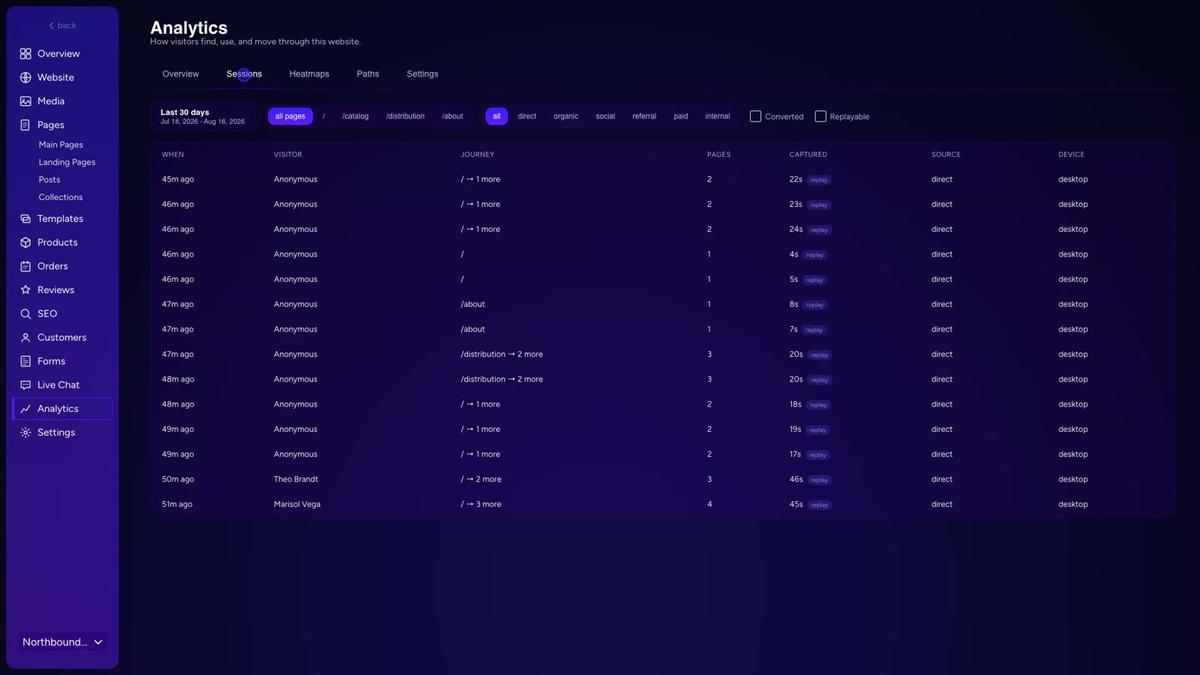
Give each app, ad, and map listing its own phone number. Your call log then shows clear winners.
Sort your incoming calls into 4 clean buckets:
- Organic search counts calls from your site.
- Map Pack taps count calls from your Google profile.
- Paid ads and apps count calls on ad numbers.
- Spam and bots catch robocalls to keep counts honest.
Clean tracking shows what puts trucks in driveways. It also shows how to get more jobs as a contractor without raising spend.
Get a second opinion on your current setup
Already paying for marketing? Get a free second opinion on what works and what wastes money.
Book a callTracking Map Position and AI Visits
Map rankings change from block to block. Ranking first near your shop does not mean you show 5 miles away.
Run a monthly map grid scan across your area. Then match it to where your leads come from. Use it to spot weak towns that need stronger pages.
Homeowners also ask AI chat tools for local pros. Track AI visits on their own line.
Calls, map grids, and AI visits show the full picture. Compare your 2026 numbers each quarter.
Finding the Best App for Contractor Leads in Roofing, HVAC, and Remodeling
Every trade picks lead sources differently. The best app for contractor leads changes with what you fix.
Roofers sell big projects with high job values. Our roofing contractor leads guide goes deeper. Chasing roofing leads on cheap bidding apps draws bargain hunters.
Learning how to get roofing leads favors exclusive inquiries and town pages.
Real project photos on roofing website town pages win full roof replacements. Remodelers win with before-and-after kitchen shots. More ideas sit in our contractor marketing ideas list.
How Emergency HVAC Leads Differ
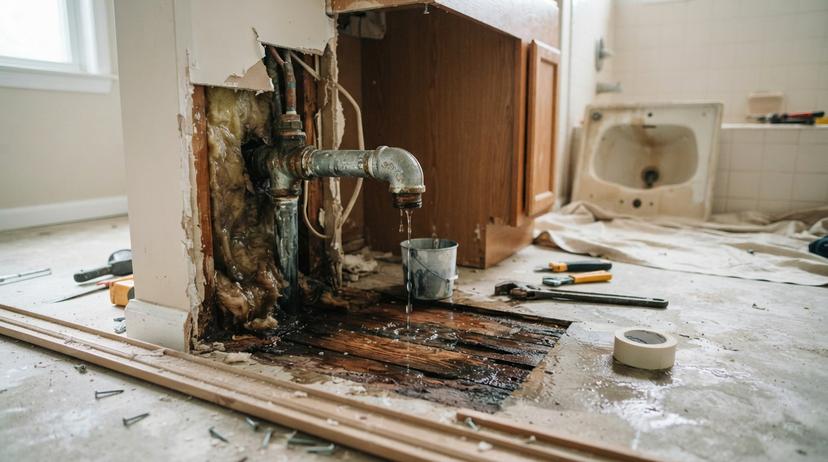
Emergency HVAC leads are urgent calls under stress. An AC unit quits in July. A furnace dies on the coldest night.
Urgent callers start on Google Maps and call ads. They pick the first trusted number they see. Our guide to HVAC contractor leads covers the emergency side.
Answering on the second ring beats a fancy brochure.
The best apps for HVAC are the ones that answer fast. Test what books jobs in your own ZIP codes.
How to Test a Contractor Leads App Before You Commit
A 60 to 90 day trial is the safest way to test a contractor leads app. A 1-year contract on day one locks up your cash.
Follow these 4 steps to run a clean test.
- Set a cap: Pick a monthly limit you can afford to lose. Vendors like EverConnect and Houzz Pro price plans differently, so compare them first.
- Log baselines: Note your starting calls, jobs, and job cost.
- Answer fast: Send test calls to someone who books estimates live.
- Review results: Divide spend by paid invoices after 60 days.
Testing turns guesswork into simple math.
Next Step: Build a Lead Mix You Can Measure
Owned assets are the smartest way to lower lead costs. Even the best apps work as one tool beside your own site.
Check every detail on your Google profile this week. Set up separate call tracking numbers. Run one small app test.
Then compare cost per booked job across every source. Our contractor lead generation guide shows how to build the rest.
Frequently asked questions
Are contractor lead apps worth the money?
Contractor lead apps are worth it when profit from booked jobs beats your app fees and staff follow-up time. Track every dollar against completed invoices for 60 days. Then decide to scale up or cut it.
What is the difference between shared and exclusive leads?
Shared leads go to several competing contractors at the same time. That forces a race to call first. Exclusive leads go only to your company. They cost more upfront, but they give you room to quote without instant price undercutting.
Is Google Business Profile a good source of contractor leads?
Yes. Google Business Profile is a free source of leads. It places your phone number right in local map results. Keep your hours, categories, and reviews current. That helps nearby homeowners call you first.
How long should I test a lead app before deciding?
Test any new platform for 60 to 90 days with a small, capped budget. That window gives you enough real calls and finished jobs to see true costs. You also avoid risking a full-year contract.
How much does a contractor lead cost compared with a booked job?
A single contact might cost $30 to $150. A booked job costs much more once missed calls and unclosed quotes count. Divide your total monthly app bill by completed jobs to see your real cost.
Can I get leads without paying per lead?
Yes. You can get calls without per-lead fees through your own website, local map rankings, and repeat customer referrals. Owned assets take a few months to build. Over time they lower your marketing costs.
How can I tell what lead source brings the most jobs?
Give each ad, app, and map listing its own tracking phone number. Ask every caller how they found you. Then match closed invoices back to those tracking lines to see which channels deliver real profit.
Start with a free homepage rebuild
Book a short call. Your new homepage is free to see and yours to keep.
New website plus 100 SEO pages in the first month: $397 a month, cancel anytime
Book a callRelated guides
More on the same work.
- Roofing Contractor Leads
- Free Leads for Contractors
- HVAC Contractor Leads
- Contractor Leads
- Exclusive Contractor Leads
- Contractor Lead Generation
- Barcode Scanner App Ios
- Inventory Control App for Android
- Concrete Contractor SEO
- General Contractor SEO
- Roofer Contractor Marketing
- How to Get More Jobs as a Contractor
- Website General Contractor
- Contractor Website Development
- Facebook Ads for Contractors
- Contractor SEO Company
- SEO for Contractors
- Contractor Marketing
- Local SEO Services for HVAC Contractors
- Electrical Contractor SEO
- SEO for Concrete Contractors
- Digital Marketing for Roofing Contractors
- Google Ads for Contractors
- Contractor SEO Services