


How Much Does a WMS Cost?
How much does a WMS cost? Get broad price ranges for cloud, license and custom systems, hidden fees, and ways to cut WMS cost for a small warehouse.
Book a callHow Much Does a WMS Cost?
A WMS (warehouse management system) can cost a few hundred dollars a month for a basic cloud system. A large, custom rollout can reach six figures. The range is wide because "WMS" covers very different products. Your price depends on users, locations, and how much must be custom. Confirm every number with real quotes before you plan a budget.
We build it for your operation, and the first look is free
If you would rather not compare products, describe how your operation already works and we build the system around it.
Reviewed November 2026.
No build cost. You see it running on your own process first, and the monthly subscription starts only once it is live.
Book a callWhat Is a WMS and What Does It Do?
A WMS is software that tracks where stock sits and how it moves in a warehouse. It handles receiving, put-away, picking, packing, shipping, and cycle counts. A cycle count is a small, regular check of a few bins.
An accounting package like popular small-business accounting software tracks money more than bin locations. Counting still matters. IRS Publication 538 says, "To figure taxable income, you must value your inventory at the beginning and end of each tax year." A WMS gives you the counts to do that well.
What Are the Main Ways to Pay for a WMS?
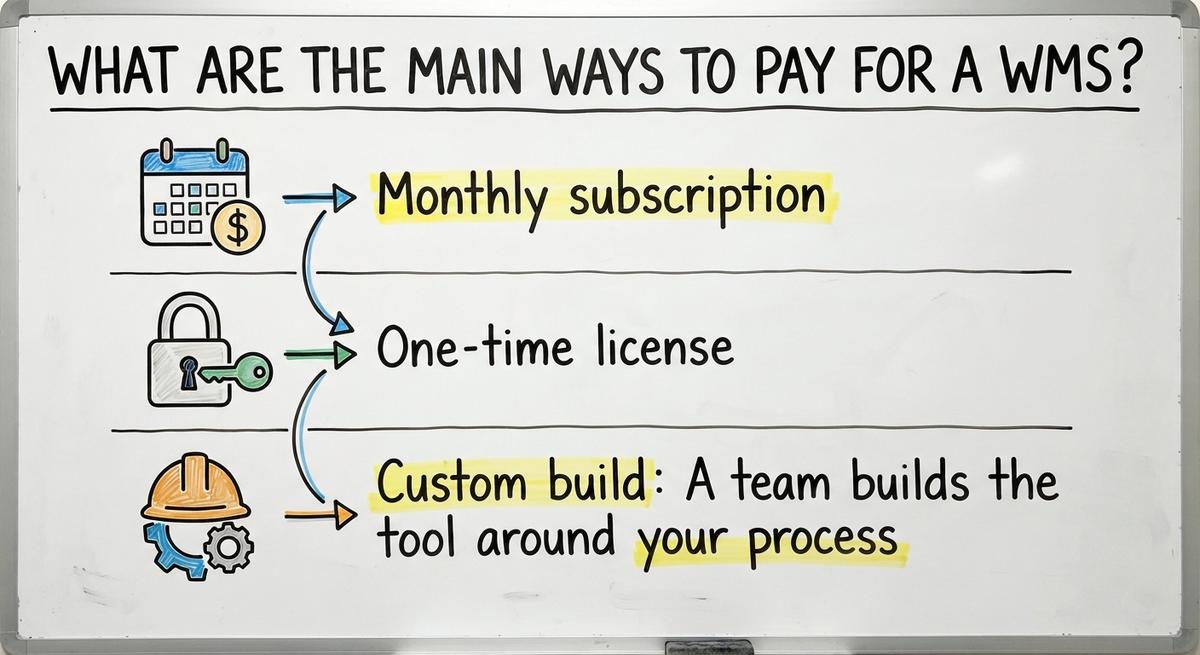
You can pay for a WMS in 3 ways: a monthly subscription, a one-time license, or a custom build. Each one has a different cost shape.
- Monthly subscription: You rent a cloud system and pay each month, often per user.
- One-time license: You pay a large fee up front to own the right to use the software. Upkeep costs extra.
- Custom build: A team builds the tool around your process. You pay once for the build plus light upkeep.
Subscriptions look cheap at first. Over 5 years, the fees can pass the price of a build.
How Much Does a Small Warehouse WMS Cost?
A small warehouse WMS runs a few hundred to a few thousand dollars a month all in for a team of 5 to 100 people. Treat these as broad ranges, not quotes.
Most cloud plans charge a monthly fee for each user. Then they add a setup fee. A team of 10 on a plan priced per user can see the bill climb fast as staff grow.
Small teams also pay for features they never turn on. A plan may include slotting tools, labor tracking, and yard control. A 12-person distributor may need only receiving, picking, and counts. Paying for the rest is waste.
The lesson: match the plan to the work you do today, not the work a big warehouse does.
Not sure this is the right shape for your operation
Describe how the work runs today. We map it on a call and show you what it would look like built around that, before you spend anything.
Book a call
What Does a Custom WMS Cost?
A custom WMS is a one-time build cost plus light upkeep, with no per-user fees. Adding staff does not raise the bill.
Cost scales with how many workflows the build covers. A narrow build that replaces only your manual steps costs far less than a full system. Say your team lives in Excel and printed pick sheets. A tool that handles just receiving, picking, and counts is a smaller job than one that also runs labor, yards, and returns.
We do not post set prices for The Software Society builds. The honest path is a scoped quote after we review your process. A custom WMS costs what its scope costs.
What Factors Change the Price?
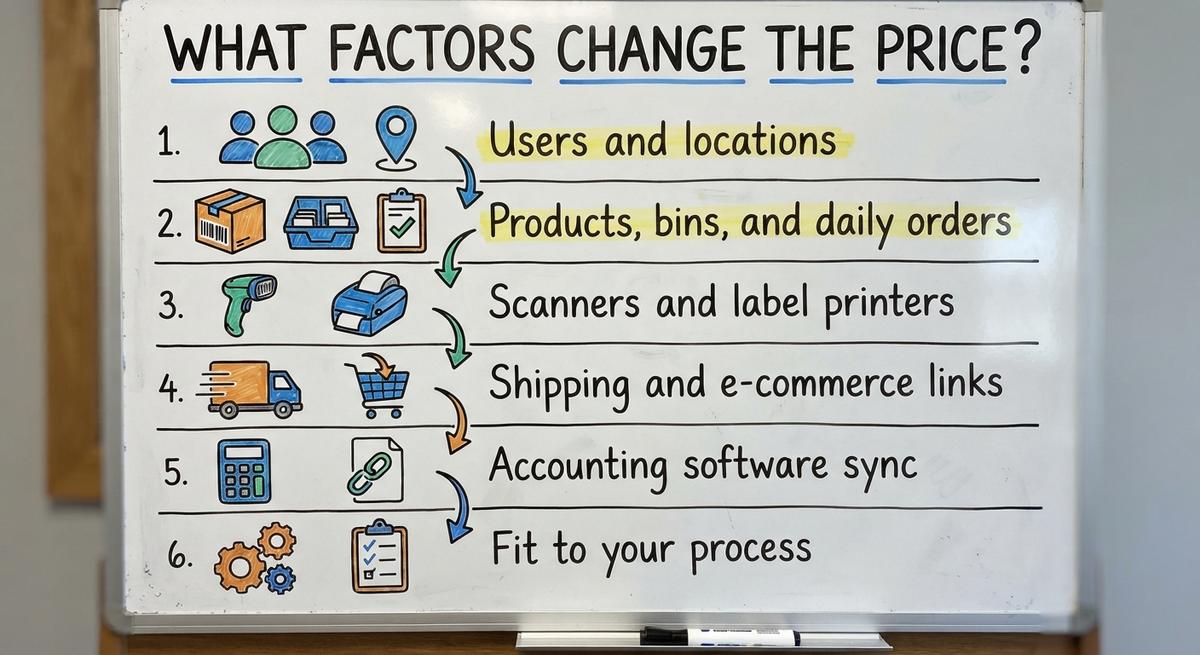
Six factors move the price of any WMS. Each one adds work for the vendor or the builder.
- Users and locations: More people and more sites mean more seats, more setup, and more support.
- Products, bins, and daily orders: A large catalog and high order volume need more setup and more data work.
- Scanners and label printers: Barcode gear adds cost, but it removes typing errors.
- Shipping and e-commerce links: Each link to a carrier or to an online store or marketplace adds work.
- Accounting software sync: A clean link to your books takes careful setup.
- Fit to your process: The more the tool must match how you work today, the more it costs.
Scope drives price more than any other item on this list.

What Hidden Costs Should You Watch For?
Hidden WMS costs are the fees outside the monthly price. They can add 20% or more to year one, so ask about each one before you sign.
- Setup and data migration: Moving your item and bin lists into a new system takes paid time.
- Training: Staff hours spent learning are hours not spent picking orders.
- Hardware: Scanners, printers, and mounts add up fast.
- Add-on charges: Integrations, support plans, and extra users often cost more.
- Process change: Some tools force your team to work their way, and that has a price.
These are the main hidden WMS costs. WMS rollout cost is the total of all five, not the sticker price alone.
Do You Need to Replace Your Accounting Software to Get a WMS?
Keeping your accounting software lowers cost and risk compared with a full ERP swap. An ERP is one large system that runs finance, stock, and more. Swapping it means new data, new training, and weeks of disruption. A layer on top avoids all of that.
No. Your accounting software can stay for accounting. A WMS layer handles stock moves, picking, and counts, then syncs the results back to your books.
This matters for WMS for users of small-business accounting software. Your finance team keeps the tool it knows. Your warehouse gets bin-level control that the accounting package lacks.
The comparison is easier when one option is built for you
Off-the-shelf means fitting your process to the software. We do it the other way round, and the first look costs nothing.
Book a call
Is a WMS Worth the Cost for a Small Operation?
Yes, a WMS is worth it when mistakes and wasted hours cost you more than the system does. Look for these signs:
- Pickers ship the wrong item or the wrong count.
- Stock goes missing, or the shelf and the screen disagree.
- Counts take days instead of hours.
- Excel files and printed sheets sit on every desk.
Do the math. Say 3 people lose 6 hours a week to rework at $22 an hour. That is $20,592 a year. The Bureau of Labor Statistics tracks pay for stock clerks and order fillers, so check the local wage for your own math.
Some small operations need only a lighter tool. That is fine.
How Can You Keep WMS Costs Down?
You keep WMS costs down by buying less scope. Four steps help.
- Start with the 1 or 2 workflows that cause the most pain.
- Ask for a fixed scope and a written quote.
- Skip modules you will not use.
- Plan a phased rollout instead of one big launch.
Phasing spreads the spend and lets your team learn in small steps. It also shows early what works. NIST offers vendor-neutral guidance on supply chain and inventory process. Read it before you shop. For more depth, see our guide on how to choose a warehouse management system.

How Do You Get an Accurate WMS Quote?
You get an accurate WMS quote by bringing facts. Vendors price what they can see, so show them your real day.
Gather these items first:
- Number of users
- Orders per day
- Number of SKUs (each unique item you sell)
- Current tools, such as spreadsheets and accounting software
- Your top 3 problems
Then walk the vendor or builder through your real process. Ask what is included, what costs extra, and what happens after launch. Get the answers in writing.

What Is the Next Step?
The Software Society is a local team in Columbus, Ohio. We build software around how your operation already works. One team covers software, website, and search presence. Start with a short talk about your current process, and we will scope a quote from there.
WMS price depends on scope, and a smaller scope costs less. Keep your accounting software, fix the manual steps, and pay only for what you use.
Frequently asked questions
How much does a WMS cost for a small business?
A small business often pays a few hundred to a few thousand dollars a month for a cloud WMS. These are broad estimates. Confirm them with real quotes.
What is the difference between subscription and custom WMS pricing?
A subscription charges monthly, often per user. A custom WMS is a one-time build plus light upkeep with no per-user fees.
What hidden fees come with a WMS?
Watch for setup, data migration, training time, scanners, printers, and extra charges for integrations, support, and added users.
Do I need to replace my accounting software to use a WMS?
No. Your accounting software can stay for accounting while a WMS layer handles stock moves, picking, and counts, then syncs back.
Is a WMS worth it for a small warehouse?
Yes, if picking errors, lost stock, and slow counts cost more than the system. Some small teams only need a lighter tool.
How can I lower WMS costs?
Start with the 1 or 2 worst workflows. Get a fixed scope in writing, skip unused modules, and roll out in phases.
What do I need to get an accurate quote?
Bring your user count, order volume, SKU count, current tools, and top problems. Then walk the vendor through your real process.
Start with a free first look
A 30 minute call, your operation mapped, and a clear picture of what we would build. No obligation and nothing to install.
Book a callRelated guides
More on the same work.
Guides
- WMS Software Open Source
- Open Source WMS
- Best 3PL WMS Software
- WMS for Small Business
- Top 10 WMS Systems
- Cost of Inventory Management Software
- Inventory Management Software Freeware
- Free Inventory Management Software for Small Business
- Warehouse Management Cost
- Total Cost of Inventory Formula
- Price of Inventory Management Software
- Simple Inventory Management Software Free
- Warehouse Management System Open Source
Common questions
- How Much Does Inventory Management Software Cost
- How to Calculate Cost of Goods Sold Without Ending Inventory
- What is Free Stock in Inventory Management
- What is Stock Out Cost in Inventory Management
- What is the Best Free Software for Warehouse Inventory Management?
- What is Holding Cost in Inventory Management
- What is the Best Free Inventory Management Software to Download?
- Warehouse Management System Price Comparison
- What is Ordering Cost in Inventory Management