

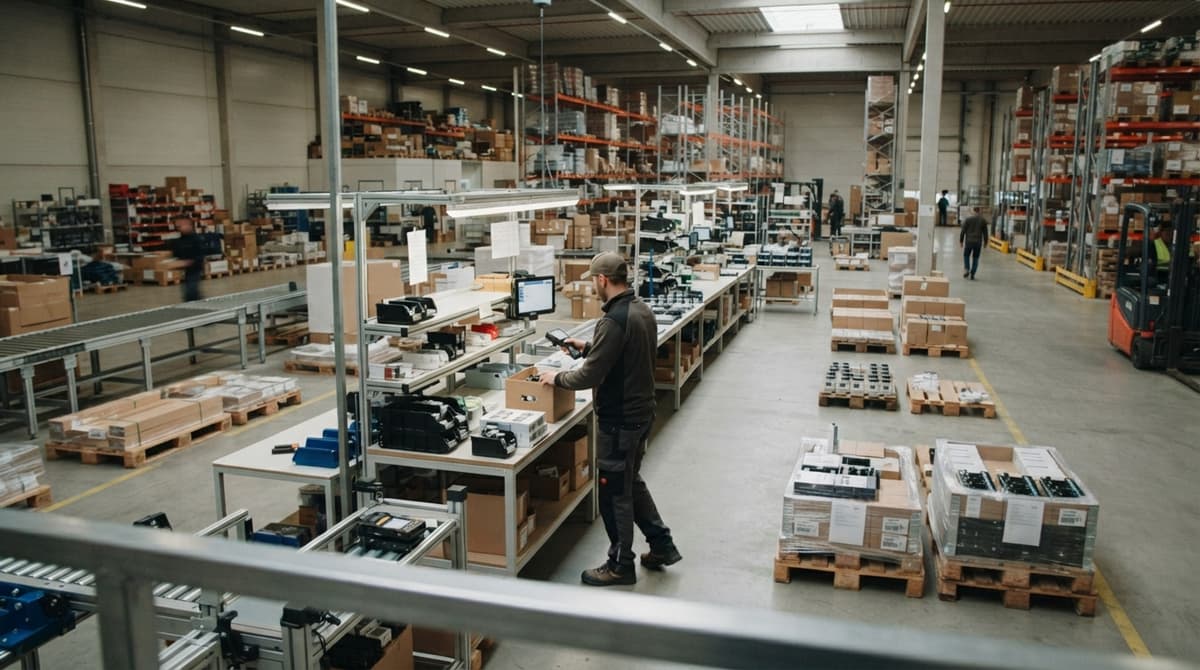
How to Track Wip Inventory
To track WIP inventory, give every job a work order number, record each material used, and update the job's stage at every move. Reviewed October 2026. Then add labor and overhead costs and close the job into finished goods.
Most of them run on spreadsheets, printed sheets, and an accounting package. None of them needs a big ERP rollout to start. ERP means one large suite of business software. What you need is a short list of stages, one number per job, and a habit of writing things down. The method works for kitting, labeling, light assembly, and custom pack-outs. You can run a pilot this week and know in 2 weeks if it holds.
Book a callWhat Is WIP Inventory, and Why Track It?
WIP inventory is work in progress inventory. These are items that have started a process but are not finished goods yet. Raw materials come before it. Finished goods come after it. A half-built kit on a bench is WIP. So is a pallet that waits for labels.
Untracked WIP makes stock counts wrong. It hides cash tied up in half-done work. It causes late orders, rework, and surprise shortages. The IRS says in Publication 538, "To figure taxable income, you must value your inventory at the beginning and end of each tax year." GS1 sets the barcode standards behind scan-based counts. Clean WIP numbers also make month-end faster.
We build it for your operation, and the first look is free
If you would rather not compare products, describe how your operation already works and we build the system around it.
No build cost. You see it running on your own process first, and the monthly subscription starts only once it is live.
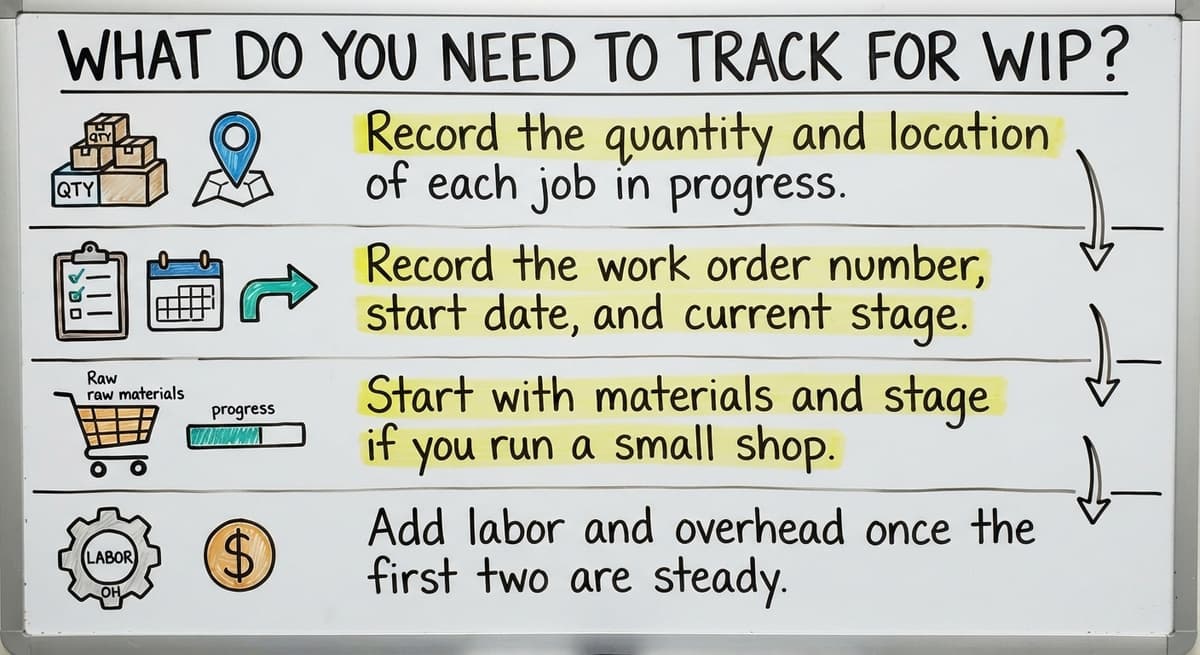
Book a callWhat Do You Need to Track for WIP?
You need to track 3 costs and a few facts about each job. The costs are materials, labor, and overhead. Overhead means shared costs such as rent and power.
- Record the quantity and location of each job in progress.
- Record the work order number, start date, and current stage.
- Start with materials and stage if you run a small shop.
- Add labor and overhead once the first two are steady.
Materials and stage give you a true count first. Costs can follow.
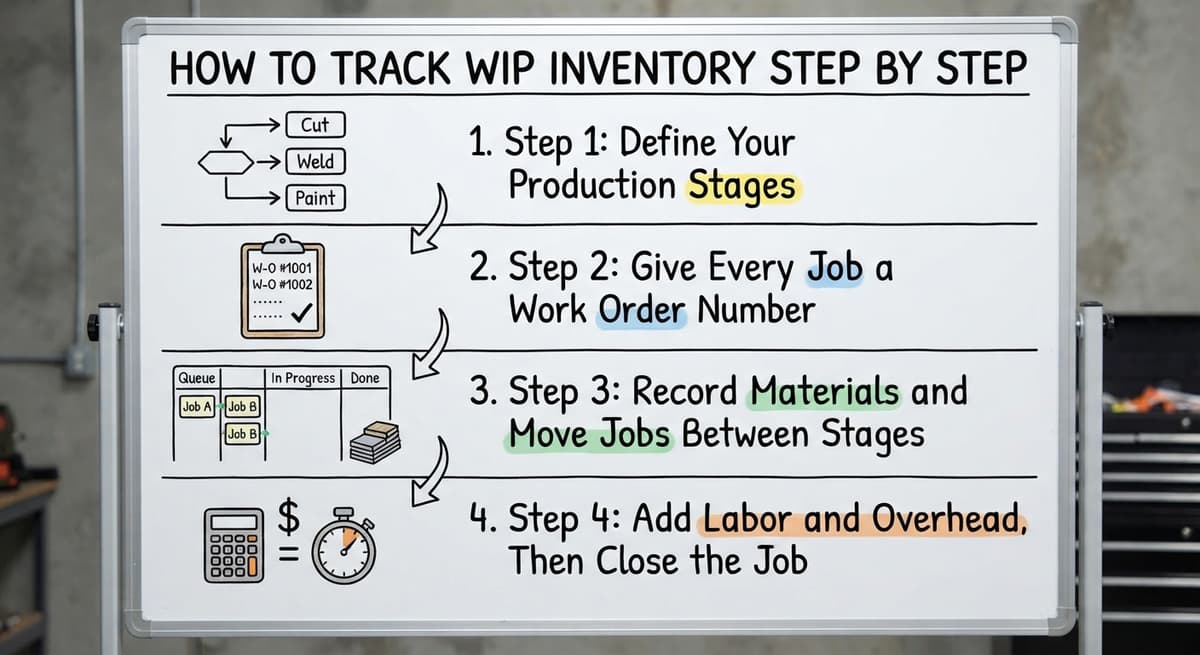
How to Track WIP Inventory Step by Step
Tracking WIP inventory takes 6 steps. Each one is small. Together they follow a job from the first pick to the finished goods shelf.
- Set your stages.
- Issue a job number.
- Record materials used.
- Move the job between stages.
- Record labor and costs.
- Close the job into finished goods.
Step 1: Define Your Production Stages
A stage is one step a job passes through. List each one, such as picked, kitted, assembled, and packed. Fewer stages work better for a small team. Name each stage the way the floor already talks about it. If crews say "staged," write "staged." A stage list that crews recognize is a stage list they will use.
Step 2: Give Every Job a Work Order Number
A work order is the written request for one job. Give each job one unique number. That number ties materials, labor, and notes together. Print it on the job sheet, the bin tag, or the pallet label. Never reuse a number. A reused number blends two jobs into one record, and nobody can pull them apart later.
Step 3: Record Materials and Move Jobs Between Stages
Record materials the moment they leave raw materials stock. That keeps counts true. Then update the stage each time the job moves. Use barcode scans where you can. A scan takes seconds and skips retyping. Note scrap and leftovers too. A box of unused parts that nobody logs is a count error waiting to happen. For the raw stock side, see how to keep track of inventory in warehouse. Every move gets a record, or the count drifts.
Step 4: Add Labor and Overhead, Then Close the Job
Add labor hours and a simple overhead rate to the job cost. This is job costing, an input to the job record and not a time clock. Then close the job. WIP value drops to zero. Finished goods value goes up by the same total. Review closed jobs for cost surprises. A job that cost twice the quote tells you where to look next. A closed job is the moment WIP turns into finished goods.
Not sure this is the right shape for your operation
Describe how the work runs today. We map it on a call and show you what it would look like built around that, before you spend anything.
Book a call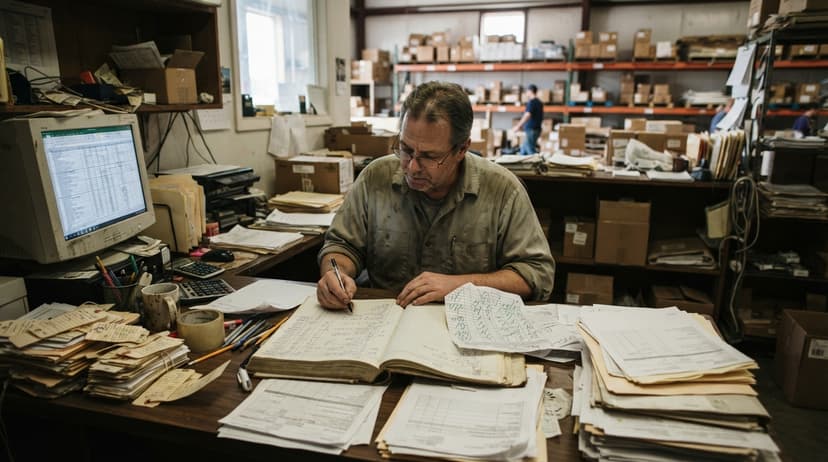
Can You Track WIP Inventory in an Accounting Package or a Spreadsheet?
Yes, for a few jobs at a time. Both tools strain as volume grows. The weak points are the same in most shops:
- Staff retype the same job data into 2 places.
- Printed sheets get lost on the floor.
- Copies of the same file drift apart.
- Nobody sees a live view of which stage each job is in.
The cost adds up. Say 3 people spend 6 hours a week fixing these gaps at $22 an hour. That is $20,592 a year. The US Bureau of Labor Statistics publishes pay for inventory clerks, so you can swap in your own rate. Your accounting software's inventory records still belong with accounting. The manual job tracking around them is what breaks.

Common WIP Tracking Mistakes to Avoid
Four mistakes cause most bad WIP counts. Each one has a plain fix.
- Waiting until month-end to record usage. Record it when parts leave the shelf.
- Skipping small jobs or rework. Small jobs hold stock too.
- Adding too many stages or fields. Crews skip what feels like homework.
- Leaving a job with no owner. Name one person for each job.
A short form that one person owns beats a long form that nobody fills in.
When to Move to a Custom WIP System, and How to Start This Week
A spreadsheet has done its job once the signs below show up. Then a simple plan gets you moving.
Signs You Have Outgrown Spreadsheets
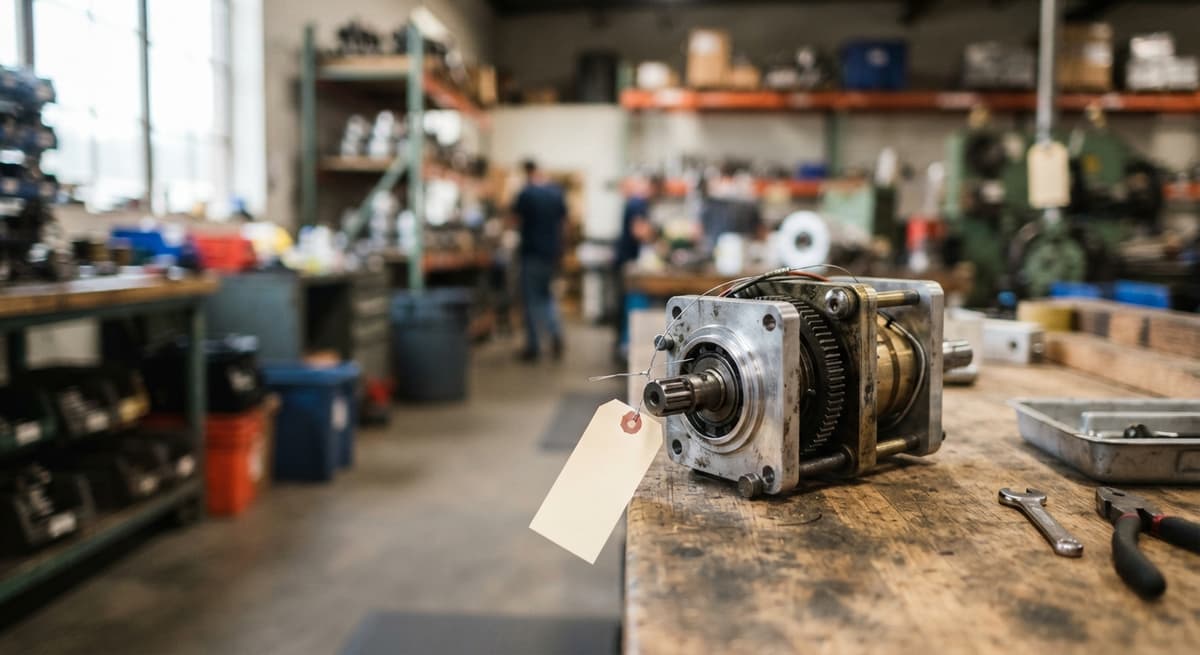
Watch for 4 signs: double entry, missing jobs, staff asking where an order is, and a month-end clean-up. A custom system is built around how your team already works. No forced migration. It keeps your accounting software where it helps and replaces only the manual parts. It also works at small scale and skips a long, costly ERP rollout. The Software Society, a Columbus, Ohio team, builds the software, website, and search presence together. For vendor-neutral process help, the NIST Manufacturing Extension Partnership is a good read.
Start a Pilot This Week
Pick one product line or job type. Write down the stages, the job number format, and who updates what. Run it for 2 weeks. Then compare your counts with the floor. The gaps show you what to fix first. If you want help turning that pilot into a system, talk with us about your workflow. Bring one real job and we will map it. Two weeks of honest counts will tell you more than any plan.
Frequently asked questions
What is WIP inventory?
WIP inventory is work in progress inventory. It covers items that have started a process but are not finished goods yet. It sits between raw materials and finished goods.
How do you track WIP inventory?
Set stages, give each job a work order number, record materials used, move the job between stages, record labor and costs, then close the job into finished goods.
What costs are included in WIP?
WIP includes 3 costs: materials, labor, and overhead. Overhead means shared costs such as rent and power. A small shop can start with materials and stage.
Can you track WIP in accounting software or a spreadsheet?
Yes, for a few jobs. Both strain as volume grows because of retyping, lost sheets, file copies, and no live stage view. Accounting software inventory still suits the books.
How do you move WIP into finished goods?
Close the work order. WIP value drops to zero and finished goods value rises by the same total. Then review the job cost for surprises.
What are common WIP tracking mistakes?
Waiting until month-end to record usage, skipping small jobs or rework, using too many stages or fields, and leaving jobs with no owner.
When should a small warehouse use custom software to track WIP?
Switch when you see double entry, missing jobs, staff asking where an order is, or a month-end clean-up. A custom system replaces only the manual parts.
Start with a free first look
A 30 minute call, your operation mapped, and a clear picture of what we would build. No obligation and nothing to install.
Book a callRelated guides
More on the same work.
- How to Keep Track of Inventory
- How to Create an Inventory Tracking System?
- How to Keep Track of Inventory on Clover
- How to Keep Track of Computer Inventory
- How to Keep Track of Consignment Inventory
- How to Keep Track of Alcohol Inventory
- How to Keep Track of Product Inventory
- How to Keep Track of Ebay Inventory
- How to Keep Track of Poshmark Inventory
- How to Track Inventory for Home Staging
- How to Keep Track of Dental Inventory
- How to Keep Track of Boutique Inventory
- How to Keep Track of Vaccine Inventory
- How to Keep Track of Liquor Inventory
- How to Track Inventory Qbo
- How to Track Non Inventory Items
- How to Keep Track of Grocery Inventory
- How to Track Inventory in Salesforce
- How to Keep Track of Lularoe Inventory
- How to Keep Track of Freezer Inventory
- How to Track Ps5 Inventory
- How to Keep Track of Cigarette Inventory
- How to Keep Track of Inventory on Etsy
- How to Keep Track of Inventory Electronically