

Inventory Tracker Excel
An inventory tracker in Excel is a spreadsheet that records what you stock, where it sits, and what moves.
Book a callWhat Is an Inventory Tracker Excel Sheet, and When Does It Work?
An excel inventory tracker is a sheet that lists each item, its bin, and its count. Small warehouses start here. The tool is familiar, cheap, and fast to set up. It fits small operations with careful habits.
A plain sheet works well in these cases:
- You have few SKUs. A SKU is a stock keeping unit, a unique code for one item.
- You work from one location with one or two people editing.
- Your stock moves slowly, or your product line is simple.
- Your process is still taking shape, and the sheet is a bridge.
Barcodes come later. GS1 publishes the standards behind scan-based counts. Choose clean SKU codes now.
What Should an Inventory Spreadsheet Track?
A good inventory spreadsheet tracks only data that drives a decision. Every extra column adds typing and room for error. Two groups of columns cover most wholesale needs.
Core Columns Every Inventory Tracker Needs
The core set has 12 columns. Every inventory spreadsheet needs them.
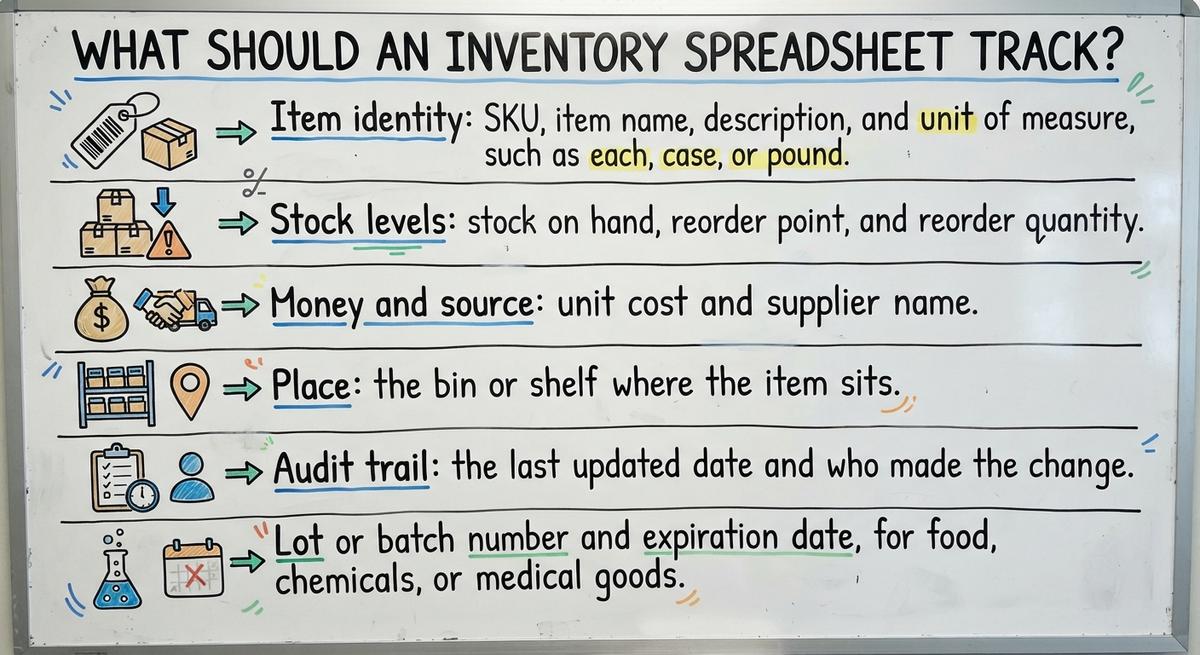
- Item identity: SKU, item name, description, and unit of measure, such as each, case, or pound.
- Stock levels: stock on hand, reorder point, and reorder quantity.
- Money and source: unit cost and supplier name.
- Place: the bin or shelf where the item sits.
- Audit trail: the last updated date and who made the change.
These columns answer what you have, where it is, and when to buy more.
We build it for your operation, and the first look is free
If you would rather not compare products, describe how your operation already works and we build the system around it.
IRS Publication 538 puts it plainly: “To figure taxable income, you must value your inventory at the beginning and end of each tax year.”
No build cost. You see it running on your own process first, and the monthly subscription starts only once it is live.
Book a callExtra Columns for Warehouse Use
Warehouse inventory needs a few more fields. Add only the ones that match your goods.
- Lot or batch number and expiration date, for food, chemicals, or medical goods.
- Quantity committed to open orders, and quantity available to sell.
- Case pack or pallet quantity, so staff count in the right unit.
Skip any column that nobody will fill in. An empty column is worse than none.
How Do You Track Inventory in Excel Step by Step?
To track inventory in Excel, follow 6 steps. Use one row per item and one header row.
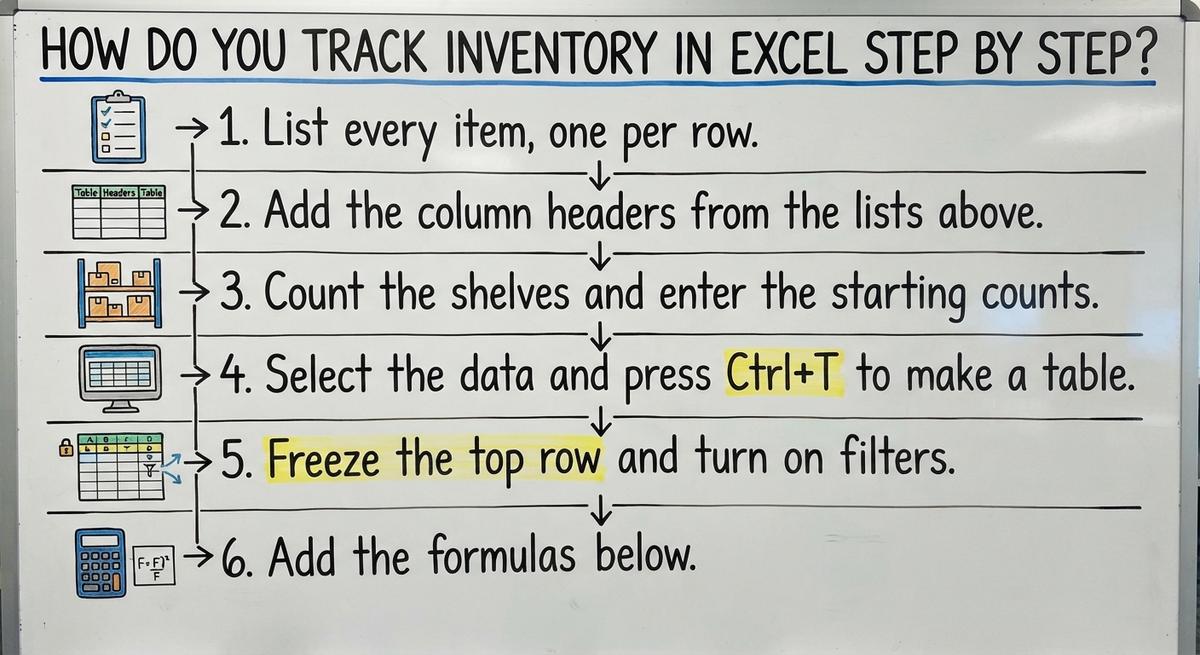
- List every item, one per row.
- Add the column headers from the lists above.
- Count the shelves and enter the starting counts.
- Select the data and press Ctrl+T to make a table.
- Freeze the top row and turn on filters.
- Add the formulas below.
A search for an excel inventory template shows many options. A blank table you build fits your goods better.
Use a Separate Sheet to Log Stock Movements
A movement log is a second sheet. Each stock change gets its own line there. Receipts, shipments, returns, and adjustments all go here. Each line holds the date, SKU, quantity, and reason.
The log keeps a history. A wrong count can be traced to its line. The sheet then calculates stock on hand from the log. Nobody types over it. That habit is the core of sound inventory control with Excel.
Formulas That Do the Heavy Lifting
Three formulas run the whole file.
- SUMIF adds log lines that match one SKU. Use it once for receipts and once for shipments.
- Stock on hand equals received, minus shipped, plus adjustments.
- Inventory value equals quantity times unit cost.
Here is an example. A bin gets 100 units. It ships 60 and loses 2 to damage. The count is 100 minus 60 plus negative 2, or 38. At $4.50 each, the value is $171.
Let the formulas do the math, and the numbers stay honest.
Not sure this is the right shape for your operation
Describe how the work runs today. We map it on a call and show you what it would look like built around that, before you spend anything.
Book a callHow Do You Flag Low Stock and Block Bad Entries?
One IF formula flags low stock in your inventory sheet. Type =IF(E2<=F2,"Reorder","OK"). E is stock on hand. F is the reorder point. Add conditional formatting to turn the row red on Reorder.
Set the reorder point with a simple rule. Take daily usage times lead time in days. Then add a safety cushion. An item that sells 12 a day with a 5 day lead time and 20 spare units needs a point of 80.
Data validation stops typing mistakes before they start:
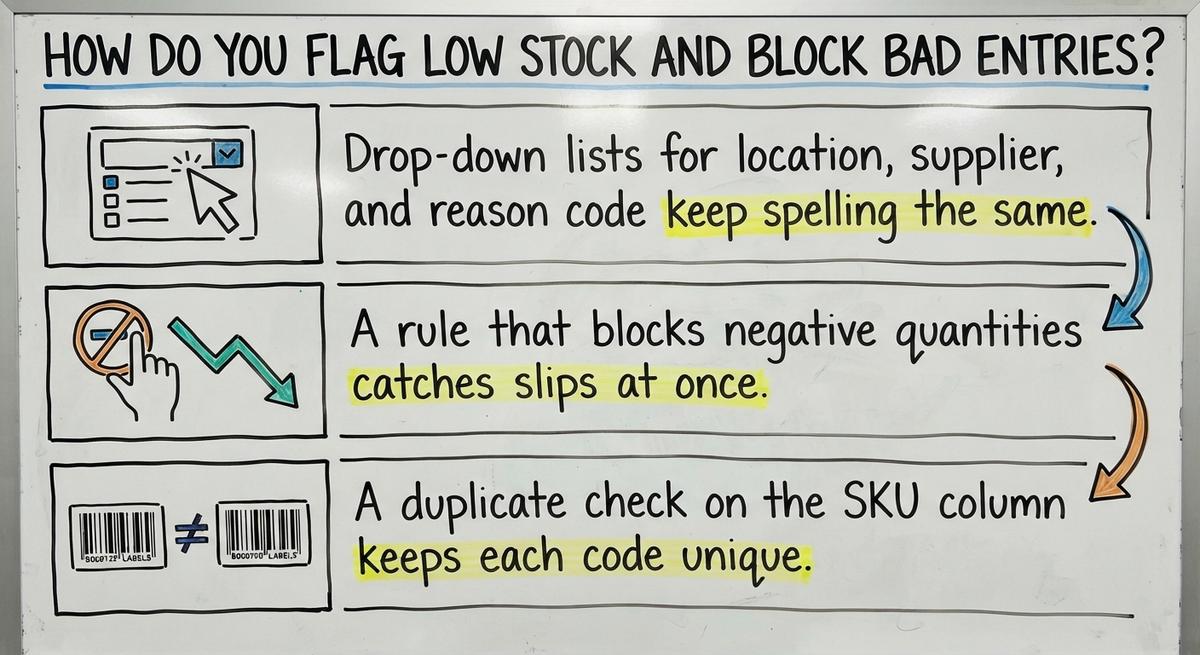
- Drop-down lists for location, supplier, and reason code keep spelling the same.
- A rule that blocks negative quantities catches slips at once.
- A duplicate check on the SKU column keeps each code unique.
A few minutes of setup prevents many bad counts.
How Do You Keep Your Excel Inventory Accurate?
Build these habits:
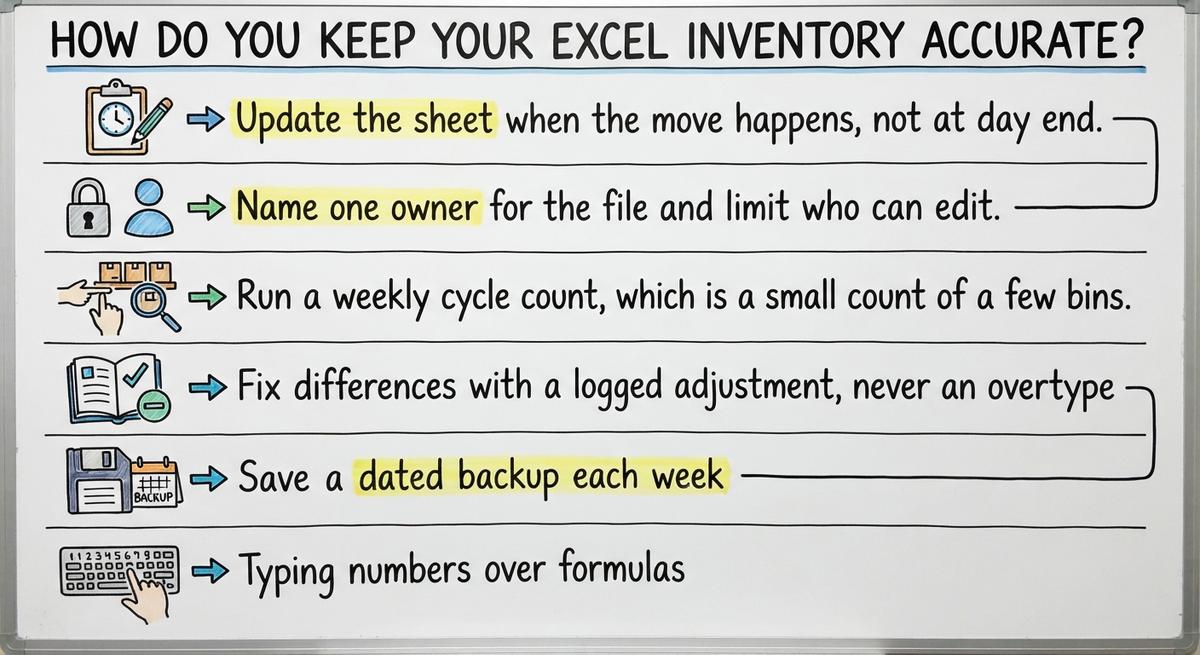
- Update the sheet when the move happens, not at day end.
- Name one owner for the file and limit who can edit.
- Run a weekly cycle count, which is a small count of a few bins.
- Fix differences with a logged adjustment, never an overtype.
- Save a dated backup each week.
Avoid these mistakes:
- Typing numbers over formulas.
- Keeping several copies of the file in email.
- Using mixed SKU names or units.
- Leaving blank rows and merged cells that break formulas.
One clean file with one owner beats five busy copies.
Can Several People Use One Excel Inventory File?
Set clear rules. Give each person one tab or one task. Agree on who edits and when. Real-time work by many users is where Excel strains. If 2 clerks scan receipts while 3 pickers log shipments, expect clashes.
Yes, several people can edit one file in cloud storage. Co-editing works. Conflicts and overwrites still happen.
The comparison is easier when one option is built for you
Off-the-shelf means fitting your process to the software. We do it the other way round, and the first look costs nothing.
Book a callHow Do You Keep Spreadsheet Inventory in Line With Your Accounting Software?
Double entry is where drift starts. A shipment typed in the sheet but missed in the books creates a gap. Over a month, small gaps grow large.
Matching your sheet to your books starts with a shared language. Use identical item names and SKUs in both places. Compare quantities and values on a set schedule, such as every Friday.
Re-keying has a cost. If 2 people spend 5 hours a week re-keying data at $20 an hour, the cost is $10,400 a year. Pick one place to enter each fact. Copy it once.
How Do You Know Your Inventory Tracker Has Outgrown Excel?
An inventory tracker has outgrown Excel when the file costs more time than it saves. Watch for these signs:
- Counts miss the shelf: The sheet and the bin disagree. No one can say why.
- Overselling: Sales promise stock that you do not have.
- Crowded editing: More than a few people edit, or the file is slow and large.
- Re-keying: Staff retype the same data into accounting software, email, or pick sheets.
- One expert: Only one person understands the file.
Two or more signs mean a change is due.
What Should You Do Before You Replace Your Spreadsheet?
Four steps prepare your inventory process for any new system:
- Write down how stock moves through your building, from dock to door.
- List the manual steps that cost the most time or cause the most errors.
- Decide what must stay, such as your accounting software, and what should change.
- Clean your SKU list so a future system starts with good data.
Prepare first, and any new system fits better.
Questions to Ask Any Provider About Moving Beyond Excel
Five questions show which provider fits your inventory needs. Ask every provider the same ones.
- Fit: Will the tool match how we work now, or must we change to fit it?
- Accounting: Can it work alongside our accounting software?
- Rollout: How does it start in stages, and what does the first step cost?
- Ownership: Who owns our data?
- Exit: Can we export all of it at any time?
Clear answers to all five mean a provider is worth a second call.
Final Thoughts on Using Excel to Track Inventory
Excel is a solid start when you keep it simple and watch it closely. Accurate counts matter more than a fancy file. Learn the warning signs now. Then a change happens on your schedule, not during a crisis. If your sheet feels tight in 2025, list your top 3 pain points this week. Then talk to a provider about them.
Frequently asked questions
How many items can Excel handle?
A worksheet holds over 1 million rows, so raw size is rarely the limit. Trouble starts sooner, when counts go stale, edits clash, or formulas slow the file. Many teams feel strain at a few hundred active SKUs.
Is an Excel inventory sheet free?
If you already own Excel, building the sheet costs nothing but time. Free web versions also exist. Plan for staff hours to update it, since typing and checking counts is the real cost.
Can Excel scan barcodes?
Yes, in a basic way. A handheld scanner types the code into the selected cell like a keyboard. Setup takes work, and the sheet will not guide a picker or check the scan.
How often should I count stock?
Count a few bins every week and the full building once or twice a year. Fast movers and costly items need checks more often. Log each fix as an adjustment line.
Start with a free first look
A 30 minute call, your operation mapped, and a clear picture of what we would build. No obligation and nothing to install.
Book a callRelated guides
More on the same work.
Guides
- Inventory Control with Excel
- Excel Inventory Spreadsheet Templates
- Excel Template for Inventory Control
- Excel Format for Inventory Management
- Excel Spreadsheet for Inventory
- Excel Sheet Template for Inventory
- Excel Stock Management Template
- Ms Excel Inventory Template
- Excel Inventory Template
- Inventory Format in Excel
- Excel Barcode
- Warehouse Inventory Management Software
- Warehouse Inventory Tracking Software
- Warehouse Inventory Management Systems
- Best Inventory Software
- Quickbooks Inventory Management Software
- Warehouse Inventory Systems
- Classification of Inventory
- Inventory and Warehouse Management Software
- Custom Inventory Management Software
- Excess Inventory
- Closed for Inventory