

Excel Format for Inventory Management
An Excel format for inventory management is a workbook with one row per item and a separate log of stock moves. Keep it flat and simple.
Book a callWhat Is the Best Excel Format for Inventory Management?
The best format is one row per SKU and one column per fact.
A SKU (stock keeping unit) is a short code for one item. Add a separate log of stock moves.
Keep the layout flat. Use no merged cells, no blank rows and one header row.
This setup fits a warehouse with a few hundred to a few thousand items.
Why Does Layout Matter More Than Formulas?
Layout is the base of every Excel inventory file. A clean one stops most counting errors.
A messy layout breaks filters, pivot tables (summary reports) and accounting software imports.
Build the structure first. Add formulas second.
Scan-based counts follow the same rule. GS1 sets the barcode standards behind them, as of June 2025.
Your SKUs must match what the label says.
What Sheets Does an Inventory Workbook Need?
An inventory workbook needs 3 sheets: Items, Transactions and Lists.
Items holds facts that rarely change. Transactions holds every move in or out. Lists holds the choices for drop-down menus.
Each fact lives in one place, so a price change happens once.
Which Columns Should an Inventory Spreadsheet Have?
Inventory spreadsheet columns are the facts you store about each item. Put these on the Items sheet:
- SKU: the one code for each item, never repeated on another row.
- Description, category and unit of measure: say what the item is and how you count it.
- Supplier, cost and price: show what you pay and what you charge.
- Reorder point: the stock level that triggers a new buy order.
- Reorder quantity: how many units to buy each time you reorder.
- Lead time: the days between placing an order and getting the goods.
- Bin or shelf location: tells pickers exactly where to walk to find the item.
Ten columns cover most small inventory files.
We build it for your operation, and the first look is free
If you would rather not compare products, describe how your operation already works and we build the system around it.
No build cost. You see it running on your own process first, and the monthly subscription starts only once it is live.
Book a callHow to Name and Number Your SKUs
A good inventory SKU is short, steady and plain. Use letters and numbers only.
Skip spaces and symbols. Never reuse a retired SKU, or old records point at the wrong item.
Do not pack meaning and sequence into one code. A code like BOLT-0042 works.
Pick one rule and keep it for every item.
What Goes in the Stock Movement Log?
A stock movement log is the inventory sheet with one row for every receipt, shipment or fix. Give it these columns:
- Date: the day the stock moved in or out of the building.
- SKU: the same code as the one on the Items sheet.
- Quantity: positive for stock in and negative for stock out.
- Reason: receipt, sale, return, damage or count fix, picked from a list.
- Reference number: the PO, order or adjustment the row belongs to.
- Entered by: the name of the person who typed the row.
An overwritten count erases history. A log keeps it.
Plus and minus signs make the sums easy.
How Do You Calculate Stock on Hand in Excel?
Stock on hand is the sum of every movement for one SKU.
The SUMIF function does the adding for you. Follow these steps:
- Enter each starting balance as the first row in the log.
- Add an On Hand column to the end of the Items sheet.
- Type the formula =SUMIF(Transactions[SKU],A2,Transactions[Qty]) in the first row.
- Fill the formula down the column to the last item row.
SUMIF scans the SKU column. It finds rows that match A2. Then it adds their quantities.
SUMIFS does the same with extra tests, such as location.
Counts carry legal weight in inventory management too. IRS Publication 538 is plain on this point, as of June 2025.
It says "To figure taxable income, you must value your inventory at the beginning and end of each tax year."
How Do You Set Up Reorder Alerts in Excel?
A reorder alert in Excel is a color rule that fires when stock falls to the reorder point.
Use conditional formatting on the Items sheet. Add three rules:
- Red: on hand is at or below the reorder point, using =$F2<=$H2.
- Yellow: on hand is within 25% above the reorder point.
- Green: everything else is safe and needs no action yet.
Swap in your own column letters. An alert only works when someone opens the file.
Set a daily check.
Can Drop-Down Lists Stop Typing Errors?
Drop-down lists are the best fix for typing errors in an Excel inventory sheet.
Data validation turns a cell into a drop-down menu. Use it for category, location and reason.
Keep the choices on the Lists sheet. Blue Widget and blue widget split one item into 2 totals.
A menu allows only one spelling.

Not sure this is the right shape for your operation
Describe how the work runs today. We map it on a call and show you what it would look like built around that, before you spend anything.
Book a callHow Do You Keep the Workbook Readable and Valued?
A readable inventory workbook is built on 5 habits:
- Freeze the header row so labels stay visible as you scroll.
- Turn each range into an Excel Table so formulas grow with it.
- Store costs as numbers, not text, so the math works.
- Use one date format across every sheet in the file.
- Skip colors that mean something only one person knows about.
Stock value is unit cost times quantity. Say 40 units at $12.50 each is $500.
Pick one cost method, either average cost or latest cost, and stay with it.
Match your totals to what your accountant and your accounting software show.

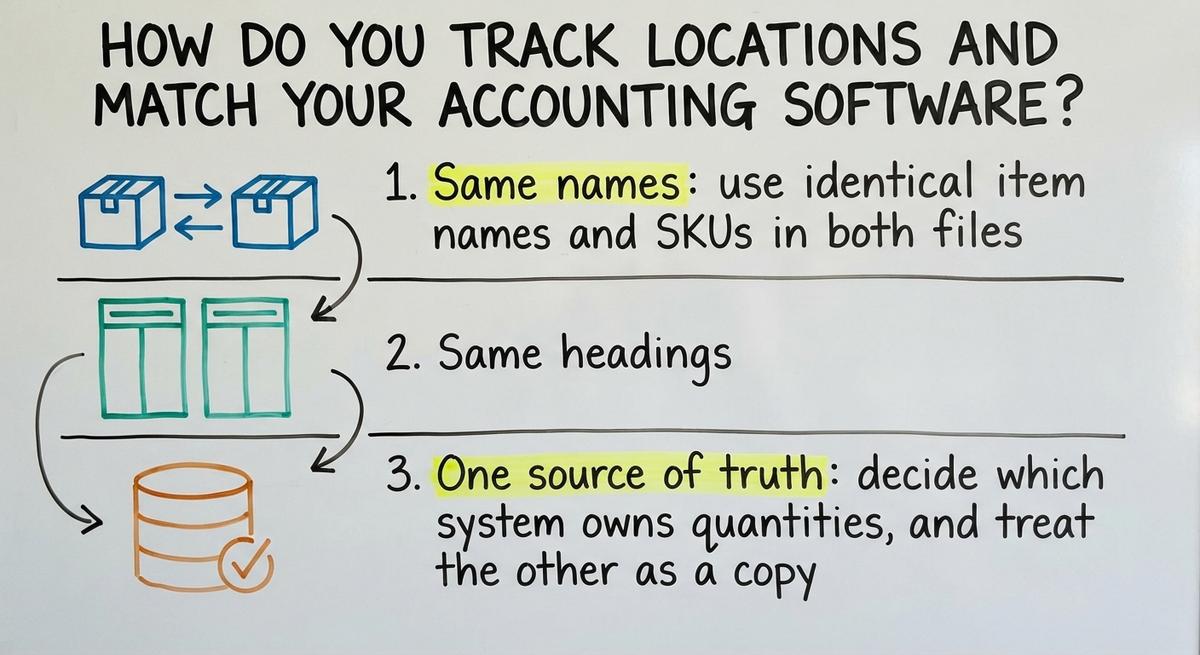
How Do You Track Locations and Match Your Accounting Software?
Multi-location tracking needs 1 extra column in your Excel inventory file.
Add Location to the movement log. Then use SUMIFS to total by SKU and place.
Add a conversion column for units too. If 1 case holds 12 each, store 12.
Spreadsheets start to strain here, since every extra place multiplies the rows.
How Do You Keep Spreadsheet Data Consistent With Your Accounting Software?
Consistent inventory data needs 3 habits:
- Same names: use identical item names and SKUs in both files.
- Same headings: export and import CSV files (plain comma-separated text) with matching column headings.
- One source of truth: decide which system owns quantities, and treat the other as a copy.
With accounting software inventory, most mismatches come from one skipped rule.
How Do You Protect the File and Keep It Current?
A protected inventory file is one with locked formulas, dated backups and one owner.
Protect each sheet and leave only entry cells open. Save a dated copy every week.
Keep one shared file in one place. Never email copies back and forth.
Common mistakes are overwritten counts, merged cells, duplicate SKUs and typed-over formulas.
How Often Should You Update an Excel Inventory File?
Daily is the right pace for an Excel inventory file.
Log each move when you receive or ship. Count high-value and fast items more frequently.
Reconcile the file to the shelf on a set schedule.
Accurate counts help you ship on time, as the FTC mail order rule expects in June 2025.
NIST supply chain guidance covers process basics.
The comparison is easier when one option is built for you
Off-the-shelf means fitting your process to the software. We do it the other way round, and the first look costs nothing.
Book a callWhen Is Excel No Longer Enough for Inventory?
Excel is too small when the file costs more than it saves. Watch for these signs:
- Edit clashes: two people edit at once and versions drift apart.
- Slow file: the workbook takes a minute to open or save.
- Missed reorders: stock runs out before anyone sees the alert.
- Count gaps: totals disagree with your accounting software or the shelf.
- Re-keying: staff retype orders by hand into a second system.
Do the math. 2 people retyping 5 hours a week at $20 an hour costs $10,400 a year.
What Should You Ask Before You Switch Tools?
Five questions are enough to vet any inventory management provider:
- Does the tool fit the way your team works today?
- Can it keep your accounting software and replace only manual work?
- What does staff training involve, and how long does it take?
- How does data import work from your current Excel file?
- What does it cost, start to finish, for your first year?
Warehouse inventory management software or custom inventory management software both pass if the answers are clear.
Where Can You Compare Inventory Tools?
Shopify's app store is one place to compare inventory management tools.
Shopify said in June 2025:
"Retailers can evaluate these tools in the Shopify App Store, which includes an inventory category and more than 16,000 apps."
One app reviewer wrote in June 2025:
"So far this has been a great add to our inventory management."
Quick Checklist: Your Excel Inventory Format
Your checklist is 5 lines long. Copy it as your Excel setup list:
- Three sheets: Items, Transactions and Lists, each with one clear job.
- One row per SKU, one header row and no merged cells.
- A movement log with signed quantities for every receipt and shipment.
- SUMIF for on hand and conditional formatting for reorder alerts.
- Drop-downs, locked formulas and dated backups to protect the data.
Build it this week. Test it for 30 days.
Then review what breaks.
Frequently asked questions
What is the best layout for an inventory spreadsheet?
Use three tabs. Items lists one row per SKU. Transactions logs every move in or out. Lists holds drop-down choices. Keep one header row and no merged cells.
How do I find stock on hand without typing counts?
Log each receipt as a positive number and each shipment as a negative one. Then SUMIF adds all rows for a SKU. The total is your current stock.
Can Excel track more than one warehouse?
Yes, for a small setup. Add a Location column to the log and total with SUMIFS. Past a few sites, errors multiply and a dedicated system fits better.
How do I avoid mismatches with my accounting software?
Match SKUs and item names exactly. Move data by CSV with the same headings. Then name one system as the owner of quantities and update the other from it.
How often should I count stock?
Log moves daily. Count fast and costly items more often than slow ones. Compare the file to the shelf on a fixed schedule and fix any gap in the log.
Start with a free first look
A 30 minute call, your operation mapped, and a clear picture of what we would build. No obligation and nothing to install.
Book a callRelated guides
More on the same work.
Guides
- Inventory Format in Excel
- Excel Stock Management Template
- Inventory Control with Excel
- Excel Inventory Spreadsheet Templates
- Inventory Tracker Excel
- Excel Template for Inventory Control
- Excel Spreadsheet for Inventory
- Excel Sheet Template for Inventory
- Ms Excel Inventory Template
- Excel Inventory Template
- SKU Formats
- Excel Barcode
- Warehouse Inventory Management Software
- Warehouse Inventory Management Systems
- Quickbooks Inventory Management Software
- Inventory and Warehouse Management Software
- Custom Inventory Management Software
- Warehouse Inventory Management System
- Retail Inventory Management
- Multi Location Inventory Management Software