

Barcoding and Inventory Software
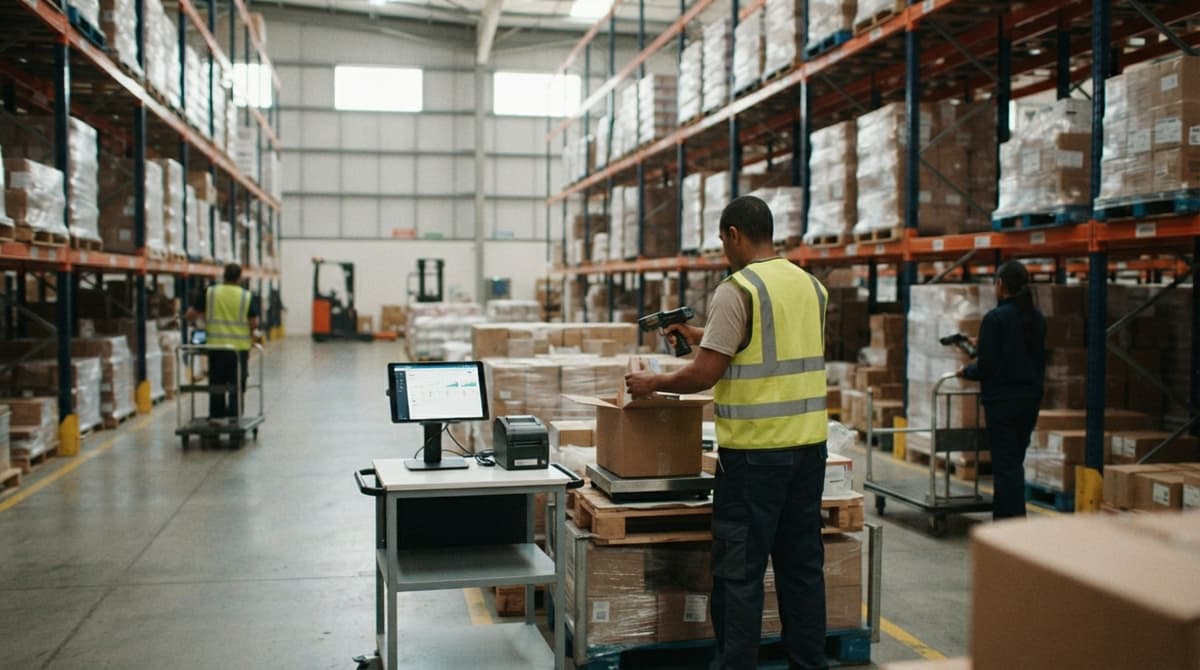
Barcoding and inventory software labels each item and shelf with a code. Your team has 5 to 100 people. A scanner reads the code. The software then updates your stock counts on its own. Staff stop typing and stop filling out paper sheets.
You run on accounting software, spreadsheets, and paper today. Reviewed November 2026.
You do not need a big ERP (a full system that runs every part of a company). You can add scanning one step at a time. You keep your accounting software for the books. You replace only the manual parts.
Book a callWhat Is Barcoding and Inventory Software?
Barcoding and inventory software is a barcode inventory system that records every scan. Barcodes label items and bins, so each physical thing has a code the system can read. Scanning replaces typing, which removes the slow, error-prone work of keying in names and numbers by hand. Each scan changes the count, so your stock counts stay current without anyone adding them up. The result is a running record of what you have and where it is.
We build it for your operation, and the first look is free
If you would rather not compare products, describe how your operation already works and we build the system around it.
No build cost. You see it running on your own process first, and the monthly subscription starts only once it is live.
Book a callHow Does Barcode Inventory Tracking Work?
The loop has 4 parts: label, scan, record, report. GS1, the standards body behind retail codes, calls its system "the most widely used supply chain standards system in the world".
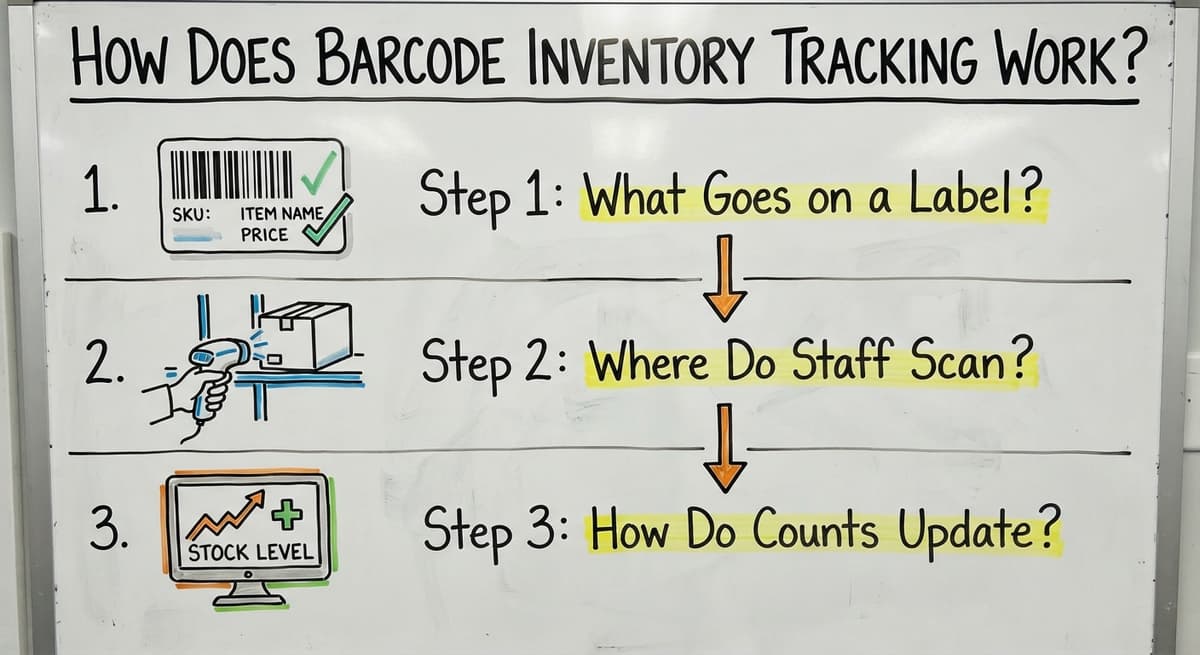
Step 1: What Goes on a Label?
Every item, shelf, and bin gets a code. The code tells the system what the thing is and where it sits, so a single scan can answer both questions. A SKU (stock keeping unit, your own ID for one product) is the usual item code. Shelf and bin codes work the same way, but they name a location instead of a product. Good SKU labels make every later step faster, because counting, picking, and restocking all start from a clear, readable code.
Step 2: Where Do Staff Scan?
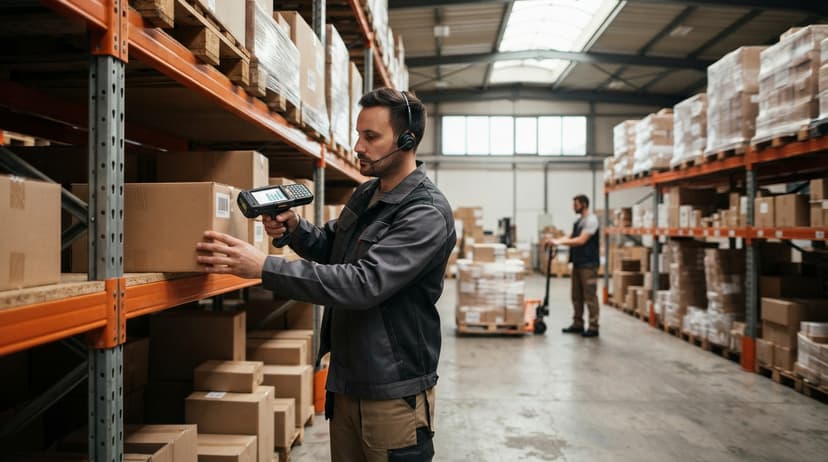
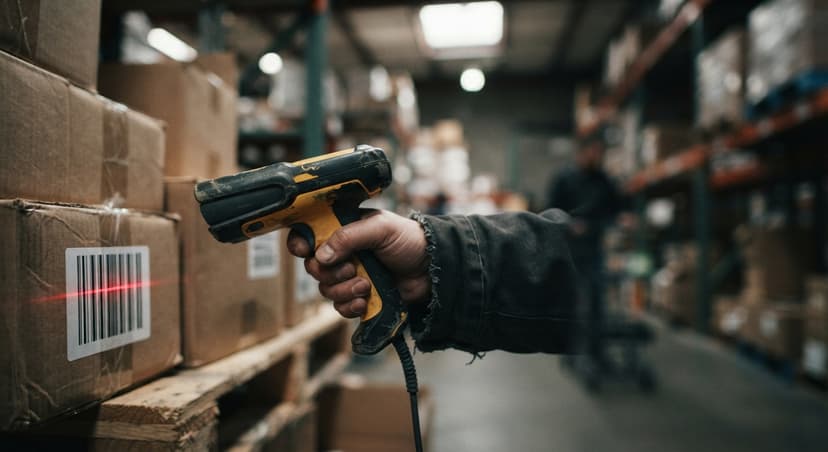
Staff scan at each move. Handheld units or phones with a scan app both work.
- Receiving: scan the item in when the truck arrives.
- Put-away: scan the bin so the system knows where it went.
- Picking, packing, and shipping: scan each to confirm the order.
One scan takes about 1 second. Writing the same data by hand takes far longer. That gain is the heart of warehouse barcode scanning.
Step 3: How Do Counts Update?
Quantities change the moment a scan happens. When an item is received, sold, or moved, the scan adjusts the count right away instead of waiting for someone to update a sheet later. Sales and floor staff see the same numbers, so nobody is working from stale information. You get fewer surprise stockouts. A shared count ends the "which sheet is right" argument.
Why Do Spreadsheets and Paper Sheets Break Down?
Paper and Excel fail in 3 ways. People mistype. Sheets get lost. Counts are old by the time someone reads them. Owners who run accounting software plus a spreadsheet app and a desktop database often hold 3 copies of one number, and the copies disagree.
Try this math. 2 people lose 5 hours a week to hunting and retyping. At $20 an hour, that is 2 x 5 x 52 x $20, or $10,400 a year. Use your own numbers.
A single scanned record costs less than 3 disagreeing sheets.
Not sure this is the right shape for your operation
Describe how the work runs today. We map it on a call and show you what it would look like built around that, before you spend anything.
Book a callWhat Problems Does Barcoding Solve?
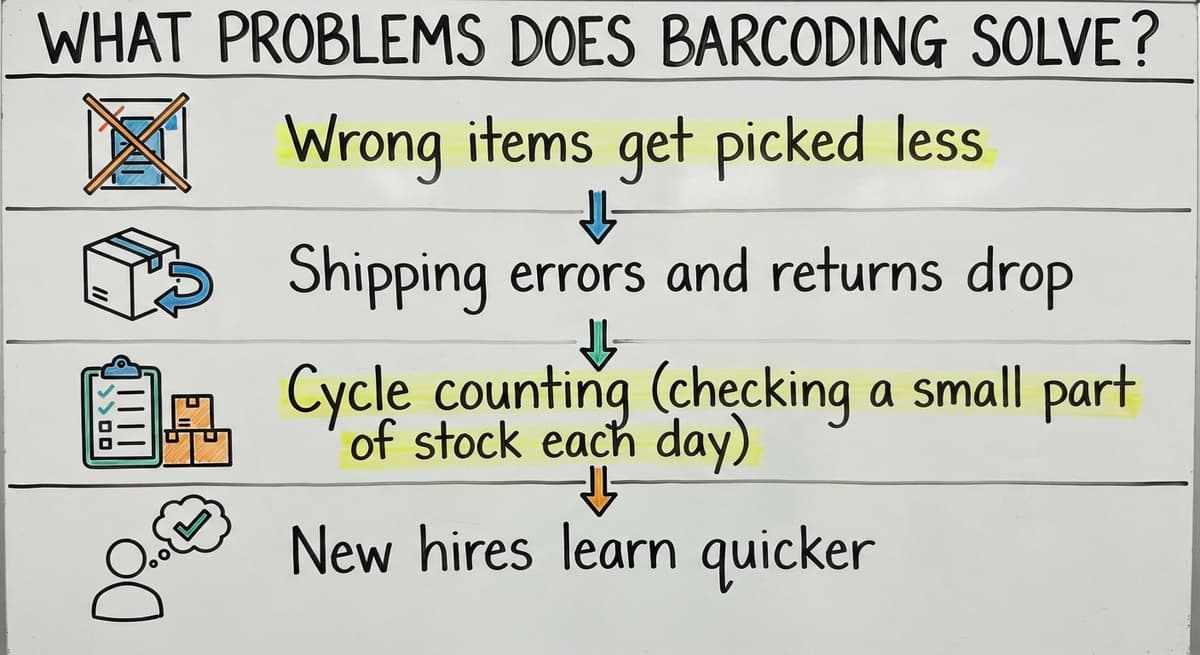
Barcoding fixes the errors that start on the floor.
- Wrong items get picked less, because the scanner rejects a bad match.
- Shipping errors and returns drop, since the order is checked before it leaves.
- Cycle counting (checking a small part of stock each day instead of all of it) runs fast.
- New hires learn quicker, because the scanner tells them what to do.
Fewer floor errors mean fewer angry calls from customers.
What Can You Track With Barcodes?
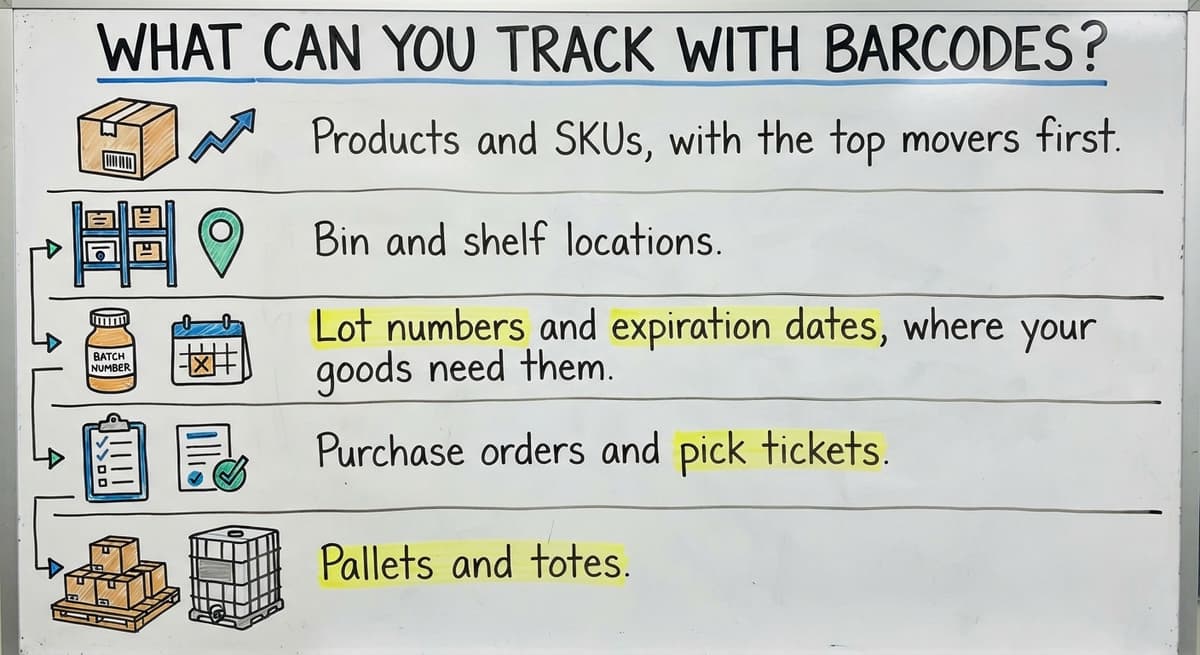
You can track more than products. Start with what moves most, then add the rest.
- Products and SKUs, with the top movers first.
- Bin and shelf locations.
- Lot numbers and expiration dates, where your goods need them.
- Buy orders and pick tickets.
- Pallets and totes.
Scan your top-moving items first, because they cause the most errors.
What Are the Barcode Types?
What Is the Difference Between 1D and 2D Barcodes?
A 1D barcode is a row of lines. A 2D barcode is a square pattern, such as a QR code, that holds more data in the same space. UPC is the 1D code on retail items. Code 128 suits your own internal labels. Most scanners read 1D codes easily, while 2D codes may need an imaging scanner or a phone camera. Pick the simplest type that fits the job.
The comparison is easier when one option is built for you
Off-the-shelf means fitting your process to the software. We do it the other way round, and the first look costs nothing.
Book a call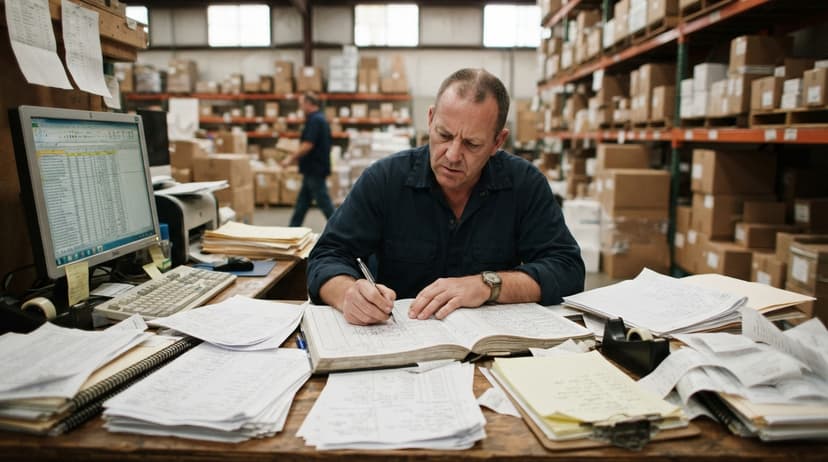
What Hardware Do You Need?
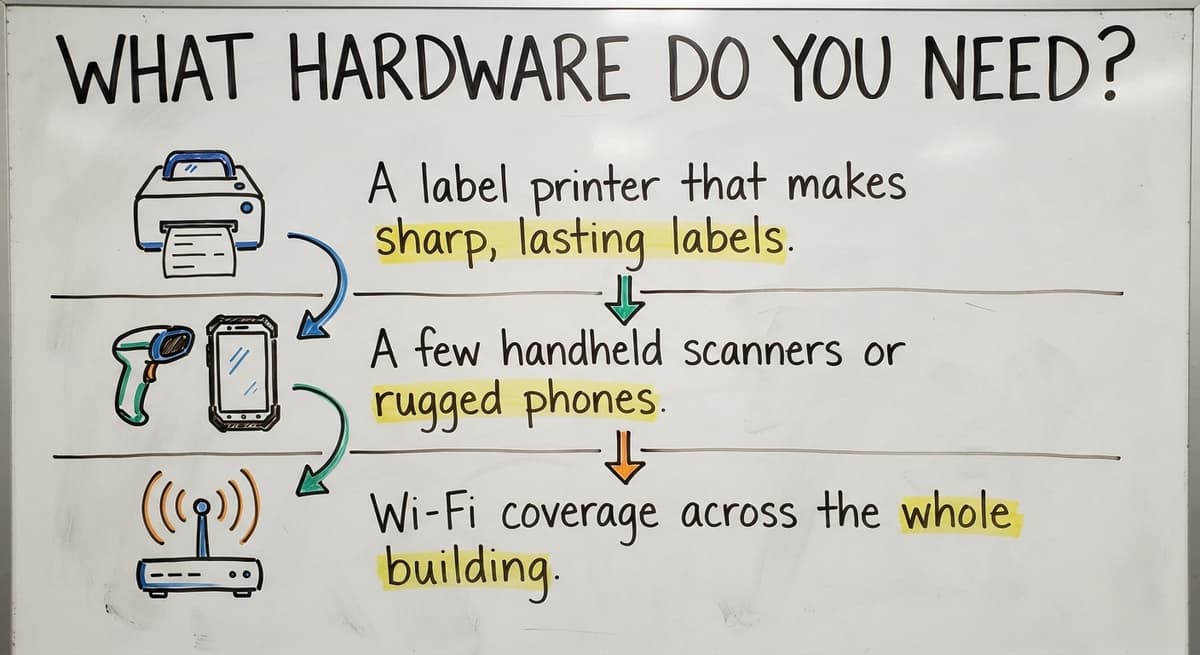
You need 3 things to start.
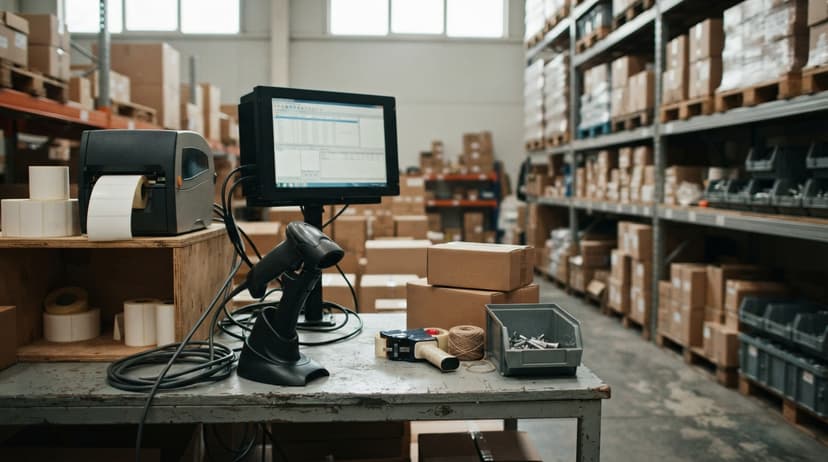
- A label printer that makes sharp, lasting labels.
- A few handheld scanners or rugged phones. A barcode scanner can be a phone you already own.
- Wi-Fi coverage across the whole building, including the back corners.
Buy a few devices first. Add more after the test works.

What Features Should Inventory Software Have?
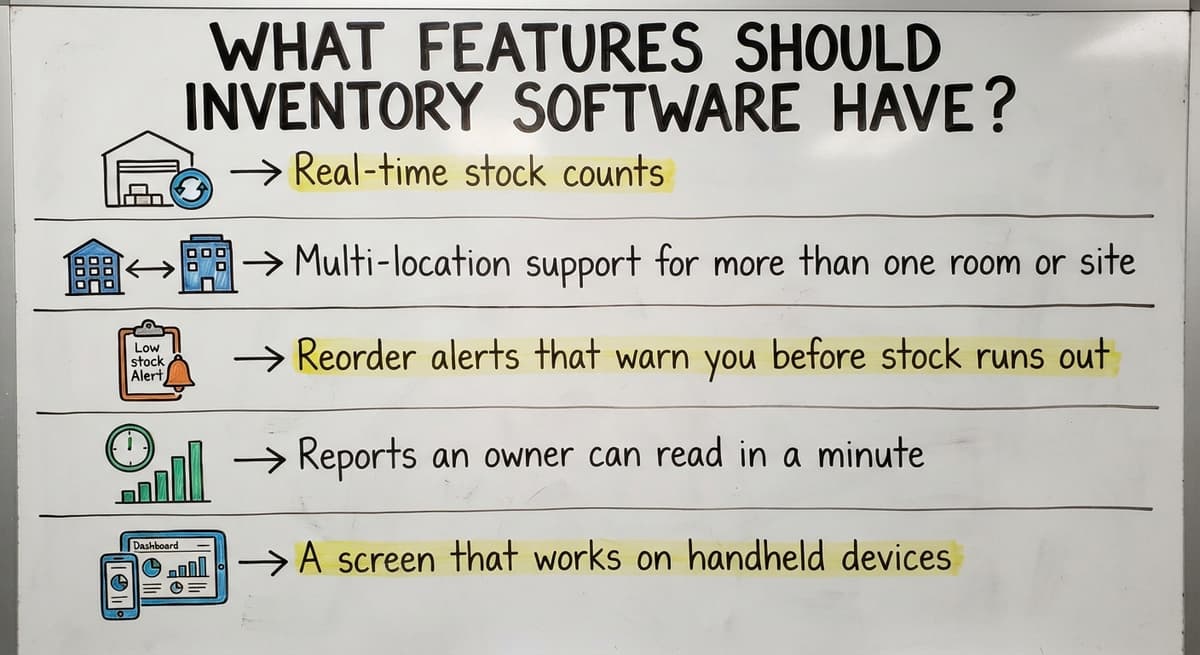
Inventory management software earns its keep with a short list of features.
- Real-time stock counts.
- Multi-location support for more than one room or site.
- Reorder alerts that warn you before stock runs out.
- Reports an owner can read in a minute.
- A screen that works on handheld devices.
If a tool lacks the last one, your floor staff will not use it.
Can Barcoding Software Work With Accounting Software?
Yes. Your accounting software's inventory data can stay where it is. Your accounting software keeps the accounting. The floor software handles scans and passes totals over. You avoid a big move of your books.
Custom software can keep your accounting software where it helps and replace the manual parts around it. IRS Publication 538 says "To figure taxable income, you must value your inventory at the beginning and end of each tax year." A clean count makes that job easier.
Which Is Better: Off-the-Shelf or Custom Software?
Off-the-shelf software is fast to start. It can force you to change how you work. Custom inventory software is built around your process as it is today.
Weigh 3 questions:
- Do you have odd workflows that a stock tool cannot handle?
- Do you need special reports?
- Do you have tools you want to keep?
If you answer yes to any, custom wins.
Do You Need a Big ERP?
Most operations with 5 to 100 people do not. An ERP (enterprise resource planning system) is a large suite that tries to run every part of a business. Smaller tools cover the manual parts, such as counting stock and tracking locations. Long rollouts drain time and cash before anyone sees a benefit. Scope small first, prove it works, then add more.
What Does Barcoding Change Day to Day?
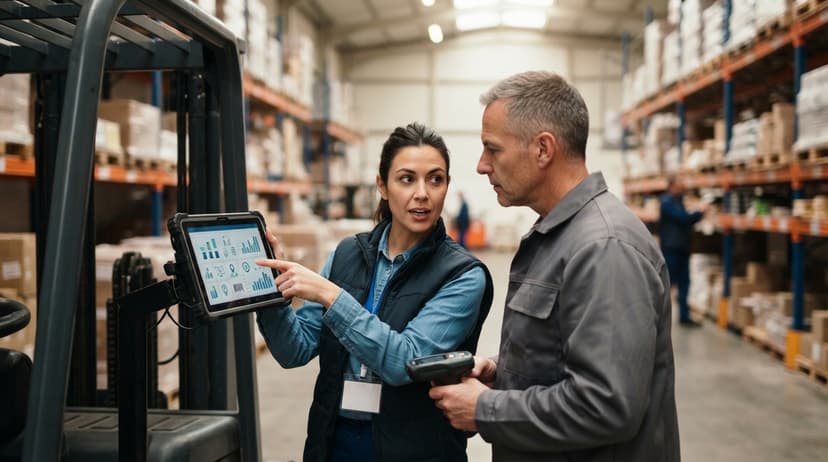
Barcoding changes 3 daily jobs on the floor.
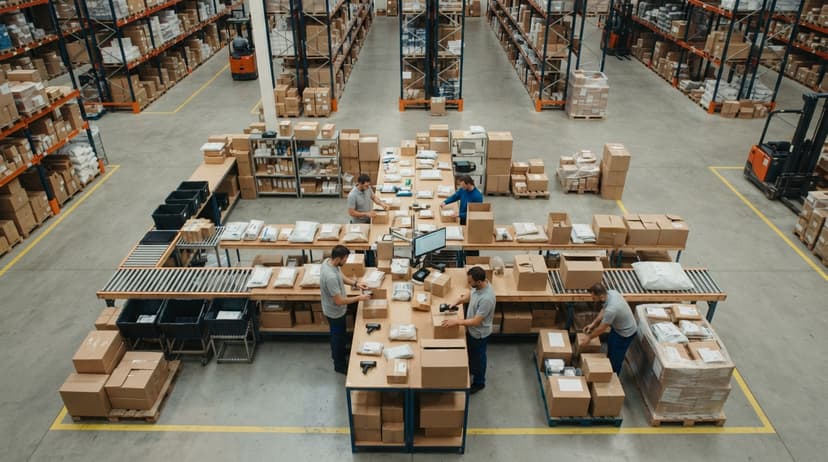
- Receiving a truck: staff scan each carton in, and the count matches the buy order or flags a gap.
- Picking an order: the picker scans each item to confirm it.
- Cycle counts: staff count one aisle while the rest keep shipping.
The floor keeps moving while the numbers stay right.
See it running on your own process first
No build cost. The subscription starts once it is live and doing the job, not before.
Book a callHow Do You Start Small?
Start with one pain point, such as receiving or picking. Label your top movers. Test with one shift or one zone. Grow once it works. A small test shows problems while they are still cheap to fix.
What Is a Simple Rollout Plan?
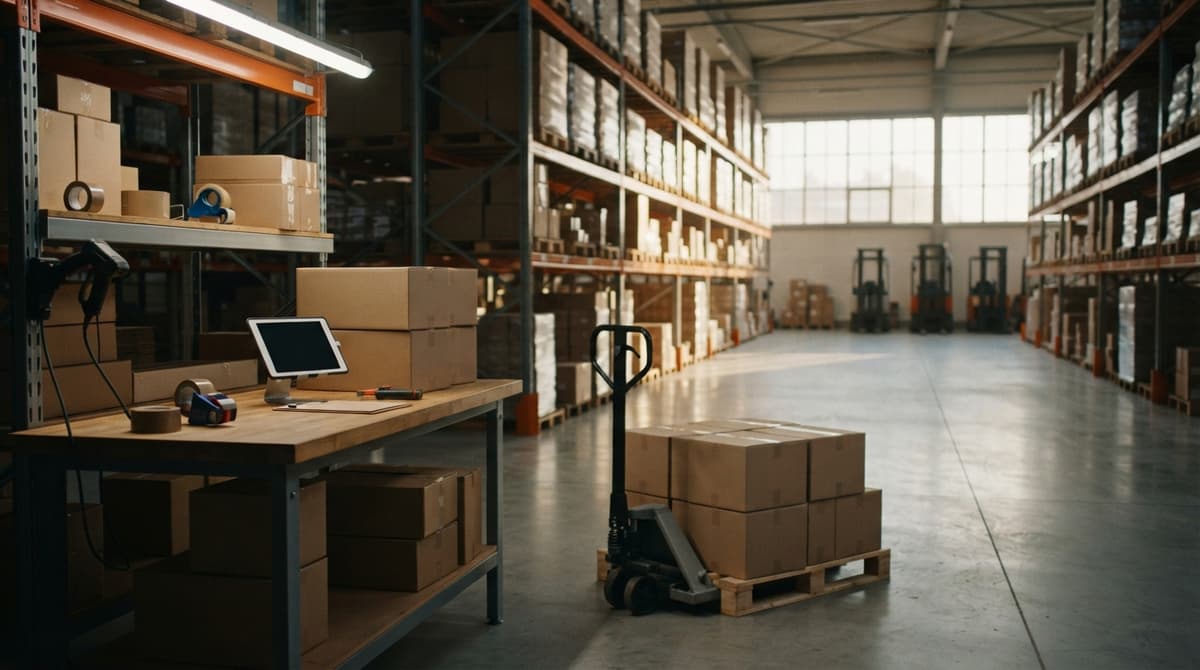
A simple rollout plan is a short, ordered set of steps for moving from manual counts to scanning. Following the order matters because each step prepares the next, and it keeps the project small enough to finish.
- Map how work flows today.
- Clean up the item list.
- Label and test.
- Train staff.
- Review the results.
How Do You Clean Up Item Data First?
Bad data makes bad scans, so fix your item list before you print a single label. Pull item lists from spreadsheets, a desktop database, and your accounting software into one file. Then compare them side by side and work through these checks:
- Remove duplicate SKUs.
- Use one naming rule.
- Confirm units of measure, such as each, case, or pallet.
How Do You Train Your Team?
Keep sessions short and hands-on, so people practice scanning on real items instead of only listening. Give each person a one-page cheat sheet they can keep at their station. Pick a floor lead to coach others and answer questions as they come up. Expect a short adjustment period while habits change. A trusted coworker teaches faster than a manual.
What Mistakes Should You Avoid?
Four mistakes cause most failed rollouts.
- Labeling everything at once.
- Printing labels that will not scan.
- Skipping staff input.
- Letting accounting drift out of sync.
Avoid all 4, and a small test stays small.
How Do You Know If You Are Ready?
You are ready when manual work hurts. Watch for frequent miscounts, time lost searching for stock, and customers receiving wrong orders. The FTC expects you to ship when you said you would, and an accurate count protects that promise. Growing past paper and Excel is the clearest sign.
How Do You Measure Results?
Measure 3 numbers before you start and again after. Use your own figures, not a guess.
- Count accuracy: how often the shelf matches the system.
- Order error rate: wrong orders per 100 shipped.
- Time to receive and pick: minutes per truck or per order.
A better trend in all 3 proves the system works.

Next Steps for Your Warehouse
Start small, keep your accounting software, and fit the software to your process. The Software Society is a Columbus, Ohio team that builds software, websites, and search presence. We can talk through the manual steps that slow your floor. Bring one pain point, and we will help you scope a first test.
Frequently asked questions
What does inventory tracking software cost?
Cost depends on scope. The number of devices, locations, and custom parts all change it. A small test costs less than a full rollout. Ask for a scoped plan before you commit to any price.
Can phones be used as barcode scanners?
Yes. A phone with a scan app reads most common codes. Rugged devices last longer on a busy floor. Many teams start with phones and add rugged units later.
Does barcode inventory software replace accounting software?
No. Your accounting software stays for accounting. The inventory software handles floor work like receiving, picking, and counts. It then passes totals to your accounting software, so you avoid a big move of your books.
How long does setup take?
Setup time depends on scope. One zone with a clean item list moves fast. Many locations, messy data, and custom reports take longer. A small first test gives you a real time estimate.
What should I scan first?
Scan your top-moving items first. They cause the most errors and give the fastest payoff. Add bins and shelves next. Then add lots, pallets, and totes once the first group scans cleanly.
Do I need an ERP to use barcodes?
No. Most operations with 5 to 100 people do not need one. A smaller tool can cover receiving, picking, and counts. Scope small first, prove it works, then add more.
Start with a free first look
A 30 minute call, your operation mapped, and a clear picture of what we would build. No obligation and nothing to install.
Book a callRelated guides
More on the same work.
Guides
- Best Inventory Software
- Multi Location Inventory Management Software
- HVAC Inventory Management Software
- Inventory Management Software for Schools
- Inventory Management Software Costs
- Inventory Counting Software
- Top 5 Inventory Management Software
- Inventory Management Software List
- Cloud Stock Management Software
- Stock Software
- Barcode Scanner Inventory System
- Barcode System for Inventory Free
- Inventory Management Software Barcode Scanner
- Inventory Management Software with Barcode
- Free Inventory Management Software with Barcode Scanner
- Inventory Software Barcode
- Inventory Tracking Barcode
- Barcode Abbreviation
- Barcode Scan Machine
- Tracking Number Barcode