

What is the difference between putaway and picking?
Putaway is the step that moves goods into a recorded spot. Picking is the step that pulls goods out for an order. Both warehousing steps depend on accurate location labels.
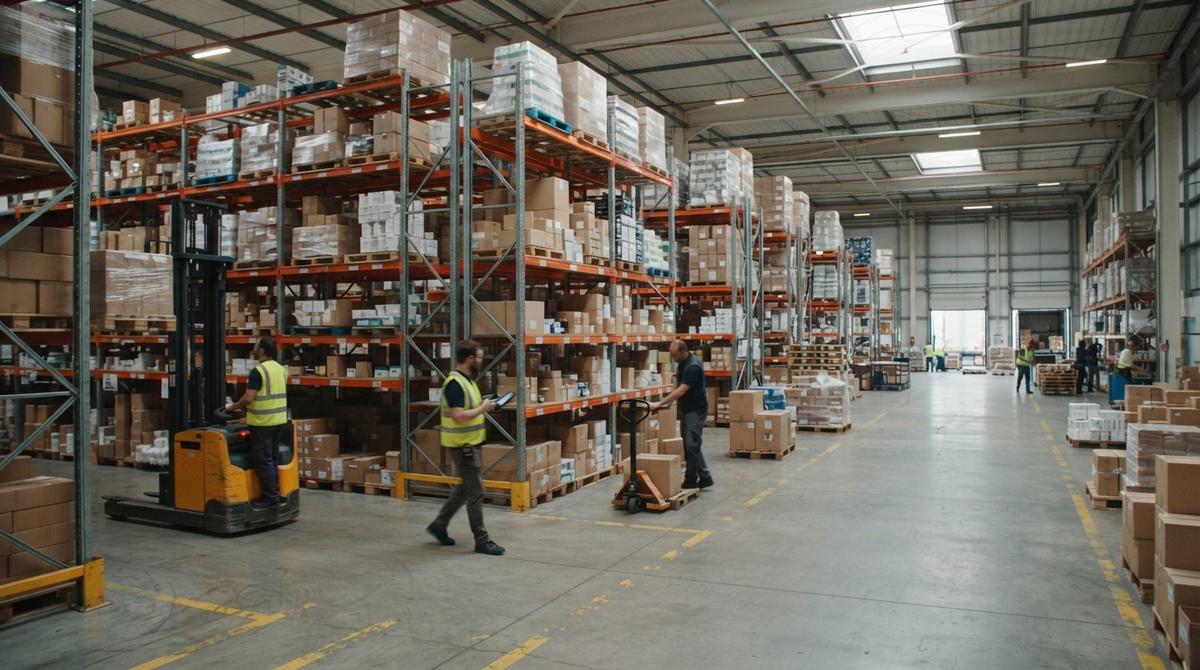
Warehousing processes are the steps that move goods through a building. The 8 main steps are receiving, putaway, storage, picking, packing, shipping, returns, and cycle counting.
Book a callWarehousing processes are the written, repeatable steps that move goods in, through, and out of a building. Every crew follows some steps. Many never write them down.
Reviewed November 2026.
A written step gives every person the same way to do the job. That matters more than the size of the building. A 5 person shop with clear steps beats a 50 person site that runs on memory.
It shows how to tighten each one with the tools you already own.
Clear steps, not floor space, set the quality of a warehouse.
If you would rather not compare products, describe how your operation already works and we build the system around it.
No build cost. You see it running on your own process first, and the monthly subscription starts only once it is live.
Book a call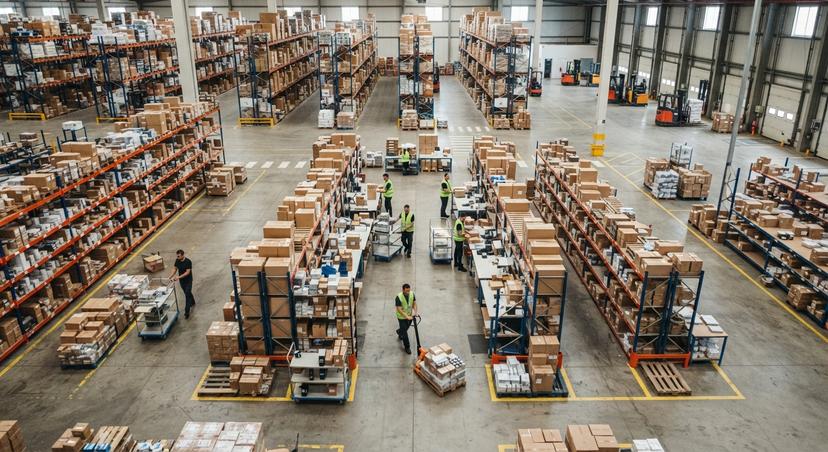
Guesswork is the biggest hidden cost in a small warehouse. Say 3 people spend 6 hours a week hunting for stock at $22 an hour. That adds up to $20,592 a year.
Clear warehousing steps cut errors, returns, and stock no one can find. New hires learn faster when the steps sit on paper.
The law adds a push. IRS Publication 538 says you "must value your inventory at the beginning and end of each tax year".
That value is only as good as your counts. Steady processes make good counts possible.
The main warehousing processes are 8 steps: receiving, putaway, storage, picking, packing, shipping, returns, and cycle counting. Each has one goal and one usual failure.
| Process | Goal | Common problem |
|---|---|---|
| Receiving | Log what arrived, right away | Counts from a paper slip, days later |
| Putaway | Move goods to a set spot | Items left on the dock floor |
| Storage | One findable home per item | Two homes for one item |
| Picking | Right item, right amount | Wrong item from a similar bin |
| Packing | Safe, correct, right-sized box | Oversized boxes and missing items |
| Shipping | Hand off with a record | No proof of pickup |
| Returns | Decide and record fast | Boxes piling in a corner |
| Cycle counting | Keep records true | Yearly count finds big gaps |
Every operation runs these steps, even if the work is informal. The only choice is whether you run them on purpose.
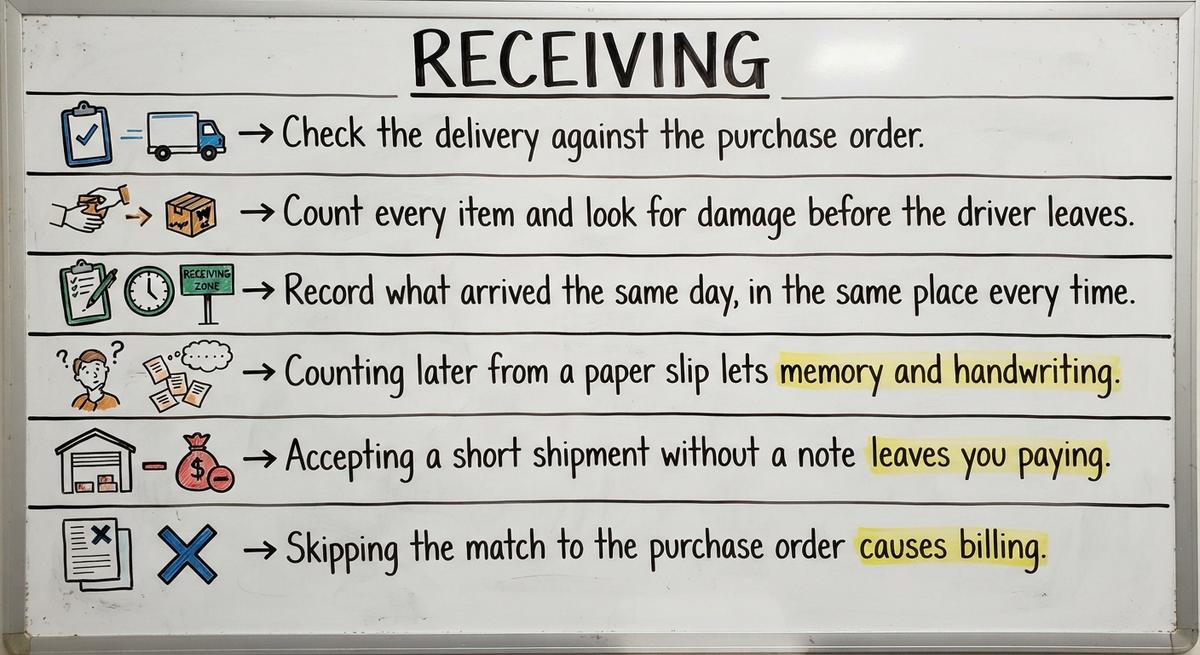
The receiving process is the first step where inventory data can go wrong. Of all warehousing processes, it sets the tone for the rest. A wrong count at the dock follows the item everywhere. Bad data at the door becomes a missing item at pick time. Fix the door first.
Receiving is the act of checking a delivery in and logging it. Strong warehousing teams follow the same 3 moves on every truck.
Note any short count or broken box on the driver's paperwork. That note is your proof in a claim. A photo of damage takes 10 seconds and settles most arguments.
Same-day entry keeps the shelf and the record in step.
Receiving mistakes are small habits that create large gaps. Three show up most in small warehouses.
Each one has a cheap cure. Count at the dock with the slip in hand. Write the shortage on the driver's copy. Match every delivery to its order before you sign. Good processes at the dock start with these habits.
A 2 minute check at the dock saves hours of dispute later.
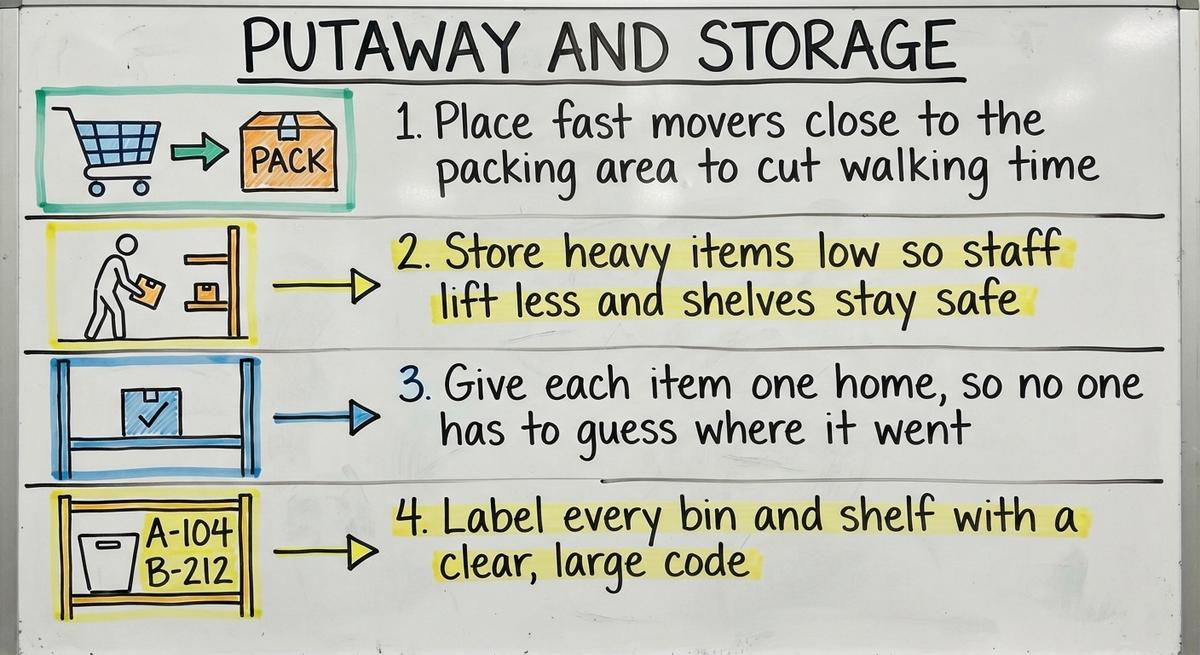
Putaway is the step where you move goods to a set location and record that location. Storage is where the goods then live. These warehousing processes depend on one rule: every item gets one findable home.
Use these basic layout rules:
A code can be as simple as aisle, shelf, and bin: A-2-4. Put the same code in your sheet or system.
Never leave goods on the dock floor overnight. A pallet with no recorded location is a lost pallet.
A clear home for each item turns a search into a walk.
Describe how the work runs today. We map it on a call and show you what it would look like built around that, before you spend anything.
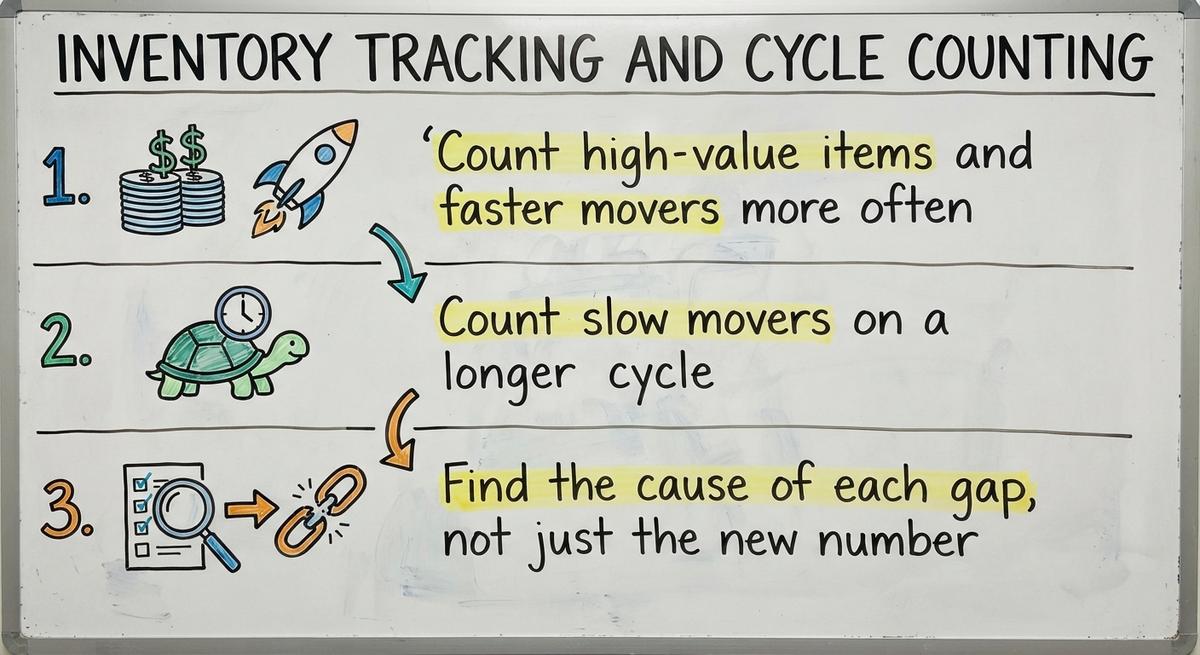
Book a callCycle counting is the habit of counting a small section of stock often, instead of shutting down once a year. Among warehousing processes, it is the one that keeps records honest. Count one aisle on Monday. Count another on Tuesday. The whole building gets counted in rotation, and work never stops.
Track inventory accuracy, the share of counts that match your records, as you go.
A gap has a cause. Maybe a bin has 2 labels. Maybe a returned item never got logged. Fix the cause and the gap stops returning.
The NIST Manufacturing Extension Partnership offers vendor-neutral guidance on supply chain and inventory process.
A count that only fixes the number teaches nothing.
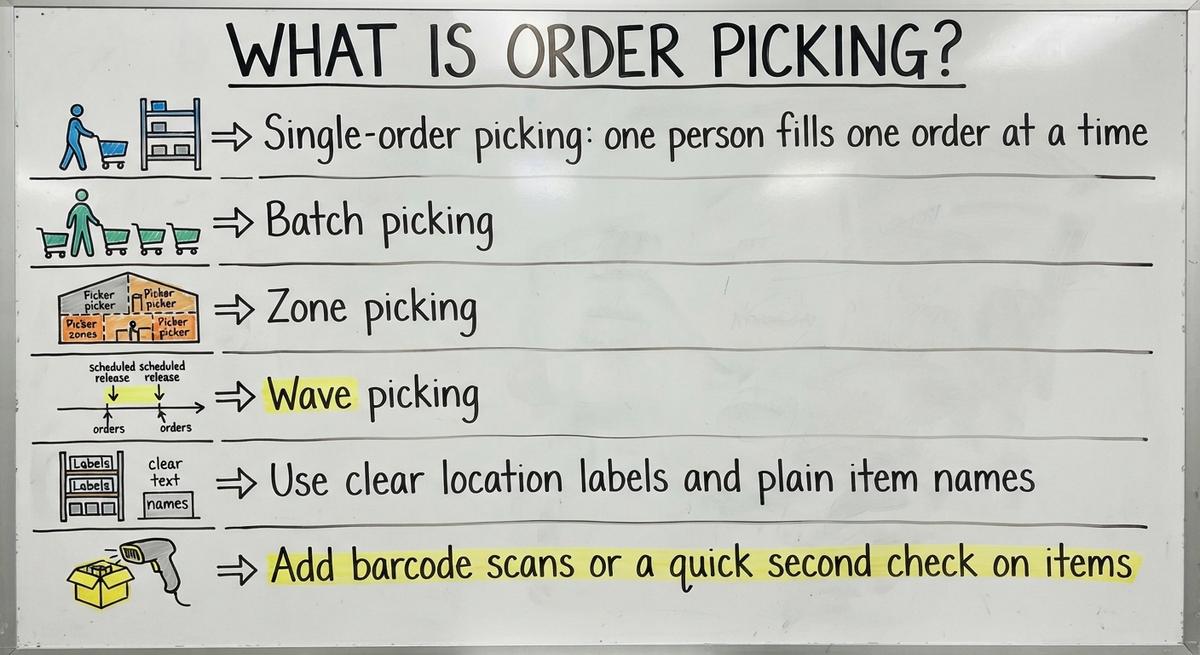
Order picking is the step where staff pull items from storage to fill a customer order. It is the most labor-heavy of all warehousing processes. The US Bureau of Labor Statistics tracks pay for these workers.
The aim is simple: the right item, the right amount, the shortest walk. Every extra step a picker takes is paid time that adds no value.
Putaway puts goods in. Picking takes goods out.
A picking method is the plan for how staff group and walk their orders. Four methods cover most small and mid-size warehousing floors.
A team of 3 should start with single-order or batch picking. A busier floor with several aisles fits zone or wave picking.
Sort pick lists by shelf location, not by the order they were entered. That one change cuts backtracking at no cost.
Match the method to your headcount, then sort every list by location.
Picking errors are wrong items or wrong counts sent to a customer. Most come from unclear labels and rushed work. Three steps in your warehousing processes lower them fast.
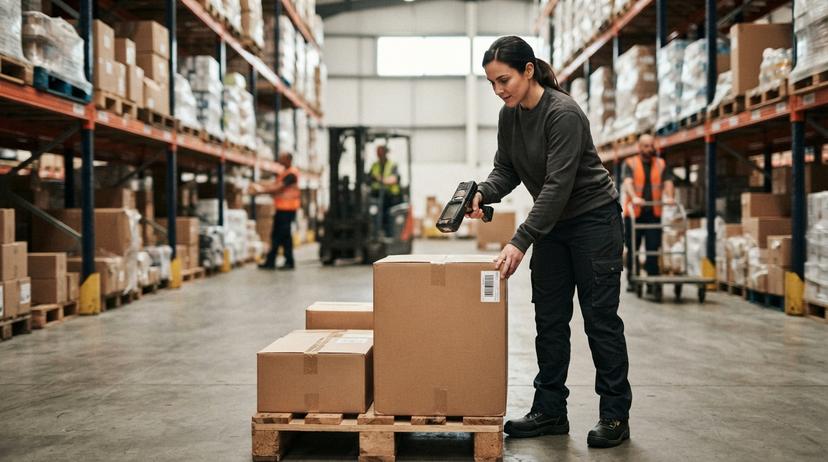
A scan checks the item in 1 second. A second pair of eyes takes about 10. Reserve the second check for the items with a bad record.
The log tells you where to act. Without it, you fix whatever feels loudest.
Track errors by item, and the worst offenders name themselves.
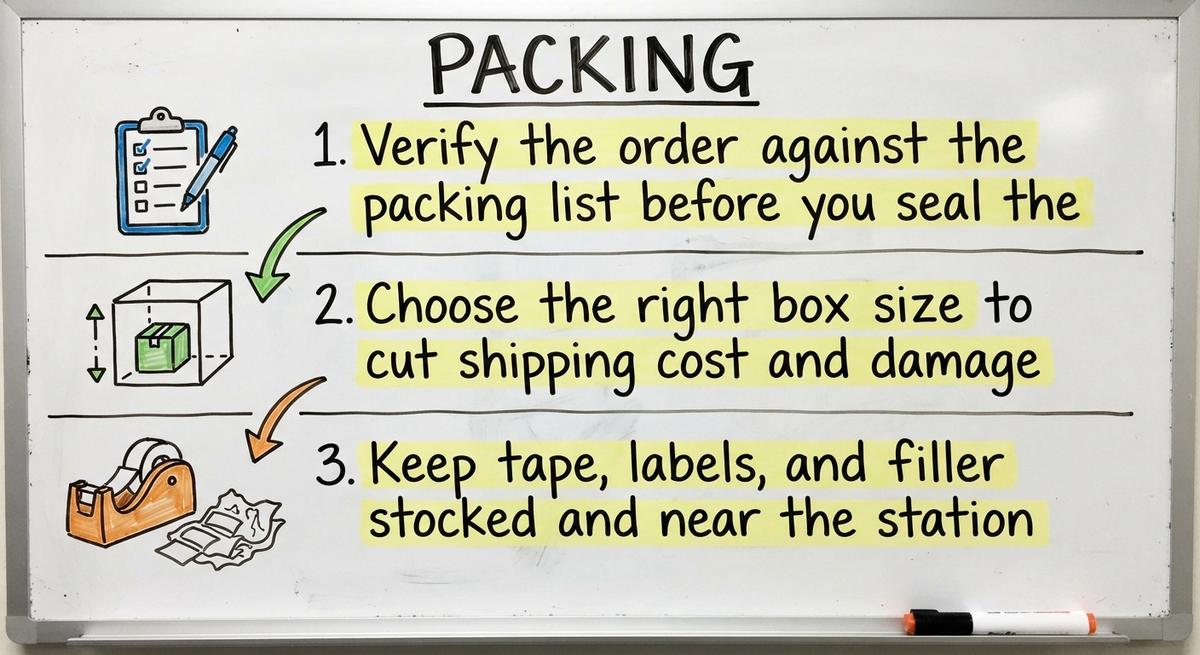
Packing is the step where a picked order gets checked, boxed, and sealed. In warehousing, three habits make it pay.
A box that is too large costs more to ship and lets items shift. A box that is too small crushes goods. Keep 3 or 4 standard sizes and train staff to pick among them.
A station with supplies in reach saves a walk on every order. Over 100 orders, that adds up.
The last check before the tape is the cheapest place to catch a mistake.
Off-the-shelf means fitting your process to the software. We do it the other way round, and the first look costs nothing.
Book a call
Shipping is the step where a packed order leaves your building and the carrier takes it. Strong shipping and dispatch in warehousing follow the same 3 moves each day.
A simple sign-off cuts lost-shipment disputes. The driver signs, you keep a copy, and the date and count sit on one page. When a customer says a box never left, you have proof it did.
A prompt tracking note also cuts the calls that ask, "Where is my order?"
A signed handoff ends an argument before it starts.

Returns handling is the set of steps that decide what happens to goods a customer sends back. Of all warehousing processes, it is the one most teams leave loose. Pick the outcome up front. Each return ends in one of 4 ways: restock, repair, scrap, or send back to the supplier.
Inspect and record every return on the day it arrives. Note the item, the reason, and the outcome. The reason data shows you which products or steps cause the problem.
A return that sits in a corner becomes lost inventory. The customer has a credit. Your records show a loss.
Give returns one bench and one bin. Clear the bench daily.
A return logged today is stock you can sell again tomorrow.
A process map is a one-page record of how an order moves from the dock to the door. You map warehousing processes by following one real order and writing down what happens. Use a pen and a clipboard. Skip the fancy software.
The third step finds the most. Pickers know which aisle jams. Packers know which label fails. Ask, then write down what you hear.
Each step gets a name, an owner, and a place where its data lives. Gaps show up as blank spaces.
The map shows the real warehouse workflow, not the one you think you run.

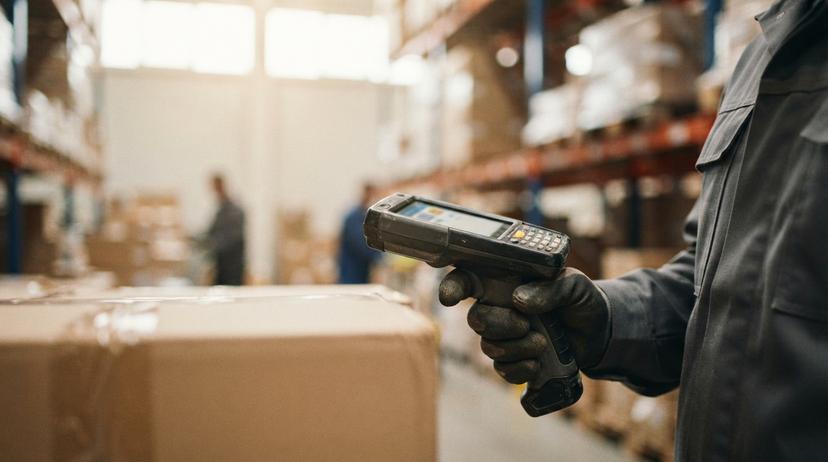
Four signs show that warehousing processes need work. Look for these on your own floor.
One sign is a nuisance. Three signs is a pattern. Count how many fit your shop.
The last sign is the riskiest. A process that lives in one head is a process that can walk out the door.
If 2 or more signs fit, map your steps before you change anything.
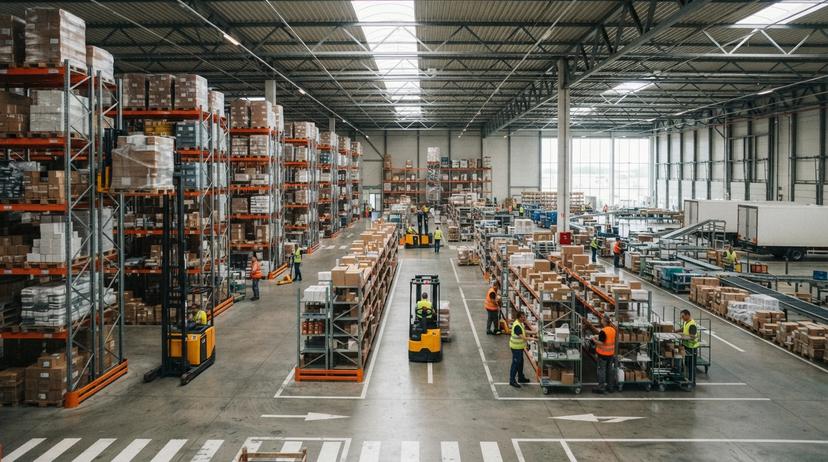
Spreadsheets and paper are the usual tools for small warehousing processes. They work well at low volume. Errors rise as orders grow. A tool that suits 10 orders a day often fails at 100.
Three strains show up first:
Keep what works. Use QuickBooks for what it does well, the money records. Then fix the manual handoffs around it, such as the retyping from a pick sheet to an invoice.
You rarely need to replace every tool. You need to close the gaps between them.
A spreadsheet fails at the handoff, not at the math.
No build cost. The subscription starts once it is live and doing the job, not before.
Book a callImproving warehousing processes is a one-step-at-a-time job. Start with the step that causes the most errors or delay. Your error log and your floor map show which step that is.
Change one thing at a time. If you change 3, you cannot tell which one worked.
Improve the process before you pick any software. A tool built on a messy process only makes the mess faster.
For outside advice, the NIST Manufacturing Extension Partnership offers supply chain guidance that favors no vendor.
One fixed step beats five half-fixed ones.
Warehousing process metrics are the few numbers that show whether your steps work. Start with these 5.

Pick a few and review them weekly. A number you check each Friday guides your work. A number in a report no one reads does not.
The US Census Bureau tracks wholesale inventories and sales each month. Use it to see how your stock levels compare with the wider trade.
A metric earns its place only when someone acts on it.
Warehouse software is a tool that supports your warehousing processes. It should follow how your operation already works. It should replace manual steps only, not everything at once.
Put these 3 questions to any provider:
Be wary of big rollouts. A plan that touches every step at once puts the whole floor at risk. Start with the most painful step, such as receiving or picking, and prove it works.
A tool that links to the accounting records you already keep saves more than one that replaces them.
Software supports steps that work. It cannot rescue steps that do not.
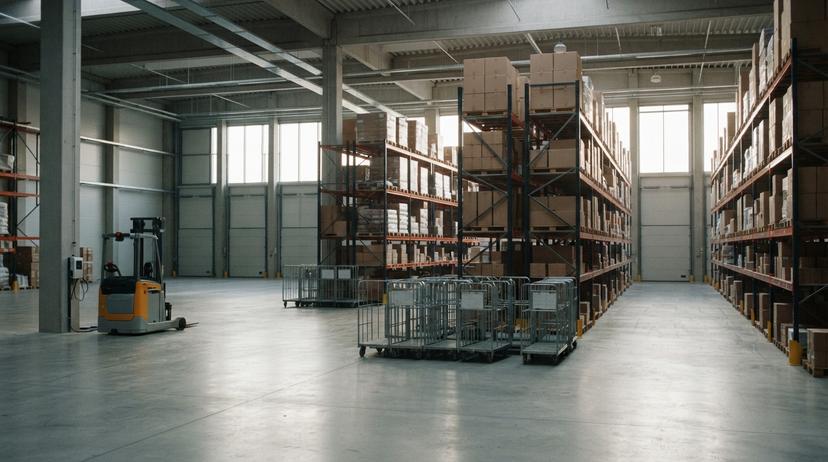
A warehousing processes checklist is a short list with one check for each step, from receiving to returns. Use this list as a start and adjust it to your floor.
Print it. Post it where staff work. Review it each quarter.
A short list that people use beats a long list that no one reads.
Five questions come up most often from small teams. Each answer is short.
Putaway is the step that moves goods into a recorded spot. Picking is the step that pulls goods out for an order. Both warehousing steps depend on accurate location labels.
Cycle counting is a routine of counting one small section of stock at a time. It finds gaps in weeks, not at year end. Your processes stay live while you count.
Single-order or batch picking suits a team of 3. Both need little setup. Zone and wave picking fit larger warehousing floors with several aisles.
The quickest way is to follow one real order from dock to door. Write each step, its owner, and where its data lives. One page is enough for most warehousing processes.
Yes. A written process is a step anyone can follow without asking. Even a 5 person shop gains from it. New hires learn faster and errors drop.
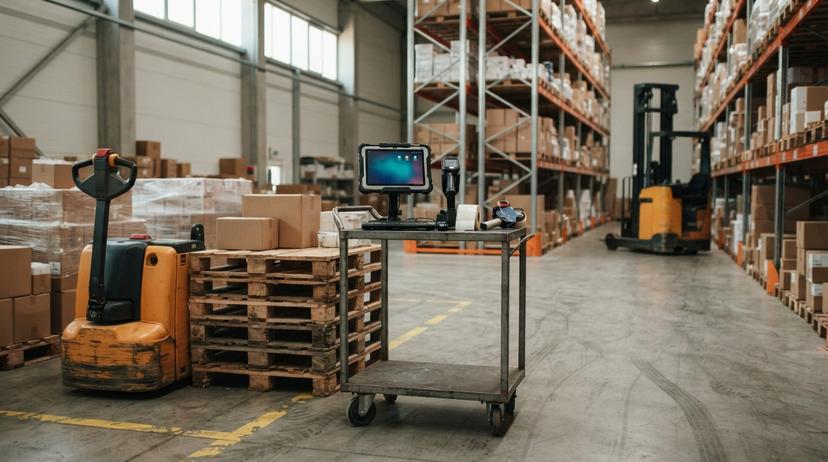
One step is enough to start improving warehousing processes. Pick the step that hurts most this week. Walk one order through it. Write down what you see, fix one thing, and measure the result. Repeat for the next step.
If you want a second set of eyes on your steps, ask any provider to review your current workflow before they show you a tool. A good partner starts with how you work today.
Putaway moves received goods into a set storage location and records it. Picking does the reverse. Staff pull items out of storage to fill a customer order. One feeds the shelf and the other empties it.
Cycle counting means counting a small part of your stock on a rolling schedule. It keeps records true all year. You avoid a full shutdown and catch errors while their cause is still fresh.
Single-order or batch picking suits a team of 2 to 5. Zone or wave picking fits larger floors with several aisles. Whatever you choose, sort pick lists by shelf location to cut walking.
Follow one real order from the dock to the shipping door with a clipboard. Write each step, the person who does it, and where its data lives. Then ask staff what slows them down.
Yes. A 5 person team still loses time to guesswork. One page per step lets a new hire work alone sooner and stops key knowledge from living in one head.
A spreadsheet falls short when two people edit it at once, when counts drift from the shelf, or when staff retype the same data twice. Those signs mean the handoffs need a fix.
Watch inventory accuracy, order accuracy, on-time shipping, dock-to-stock time, and return rate. Review a few weekly. Rising accuracy and falling returns show that the steps hold.
A 30 minute call, your operation mapped, and a clear picture of what we would build. No obligation and nothing to install.
Book a callMore on the same work.