


Barcode Effect
Explore the barcode effect and how it improves speed, accuracy, and visibility in warehouse operations using barcode scanning.
Published 29 July 2026. Reviewed and updated 15 September 2026.
Book a callWhat Does the Barcode Effect Mean?
The barcode effect refers to the measurable improvements in speed, accuracy, and visibility that occur when barcodes replace manual data entry in warehouse operations. It goes beyond just scanning a label; it transforms processes downstream, enhancing overall efficiency. This article is tailored for warehouse and distribution teams eager to understand the impact of barcoding on their operations.
Would you rather have it built around your operation?
The first look is free. If you would rather not compare products, describe how your operation already works and we build the system around it.
Reviewed September 2026. Each figure comes from the assumptions stated beside it, so you can substitute your own and the arithmetic still holds.
No build cost. You see it running on your own process first, and the monthly subscription starts only once it is live.
Book a callOrigin and Evolution of the Barcode Effect
The concept of the barcode effect originated from retail and grocery logistics research, where it was observed that error rates dramatically decreased following barcode adoption.
Over time, this term has expanded into warehouse management, fulfillment, and wholesale distribution settings. According to GS1, "barcodes reduce errors and increase efficiency across the supply chain."
How Does a Barcode Work in Inventory Systems?
When considering how a barcode works in an inventory system, the process is straightforward: the scanner reads the barcode, software matches it to a SKU, and the system updates the count.
In contrast, manual entry needs a person to read a label, type in numbers, and hope they entered them correctly. This scan-to-record loop minimizes errors and speeds up the entire process.
Core Changes from the Barcode Effect
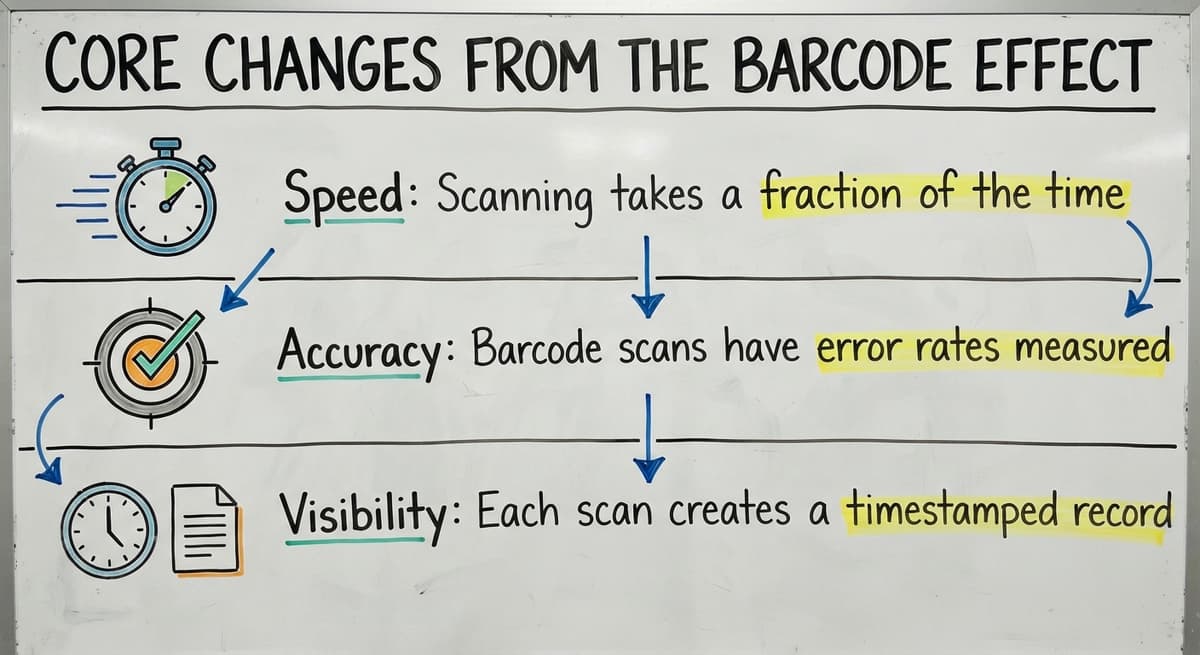
The barcode effect produces three core changes in warehouse operations:
- Speed: Scanning takes a fraction of the time needed for manual entry.
- Accuracy: Barcode scans have error rates measured in parts per million, compared to 1-in-30 for manual keying.
- Visibility: Each scan creates a timestamped record that feeds live inventory counts.
These changes collectively enhance working efficacy.
Why Does Accuracy Trump Speed in Barcode Scanning?
While speed is crucial, accuracy holds more value. A fast but incorrect count is costlier than a slow, accurate one.
Mis-picks, phantom stock, and overselling can all be traced back to data entry errors. For small distributors using an accounting package and spreadsheets, a single bad count can affect open orders significantly.
Is the comparison easier when one option is built for you?
Yes. Off-the-shelf means fitting your process to the software, and custom is the other way round. The first look costs nothing.
Book a callImpact of the Barcode Effect on Receiving and Picking
Receiving is a critical point where inventory errors originate. Scanning inbound items against buy orders catches discrepancies at the dock, not weeks later.
Similarly, the scan-to-pick process ensures the right item and quantity are picked, significantly reducing mis-picks without needing a second checker. Faster pick times also enable more orders per shift without increasing headcount.
Cycle Counts and Barcoding
Traditional cycle counts need shutting down a zone to count manually. With barcodes, workers scan each bin location, and the system instantly compares results to the expected count. This shift makes cycle counts a daily routine rather than a quarterly disruption, enhancing accuracy and efficiency.
Integrating Barcoding with the accounting software: Is it Possible?
Many small distributors use a standard accounting package for invoicing and basic inventory management.
The barcode effect enhances these operations without replacing the accounting software by bridging the gap between the warehouse floor and the books. Scans update inventory records, syncing directly to the accounting software, thus avoiding double entry.

Common Barriers to the Barcode Effect
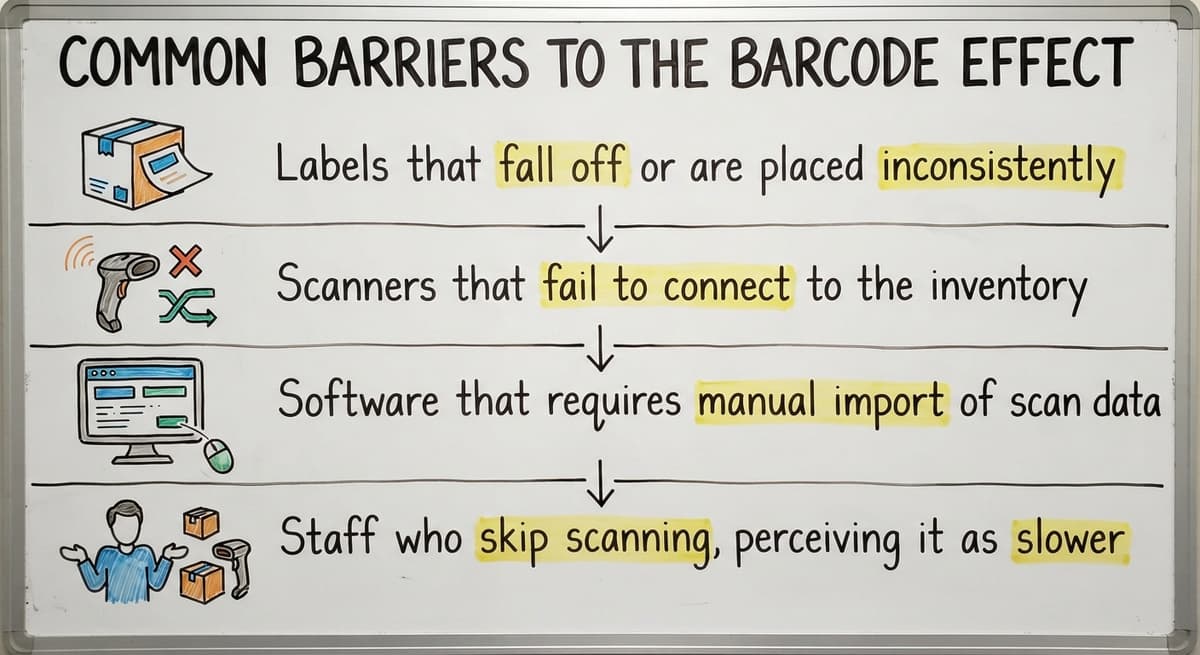
Several factors can reduce the barcode effect:
- Labels that fall off or are placed inconsistently
- Scanners that fail to connect to the inventory system in real-time
- Software that needs manual import of scan data rather than live sync
- Staff who skip scanning, perceiving it as slower at first
Addressing these issues is crucial for maximizing the barcode effect.
What does it look like running on your own process?
The first thing you see is it running on your own process, at no build cost. The subscription starts once it is live and doing the job, not before.
Book a callChoosing Between 1D and 2D Barcodes
In warehouse use, 1D barcodes (like Code 128 and UPC) store a single string of numbers, suitable for most SKU tracking. 2D barcodes (such as QR and Data Matrix) store more data, encoding lot numbers, expiry dates, or serial numbers in one scan.
For most small distributors, 1D is enough, while 2D adds value when lot or serial tracking is necessary.
Scaling the Barcode Effect with Team Size
The accuracy gain from barcoding is immediate, even with one scanner and one user.
Speed gains compound as the team grows, with each person scanning independently rather than waiting for one person to update a shared spreadsheet. This is particularly relevant for operations with 5 to 100 staff.
Measuring the Barcode Effect
To measure the barcode effect in your operation, track these metrics:
- Pick error rate before and after: Measure mis-picks per 100 orders.
- Receiving discrepancy rate: Count how often a received quantity differs from the PO.
- Inventory variance at cycle count: Compare expected versus actual on a rolling basis.
These metrics will indicate whether the barcode effect is successful in your operation.

What Role Does Software Play in Each Scan?
Good inventory software should:
- Timestamp each scan and tie it to a user
- Update on-hand quantity in real-time
- Flag exceptions like quantity over PO or unrecognized barcodes
- Provide reports without manual data export
These features ensure efficient and accurate inventory management.
Achieving the Barcode Effect Without an ERP
Distributors can achieve the barcode effect without a big ERP system. Instead, they can adopt a system tailored to their existing workflow.
The key is connecting the scanner to software that understands your operation, providing the same accuracy and speed gains without the high costs associated with ERP rollouts.
Not sure this is the right shape for your operation?
The call is free. Describe how the work runs today. We map it on a call and show you what it would look like built around that, before you spend anything.
Book a callEncouraging Consistent Scanning Among Staff
The barcode effect only works if every item is scanned every time. To achieve this, make scanning the easiest option by placing scanners at each workstation. Short training sessions and visible error reports help staff understand the importance of scanning.
Labeling Standards to Protect the Barcode Effect
Consistent label placement on each product type reduces scan failures. Label size and print quality affect scan speed; smudged or wrinkled labels create delays. A simple labeling policy, written and posted at receiving, is enough for most small operations.

Signs That Your Operation is Ready for Barcoding
You might be ready for barcoding if:
- You're correcting inventory counts more than once a week.
- Mis-picks are causing customer complaints or re-ships.
- Your team spends time reconciling the accounting software with actual shelf inventory.
- You've outgrown spreadsheets but aren't ready for a full ERP.
Recognizing these signs can prompt you to consider implementing a barcoding system.
Next Steps to Capture the Barcode Effect
To capture the barcode effect in your warehouse:
- Audit your current receiving and picking processes to identify error points.
- Choose a barcode format that matches your product types.
- Connect scanning to software that syncs with the accounting software instead of replacing it.
- Start with one workflow, measure the error rate, then expand.
Consider reaching out to a local team that builds custom inventory software around existing operations.
Frequently asked questions
What does "barcode" mean in slang?
In slang, "barcode" can refer to a hairstyle where closely spaced lines resemble the bars of a barcode. It is sometimes used humorously to describe the look of certain haircuts.
Why were barcodes controversial?
Barcodes were controversial due to concerns about privacy and job loss. Some feared widespread barcode use would lead to increased surveillance and reduced employment in manual data entry roles.
What does a barcode symbolize?
A barcode symbolizes efficiency and accuracy in data management. It represents the automating of tracking and inventory processes, reducing human error.
How can I create a barcode image?
To create a barcode image, use an online barcode generator. Input the data you want encoded, and the tool will produce a barcode image you can download and print.
How does barcode scanning improve inventory accuracy?
Barcode scanning improves inventory accuracy by reducing human errors in data entry. Each scan precisely records product details, ensuring accurate inventory counts.
Can I get the barcode effect without replacing the accounting software?
Yes, you can achieve the barcode effect without replacing the accounting software. Integrating barcode scanning with your existing the accounting software system bridges the gap between warehouse operations and inventory records.
How do I measure whether barcoding is working in my operation?
Measure barcoding effectiveness by tracking pick error rates, receiving discrepancies, and inventory variance during cycle counts. These metrics indicate the success of barcoding in your operation.
What causes the barcode effect to fail or underperform?
The barcode effect can fail due to inconsistent label placement, scanners not connecting in real-time, software requiring manual data import, and staff skipping scans because they find typing faster.
What should good inventory software do with each scan?
Good inventory software should timestamp events, update quantities in real-time, flag exceptions, and generate reports without manual data export. This ensures efficient inventory management.
What is in a free first look?
A 30 minute call, your operation mapped, and a clear picture of what we would build. No obligation and nothing to install.
Book a callRelated guides
More on the same work.
Guides
- Barcode Abbreviation
- Barcode Scan Machine
- Tracking Number Barcode
- Barcode Reader Machine
- Barcode Scanner App Ios
- 2d Barcode Readers
- Barcode Producer
- Barcode Systems for Warehouse
- Barcode Reader Description
- Barcodes and Labels
- Alphanumeric Barcode
- Barcode Scanner Inventory System
- Lpn Barcodes
- Imager Barcode Scanner
- Barcode System for Inventory Free
- Inventory Management Software Barcode Scanner
- Make Barcode
- 2d Wireless Barcode Scanner