

How To Choose A Warehouse Management System
Choosing a warehouse management system is a 3-step job: map your current workflow first, list your pain points, then match features to what you actually need. You do not need an enterprise platform. Most small and mid-size warehouses, the ones with 5 to 100 staff, need real-time inventory tracking, a working link to the accounting package, and a rollout their team can absorb in weeks. This guide, reviewed in September 2026, walks the decision from first map to signed contract.
Published 21 July 2026. Reviewed and updated 15 September 2026.
Book a callWhat Does a Warehouse Management System Actually Do?
A warehouse management system, or WMS, is software that tracks inventory, orders, and movement inside your warehouse. It knows where stock lives, what has been picked, and what is ready to ship. That is its job.
The Problems a WMS Solves
A WMS fixes the most common daily headaches in warehouse operations:
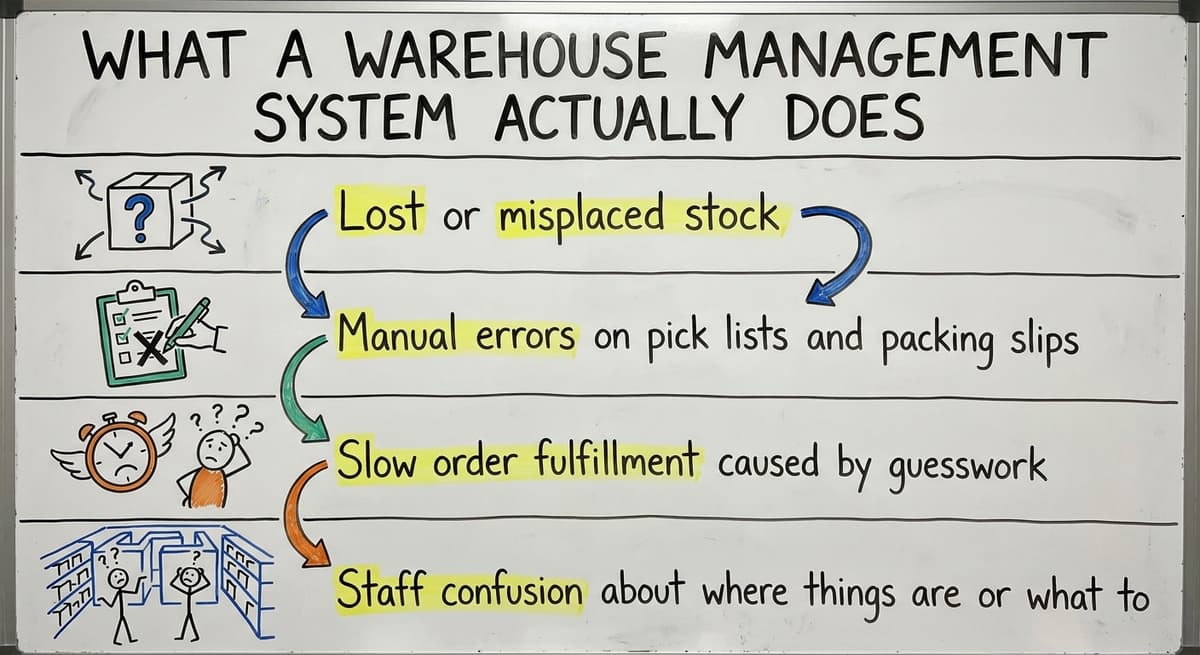
- Lost or misplaced stock
- Manual errors on pick lists and packing slips
- Slow order fulfillment caused by guesswork
- Staff confusion about where things are or what to do next
These are not small problems. They cost real time and real money every day.
What Does a WMS Not Do?
A WMS is not an ERP. An ERP, or enterprise resource planning system, covers your whole business: accounting, HR, purchasing, and more. A WMS covers your warehouse floor.
It will not replace your bookkeeping software. It will not run your payroll. Set that expectation early, and you will avoid a lot of vendor confusion. The right WMS sits alongside your existing tools and makes the warehouse part work better.
Would you rather have it built around your operation?
The first look is free. If you would rather not compare products, describe how your operation already works and we build the system around it.
No build cost. You see it running on your own process first, and the monthly subscription starts only once it is live.
Book a callKnow Your Operation Before You Shop
Before you talk to a single vendor, spend an hour writing down how your warehouse actually works today. This step saves you weeks of wasted demos.
Map Your Current Workflow
Walk through each stage of your warehouse process and write it down:
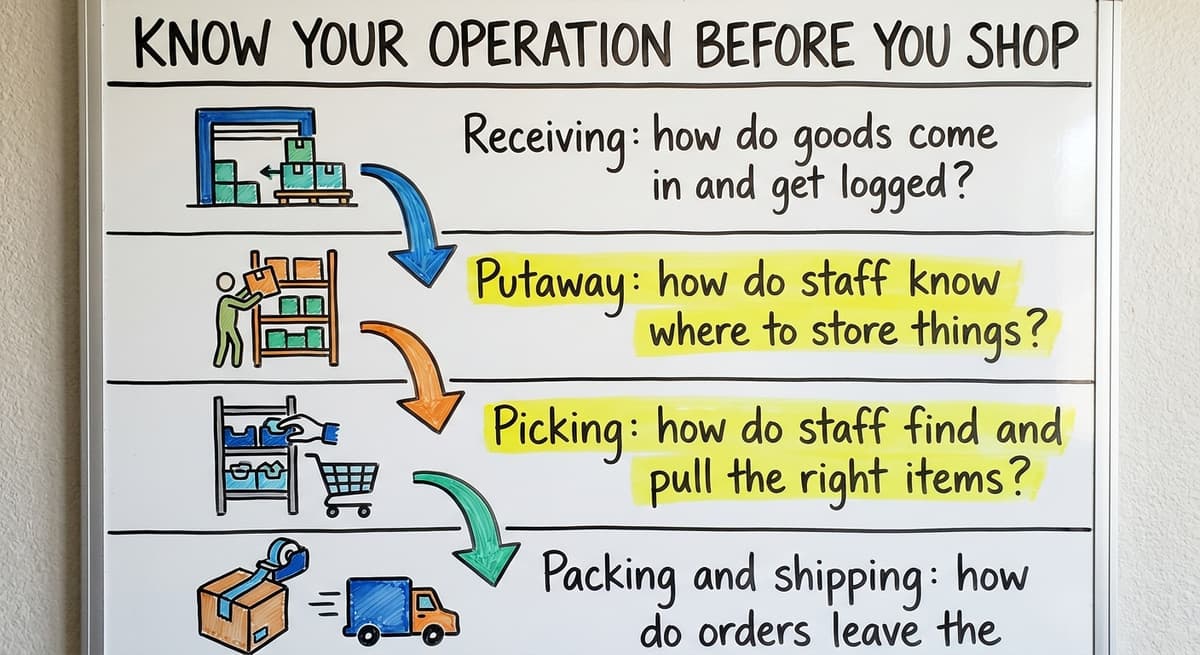
- Receiving: how do goods come in and get logged?
- Putaway: how do staff know where to store things?
- Picking: how do staff find and pull the right items?
- Packing and shipping: how do orders leave the building?
Note which steps live in a spreadsheet, email, or printed sheets. Those are your gaps.
OSHA notes that "the warehousing and storage industry includes establishments operating facilities for general merchandise, refrigerated goods, and other products," and their warehousing guidance covers the safety risks that come with manual, paper-based floor processes.
Size the System to Your Business
Count your staff. Write down your average daily order volume. Note your current accounting setup, whether that is a familiar accounting package or something else, and decide whether you want to keep it.
These numbers matter. A system built for 500 orders a day is not the right fit for a warehouse doing 40. Knowing your volume before you shop means you will not pay for scale you do not need.
The Key Features to Look For in a Warehouse Management System
Not every warehouse management system is built the same. Focus on the features you will use in your first 90 days, not the ones that look good in a demo.
Core Features You Need on Day One
The core features below are the basics. If a system cannot do all of these cleanly, keep looking:
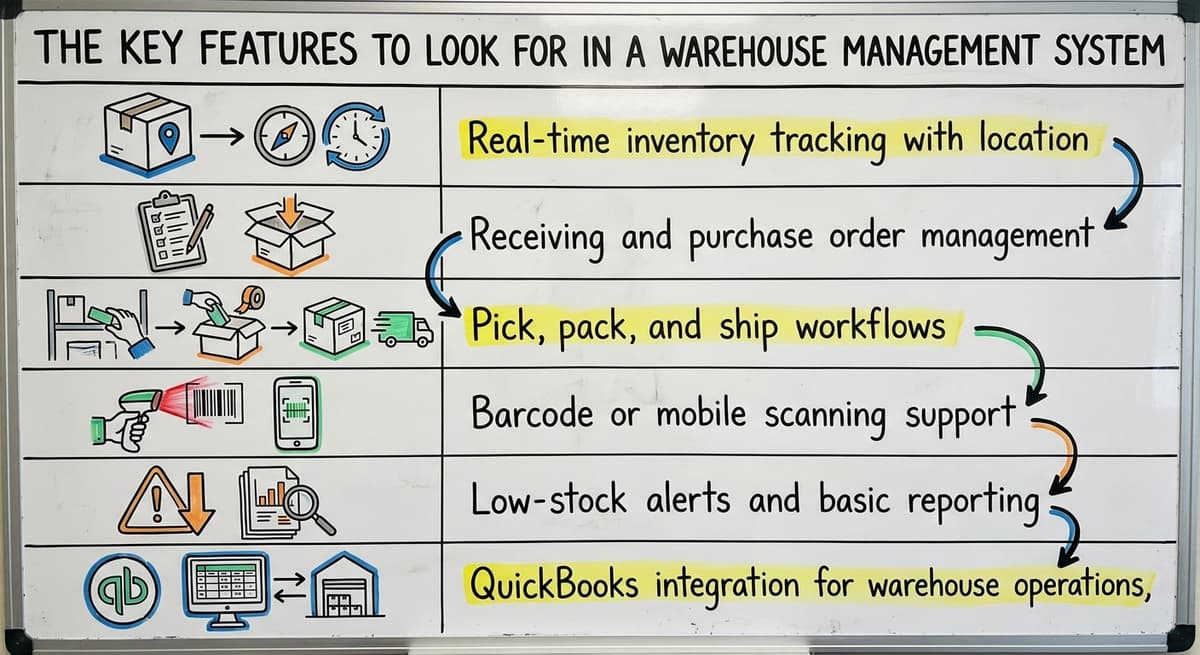
- Real-time inventory tracking with location management
- Receiving and purchase order management
- Pick, pack, and ship workflows
- Barcode or mobile scanning support
- Low-stock alerts and basic reporting
Barcode standards matter here. GS1 sets the global rules that let a barcode printed by one company scan correctly at another. Make sure your WMS follows those standards.
Not sure this is the right shape for your operation?
The call is free. Describe how you receive, pick and count today. We map it on a call and show you what the system would look like built around that, before you spend anything.
Book a callFeatures That Keep Your Existing Stack Intact
Two features get skipped in buying guides but matter a lot for smaller operations:
- Accounting-platform integration for warehouse operations, so your financials stay where they are
- User permissions that let staff see only what they need to do their job
IRS Publication 538 states: "To figure taxable income, you must value your inventory at the beginning and end of each tax year." That means your warehouse inventory management software overview needs to feed clean numbers to your accounting system.
A WMS that does not connect to your bookkeeping platform creates more work, not less.

Features That May Not Be Worth It for Smaller Operations
Vendors will demo features that look impressive. Some of them target operations 10 times your size.
Watch out for:
- AI demand forecasting modules designed for enterprise buying teams
- Multi-site management tools when you run one location
- Complex slotting optimization that your team will never configure
Paying for unused features raises your cost and adds complexity your staff has to navigate around. Focus on what you will actually use. A system with 5 features your team uses every day beats a system with 50 features nobody touches.

How Do You Evaluate Vendors Without Getting Burned?
Most warehouse system demos exist to impress, not to answer your real questions. Change that dynamic before you sit down with anyone.
The Right Questions to Ask Before You Buy
Ask every warehouse system vendor these questions and write down the answers:
- Can you demo my actual workflow, not a generic walkthrough?
- Can I speak to a business my size in a similar industry?
- Who does the setup: your team, a third party, or me?
- How long does a typical go-live take, and what does it need from my staff?
- What support do I get after we are live?
If a vendor cannot answer these clearly, that tells you something.
Understand the Full Cost Before You Sign
The software fee is rarely the whole number. Ask for a breakdown that includes:
- Monthly or annual software fee
- Setup and implementation fee
- Training costs
- Per-user charges
- Any fees for accounting-software integration or other connections
Get year one and year two costs in writing. A system that looks cheap at signup gets expensive by month six.
Is the comparison easier when one option is built for you?
Yes. Off-the-shelf means fitting your process to the software, and custom is the other way round. The first look costs nothing.
Book a call
Off-the-Shelf vs Custom-Built: Which One Fits Your Business
The choice between off-the-shelf and custom-built software comes up in almost every buying conversation, and the honest answer depends on how different your operation is from a standard warehouse.
When Does Off-the-Shelf Warehouse Software Work?
Off-the-shelf systems work well when your process is close to standard and you are willing to adjust your workflow to match the software.
Most wholesale distribution software falls into this category. If your receiving, picking, and shipping follow a common pattern, a packaged system will likely cover you.
When Does a Custom Build Make More Sense?
Custom warehouse software works better when your operation has rules, workflows, or data structures that generic platforms cannot handle without painful workarounds.
Custom does not always mean slow or expensive. A focused custom build, scoped to your real needs, can go live faster than a large SaaS platform that requires months of configuration. This is especially true for custom software for wholesale distributors who need specific lot tracking, customer pricing rules, or non-standard shipping logic.
Keeping your current bookkeeping system in place while adding a custom layer around it is a valid path. It is cheaper than replacing everything. How custom operational software works for small warehouses is worth understanding before you assume you need a full platform swap.

Red Flags to Watch Out For
Some warning signs are easy to miss when a demo goes well. Look for these before you commit:
- The vendor cannot give you a clear timeline or a firm price
- The system requires you to leave your accounting tool or rebuild your chart of accounts
- The contract is long with no milestone checkpoints along the way
- The platform was built for enterprise and is being offered to you at a discount
- There is no real human support available when something breaks
If you see any of these, slow down. A bad implementation costs more to fix than it would have cost to choose carefully the first time.

A Simple Decision Checklist Before You Commit
Before you sign anything, run through this list. Every answer should be yes.
Reviewed August 2026. Figures below are worked from the assumptions stated beside them, so you can substitute your own assumptions and the arithmetic still holds.
- Does the system handle your core workflow without major workarounds?
- Does it connect to your everyday accounting software or something else?
- Can your team learn it in a reasonable amount of time?
- Is the implementation plan clear and realistic?
- Do you know exactly what you will pay in year one and year two?
- Is there a real person you can call when something goes wrong?
If any answer is no, you have more questions to ask before you move forward.
Knowing signs your warehouse has outgrown spreadsheets and manual processes can also help you confirm that now is the right time to act.
If you are ready to replace fragmented manual work with a system built around how your operation actually runs, that conversation starts with a clear picture of what you need, not a vendor's feature list.
Frequently asked questions
Frequently asked questions
What does a warehouse management system actually do?
A WMS tracks inventory, orders, and movement inside your warehouse in real time. It tells your staff where stock is, what needs to be picked, and what is ready to ship. It does not replace your accounting software or act as a full ERP.
What is the difference between a WMS and an ERP?
A WMS covers your warehouse floor: receiving, putaway, picking, packing, and shipping. An ERP covers your whole business, including accounting, HR, and purchasing. Most small warehouses need a WMS, not an ERP. The two can work together.
Can I keep your accounting software and still add a WMS?
Yes. Many WMS platforms connect directly to popular accounting software so your financials stay where they are. A custom-built layer that sits alongside your existing accounting system is also a valid option and is cheaper than replacing your accounting setup entirely.
How long does it take to implement a warehouse management system?
The answer depends on the system and your operation. A focused off-the-shelf system can go live in a few weeks. A larger SaaS platform may take several months.
A custom build scoped to your real needs can sometimes go live faster than a big platform that needs heavy configuration.
How much does a warehouse management system cost for a small operation?
Warehouse management system costs vary widely, from $300 a month for a small cloud seat to $50,000 and up for an enterprise rollout.
Always ask for a full breakdown: software fee, setup fee, training, per-user charges, and any integration fees. Get the first-year and second-year costs in writing before you sign anything. The monthly fee is rarely the whole number.
Is a custom-built WMS better than off-the-shelf software for small distributors?
The answer depends on how standard your warehouse process is. Off-the-shelf works well for common workflows. Custom software makes more sense when your operation has unique rules, pricing logic, or data that generic platforms cannot handle without painful workarounds.
What questions should I ask a WMS vendor before buying?
Ask them to demo your actual warehouse workflow, not a generic presentation. Ask for a reference from a business your size.
Find out who handles the setup, how long go-live takes, what support looks like after launch, and what the full cost looks like across the first two years.
How do I know if my warehouse needs a WMS?
If your warehouse team relies on spreadsheets, printed pick lists, or email to track inventory and orders, you have likely outgrown your current setup.
Common signs include lost stock, manual errors, slow order fulfillment, and staff who are unsure where things are or what to do next.
What features should a small business look for in a WMS?
A small business should look for location-aware, real-time inventory tracking, receiving and purchase order handling, pick, pack, and ship workflows, barcode or mobile scanning, and low-stock alerts with basic reporting. It also helps to have a clean link to accounting software and user permissions so staff only see what they need. Avoid enterprise features built for much larger operations.
Which WMS integrations are most important?
The most important integration is a clean, reliable link to your bookkeeping system, since inventory numbers must feed accurate financial figures at tax time.
Beyond that, look for support for standard barcode formats so labels scan correctly across systems, and for user permission controls that keep the connection secure. These integrations keep your existing tools working together instead of creating duplicate work.
Which WMS integrates best with my ERP or e-commerce platform?
The best choice is whichever system keeps a clean, direct link to your existing accounting or ERP setup without forcing you to abandon it.
A warehouse management system is not meant to replace your ERP; it should sit alongside it and handle warehouse floor operations while feeding accurate inventory data back. Ask any vendor for a clear answer on how that connection works before signing.
What features should a warehouse management system have?
It should have real-time inventory tracking with location management, receiving and purchase order management, pick, pack, and ship workflows, barcode or mobile scanning support, and low-stock alerts with basic reporting. It should also integrate cleanly with your accounting software and offer user permissions so staff see only what they need. These core features matter more than impressive but unused extras.
What does it look like running on your own process?
The first thing you see is it running on your own process, at no build cost. The subscription starts once it is live and doing the job, not before.
Book a callRelated guides
The rest of this guide, for the parts of the job this page does not cover.
Guides
- Warehouse Inventory Management Systems
- Warehouse Management System Top 10
- Software for Warehouse Management System
- Small Business Warehouse Management System
- Warehouse Management System Types
- Warehouse Inventory Management System
- Warehouse Management System Examples
- Warehouse Management System Implementation
- Cloud Warehouse Management System
Common questions
- How to Create a Warehouse Management System
- How to Build a Warehouse Management System
- How to Design a Warehouse Management System
- How to Set up a Warehouse Management System
- How Warehouse Management System Works
- How to Manage Inventory in a Warehouse
- What Are the Benefits of Warehouse Management System
- What is the Point of Warehouse Management System
- What is Asn in Warehouse Management System
- What is a Warehouse Management System
- Which Warehouse Management System Would a Jeweler Most Likely Use
- What is a Warehouse Management System Used For
- Warehouse Management System vs Warehouse Control System
- Meaning of Warehouse Management System
- Definition of Warehouse Management System