


Retail Inventory System
If your team is counting stock on paper or chasing errors in a spreadsheet, this guide is for you. It explains how a retail inventory system works, what to look for, and how to add one without overhauling everything you already have.
Book a callWhat a Retail Inventory System Is
A retail inventory system is software that tracks every product your business touches, from the moment it arrives at your dock to the moment it leaves as a sale. It tells you what you have, where it is, and when you need to order more. Unlike a general accounting tool, it focuses on physical stock: quantities, locations, and movement. It does not replace your bookkeeping. It handles the part of your operation that QuickBooks was never built to manage, which is the warehouse floor.
We build it for your operation, and the first look is free
If you would rather not compare products, describe how your operation already works and we build the system around it.
Reviewed September 2026. Figures are worked from the assumptions stated beside them, so you can substitute your own and the arithmetic still holds.
The arithmetic is worth doing before the software conversation. 3 people spending 6 hours a week between them chasing the same questions, at 22 dollars an hour, is 936 hours a year of paid time spent confirming what a system would already know. Over 3 years that is 2,808 hours.
No build cost. You see it running on your own process first, and the monthly subscription starts only once it is live.
Book a callWhy Spreadsheets and Paper Stop Working
Most small operations start with Excel, printed pick sheets, and email threads. That works fine at low volume. As order counts climb, errors compound. A quantity gets updated in one sheet but not another. A pick sheet goes out with yesterday's numbers. Staff spend hours reconciling counts instead of fulfilling orders, and customers still get the wrong thing.
The problem is not the people. It is the tool. As GS1 explains, "barcodes are the global language of business", and a system built around that language removes the manual transcription step where most errors are born. Spreadsheets cannot do that. A dedicated retail inventory system can, and that single shift in how data enters the system changes what your team is able to do with their time.
How Does a Retail Inventory System Work?
A retail inventory system works by recording every stock movement in sequence: receive, store, pick, ship, and update. When a shipment arrives, staff scan or enter each item. The system adds those units to the correct location. When an order is picked, those units are deducted. Every transaction updates the quantity in near real time, so the number you see on screen reflects what is actually on the shelf.
Input can come from a barcode scanner, a mobile device, or a keyboard. The method matters less than the discipline: every movement gets logged. That discipline is what separates a retail inventory system from a spreadsheet. The spreadsheet records what someone remembered to type. The system records what actually happened.
Core Features to Look For in an Inventory System
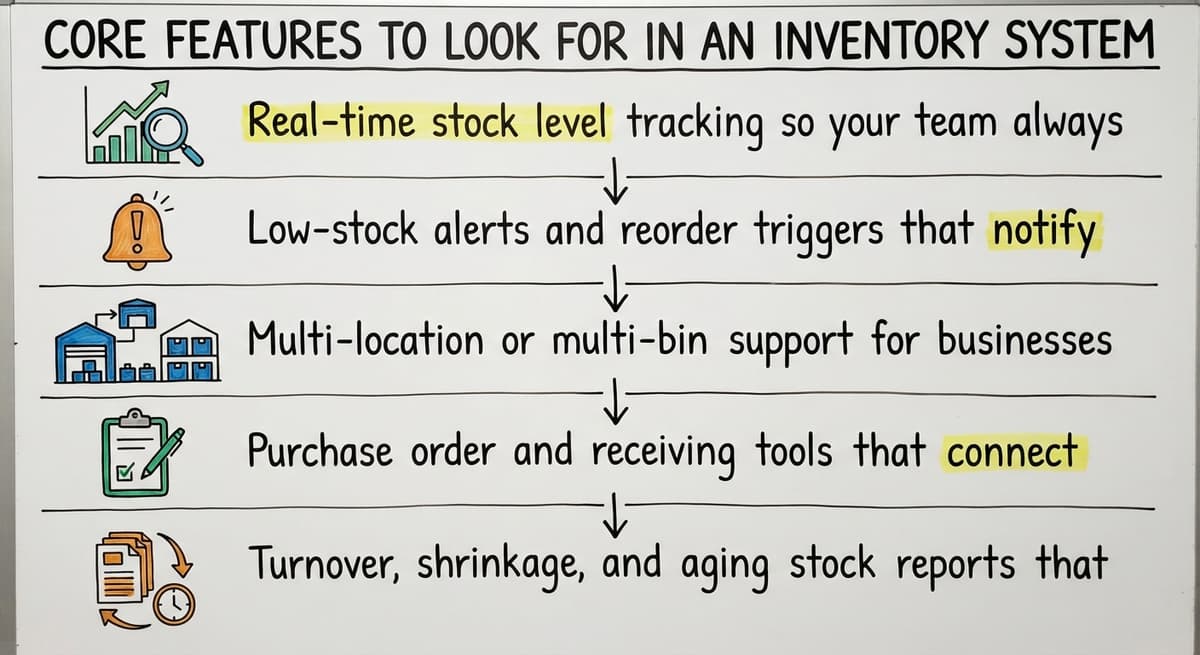
Not every feature on a vendor's list will matter to your operation. These are the ones that do the real work:
- Real-time stock level tracking so your team always sees current quantities, not yesterday's count
- Low-stock alerts and reorder triggers that notify the right person before a stockout happens
- Multi-location or multi-bin support for businesses with a backroom, a second storefront, or a separate warehouse
- Buy order and receiving tools that connect what you ordered to what actually arrived
- Turnover, shrinkage, and aging stock reports that surface problems before they become losses
A system that covers these five areas handles the core job. Everything else is secondary.
What Small Operations Actually Need From Inventory Software
Enterprise feature lists are written for enterprise teams. A business running five to one hundred people does not need a system with forty setup screens. It needs one that staff will open every morning without being asked.
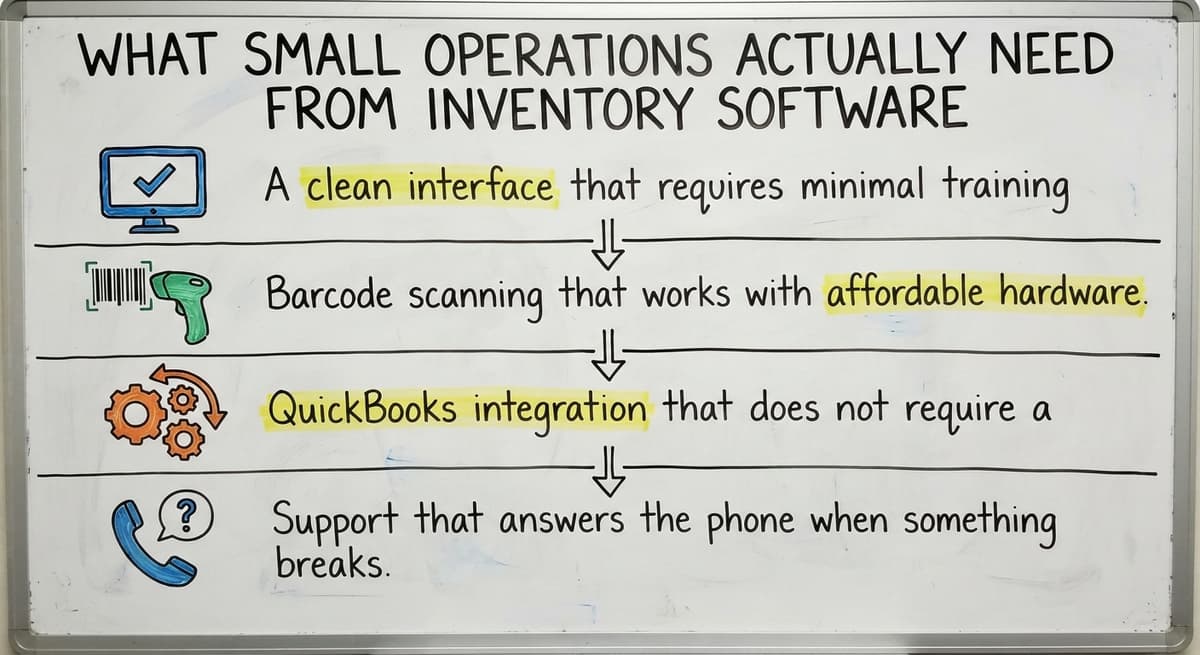
For a small operation, ease of use beats sophistication every time. A system your team avoids is worse than a spreadsheet, because at least everyone knows how to open Excel. Rank:
- A clean interface that needs minimal training
- Barcode scanning that works with affordable hardware
- QuickBooks integration that does not need a full accounting migration
- Support that answers the phone when something breaks
The goal is inventory control, not a technology project. Choose the tool that gets you there with the least friction.
The comparison is easier when one option is built for you
Off-the-shelf means fitting your process to the software. We do it the other way round, and the first look costs nothing.
Book a callHow a Retail Inventory System Connects to QuickBooks
Can a small business use a retail inventory system without replacing QuickBooks? Yes, and that is the right approach for most small operations. QuickBooks handles accounts payable, accounts receivable, payroll, and tax reporting well. A retail inventory system fills the gap it leaves in stock management and warehouse tracking.
The two systems share data through an integration. When a buy order is received in the inventory system, that cost flows to QuickBooks automatically. When a sale ships, the revenue entry follows. No manual re-entry, no duplicate bookkeeping. Avoid any vendor that tells you their system needs you to move your accounting into it. That is a migration, not an integration, and it creates far more disruption than the problem you were trying to solve. QuickBooks Integration for Distributors is a well-documented path, and a good rollout partner will have done it before.
Retail vs. Wholesale: Choosing the Right Unit of Measure
Retail inventory systems are used by more than traditional retailers. Wholesale distributors and warehouse operators rely on them too, but the requirements differ in one important way: the unit of measure.
Retail tracks by individual unit. Wholesale often tracks by case, pallet, or lot. A system built only for retail may force a wholesale operation to enter quantities in units it does not actually count. That creates conversion math, and conversion math creates errors.
Wholesale Distribution Software is designed around the units distributors actually use. If your operation sells by the case but receives by the pallet, confirm that any system you evaluate handles both without workarounds. The right inventory management system reflects how your business already counts, not how the software vendor assumed you would.
Barcode Scanning and Mobile Access
Barcode scanning speeds up receiving and picking by removing the manual entry step where most keying errors occur. Instead of typing a SKU, a staff member scans it. The system does the rest. Mobile devices extend that ability to the warehouse floor, so counts get updated where the product actually lives rather than at a desk later.
For small operations, this does not need expensive hardware. A smartphone with a scanning app or a basic Bluetooth scanner costing under $100 is enough to start. The accuracy gain is immediate. Staff spend less time correcting entries and more time moving product. Barcode scanning is one of the highest-return changes a small warehouse can make, and most modern inventory software supports it out of the box.

What Is the Difference Between Perpetual and Periodic Inventory Tracking?
Perpetual inventory tracking updates your stock count with every transaction. A unit is received: the count goes up. A unit ships: the count goes down. You always have a current number without waiting for a scheduled count.
Periodic inventory works on a schedule. Staff count everything on a set date, weekly or monthly, and the system updates then. Between counts, the numbers may be wrong.
For fast-moving retail or wholesale environments, perpetual tracking is the practical choice. Waiting a week to discover you ran out of a top seller is not a system, it is a delay. Most modern retail inventory systems use perpetual tracking by default because the data it produces is what makes reorder alerts and real-time reporting possible.
Setting Reorder Points and Safety Stock
A reorder point is the quantity at which the system triggers a buy order. When stock drops to that number, it is time to buy. Safety stock is the buffer you keep above zero to absorb demand spikes or supplier delays.
Here is a simple way to think about it: your reorder point covers the lead time from order to delivery. Your safety stock covers the unexpected. Together, they define the floor below which you should never let a SKU fall.
A retail inventory system automates both. Set the numbers once, and the system alerts your buyer when action is needed. The cost of running out of a fast mover, lost sales and an unhappy customer, almost always exceeds the cost of carrying a small buffer. Getting reorder points right is one of the fastest ways inventory software pays for itself.
Managing Multiple Locations and Storage Areas
Two storefronts, a backroom, and a separate fulfillment warehouse are three different places where the same SKU might live. A retail inventory system tracks quantity by location, so you know not just how many units you have but where they are.
Transfers between locations get logged as movements, not guesses. If ten units move from the warehouse to the storefront, the system records that. Both location counts update. This removes the need for a separate spreadsheet at each site, which is where multi-location businesses usually lose visibility. When every location reports into one system, the total picture is always current and the transfer audit trail is always there.
See it running on your own process first
No build cost. The subscription starts once it is live and doing the job, not before.
Book a callReporting and Visibility
Good inventory reporting answers the questions that drive buying decisions: What do I have? What is moving? What has been sitting for ninety days? Stock on hand, turnover rate, and aging stock are the three numbers that tell most of the story.
Reports help owners act on data rather than instinct. If a SKU has not moved in sixty days, that is capital tied up on a shelf. If a SKU turns over every four days, the reorder point probably needs to move up. Custom reports let you surface what matters to your specific operation without wading through numbers that do not apply.
The goal is not data for its own sake. It is a clear answer to the question your buyer is about to ask before they have to ask it.

Common Problems a Retail Inventory System Solves
The following situations push most small operations to finally make a change:
- Overselling items that are actually out of stock, which damages customer trust and creates fulfillment scrambles
- Shrinkage that goes undetected for weeks because no one is comparing received quantities to sold quantities in real time
- Staff counting the same bin twice or missing one entirely during manual matching
- Buy orders placed too late because the low-stock signal came from someone noticing an empty shelf, not from a system alert
Each of these is a process failure that a system prevents by making the right information visible at the right time.
Should You Buy Off-the-Shelf or Build a Custom Retail Inventory System?
Off-the-shelf inventory software gets you running quickly. The tradeoff is that it is built around a general workflow, and your operation may not match it. You end up adapting your process to fit the software rather than the other way around.
Custom Inventory Software for Small Business is built around how you already work. There is no forced migration, no workaround for an unusual unit of measure, no feature you pay for but never use. Custom does not automatically mean expensive or slow. A well-scoped project with a clear workflow map can be delivered faster than a poorly scoped off-the-shelf rollout.
The deciding factor is usually workflow complexity. If your operation is straightforward, off-the-shelf is a reasonable starting point. If you have specific lot tracking, unusual units of measure, or integrations that standard software does not support, a custom build protects you from the long-term cost of workarounds.
Why Small Businesses Skip Full ERP Systems
ERP systems are designed for large enterprises with dedicated IT staff and multi-year rollout budgets. For a small or mid-market operation, the cost and timeline are prohibitive before you even evaluate the features.
A focused retail inventory system delivers the stock management and warehouse inventory capabilities that matter most, at a fraction of the price and in a fraction of the time. Skipping ERP is not a compromise. It is a reasonable decision that most small businesses make, and the ones that make it well end up with a system their team actually uses rather than one that sits half-configured in a corner. A Warehouse Management System scoped for your size does the same core job without the overhead built for a company ten times larger.
Signs Your Current System Is Holding You Back
Some signals are easy to dismiss until you add them up:
- Staff spend more time fixing count errors than fulfilling orders
- You have lost a sale because no one knew an item was out of stock
- Month-end matching takes days instead of hours
- New employees need weeks to learn the spreadsheet system, and they still make mistakes
Any one of these is a cost. All four together mean your inventory process is actively limiting your capacity to grow. That is the moment a retail inventory system stops being optional.
Not sure this is the right shape for your operation
Describe how the work runs today. We map it on a call and show you what it would look like built around that, before you spend anything.
Book a call
How to Choose the Right Retail Inventory System
Start with your workflow, not a vendor's feature list. Map how your team currently receives, stores, picks, and ships. The system that fits that map with the least change is the right starting point.
Then check these four things:
- QuickBooks integration: If your accounting stays in QuickBooks, confirm the system connects to it cleanly
- Training and support: Ask specifically about support for non-technical staff, not just admins
- Total cost: Include setup, training, and ongoing fees, not just the monthly license
- Questions to ask the vendor: How long does rollout take for a team our size? Can the system be adjusted after go-live? Who handles support, the vendor directly or a third-party help desk?
A vendor who cannot answer those questions clearly is a vendor to approach with caution.
The Value of a Local Implementation Partner
A local or regional software team can visit your facility during setup. That on-site time surfaces workflow details that a remote kickoff call misses: the way your team actually labels bins, the exception process for damaged goods, the report your buyer checks every Monday morning.
Accountability is also different. A local partner is harder to ignore than a remote help desk. When something breaks during go-live, the person who answers knows your setup. That familiarity shortens resolution time and reduces the risk that a technical problem becomes an working one. For small businesses making their first move away from spreadsheets, that kind of support is often what makes the difference between a successful rollout and an abandoned one.
Can You Keep QuickBooks and Still Add Inventory Control?
Yes, and for most small businesses this is exactly the right setup. QuickBooks does accounting well. It tracks what you owe, what you are owed, and what you spent. What it does not do well is tell you how many units of SKU 4471 are in bin C3 right now.
A retail inventory system fills that gap. The two tools run in parallel. Inventory data flows from the inventory system to QuickBooks on a schedule or in real time, depending on the integration. Your accounting stays intact and your warehouse gains visibility it never had. No migration, no retraining your bookkeeper, no disruption to the financial records your accountant relies on. Each system does what it was built to do.
Getting Started Without Disrupting Daily Operations
A phased rollout reduces risk. Start with one location or one product category. Run the new system alongside your existing process for a short period so staff can build confidence before the old method goes away.
Good rollout partners plan around your busy season. If your peak volume runs October through December, that is not the time to switch systems. A realistic timeline for a small operation is four to eight weeks from kickoff to go-live, including staff training. Training is part of rollout, not something that happens after. A system your team understands on day one is a system that delivers value on day two.
Next Steps for Retail Inventory Management
The clearest takeaway from everything above: you do not have to overhaul your operation to gain inventory control. A retail inventory system can slot into how you already work, keep QuickBooks in place, and replace only the manual steps that are costing you time and accuracy.
Before you evaluate any software, audit your current process. Write down where errors happen, where time gets lost, and what you cannot see. That list is your requirements document.
If you would like to talk through what a system built around your specific workflow could look like, reach out to The Software Society. No pressure, no pitch deck. Just a conversation about where you are and what would actually help.
Frequently asked questions
What is the 80/20 rule in inventory?
The 80/20 rule in inventory, sometimes called the Pareto principle, holds that roughly 80 percent of your revenue comes from 20 percent of your SKUs. In practice, this means a small number of products drive most of your sales and deserve the closest attention in terms of reorder points, safety stock, and shelf placement. Applying this rule helps small operations focus their inventory management energy where it has the most impact rather than treating every SKU equally.
What are the four main types of inventory systems?
The four main types are: perpetual inventory, which updates counts with every transaction; periodic inventory, which updates counts on a set schedule; just-in-time inventory, which aims to receive stock only as it is needed; and consignment inventory, where goods are held but not owned until sold. Most small retail and wholesale operations use perpetual tracking because it provides the real-time visibility needed for accurate reorder alerts and reporting.
What are the top 3 inventory management systems?
There is no single answer because the right system depends on your operation size, industry, and workflow. Fishbowl, Cin7, and inFlow are frequently cited for small to mid-market businesses. Fishbowl is popular with QuickBooks users because of its direct integration. Cin7 suits multi-channel sellers. inFlow works well for straightforward warehouse operations. The better question is which system fits your specific workflow, not which one appears most often on review sites.
What are the top 5 POS systems?
Point-of-sale systems and inventory management systems overlap but are not the same thing. Among commonly used POS platforms for small businesses, Square, Shopify POS, Lightspeed, Clover, and Toast appear most often. Each has different strengths: Square and Shopify suit general retail, Lightspeed targets specialty retail and golf, Toast is built for restaurants, and Clover is flexible across service and retail environments. Your choice should depend on whether you need the POS to also handle inventory depth or whether a separate inventory system will carry that load.
How is a retail inventory system different from QuickBooks?
QuickBooks is an accounting tool. It tracks money: what you owe, what customers owe you, payroll, and tax records. A retail inventory system tracks physical stock: quantities on hand, bin locations, receiving, picking, and reorder triggers. The two tools serve different purposes and work best together. Most small businesses keep QuickBooks for accounting and add an inventory system to handle the warehouse side, with data flowing between them automatically.
How long does it take to implement a retail inventory system?
For a small operation, a realistic timeline runs four to eight weeks from kickoff to go-live. That includes mapping your existing workflow, configuring the system, importing your product data, and training staff. A phased rollout starting with one location or product category can compress that timeline further. The biggest variable is usually data quality: if your current SKU list is clean and complete, setup moves faster.
Can a retail inventory system work across multiple locations?
Yes. Multi-location support is a standard feature in most modern inventory management systems. The system tracks quantity by location, logs transfers between sites, and gives you a consolidated view of total stock across all locations. This removes the need for separate spreadsheets at each site and makes it possible to fulfill an order from whichever location has available stock.
Start with a free first look
A 30 minute call, your operation mapped, and a clear picture of what we would build. No obligation and nothing to install.
Book a callRelated guides
More on the same work.
Guides
- Retail Inventory Management Systems
- Retail Inventory Management
- Warehouse Inventory Management Software
- Warehouse Inventory Tracking Software
- Warehouse Inventory Management Systems
- Best Inventory Software
- Quickbooks Inventory Management Software
- Warehouse Inventory Systems
- Classification of Inventory
- Inventory and Warehouse Management Software
- Custom Inventory Management Software
- Excess Inventory
- Closed for Inventory
- Warehouse Inventory Management System
- Multi Location Inventory Management Software
- Ms Excel Inventory Template
- Warehouse Inventory Software Programs
- Inventory Management for Multiple Locations