


How to Track Inventory Online
You track inventory online by keeping stock counts in one shared system and logging every change as it happens. Owners and managers at warehouses and distributors with 5 to 100 staff will get the most from it. Staff use a phone, tablet or scanner. Owners and managers see the same numbers at the same time.
Reviewed October 2026. Figures are worked from the assumptions stated beside them, so you can substitute your own and the arithmetic still holds.
The arithmetic is worth doing before the software conversation. 3 people spending 6 hours a week between them chasing the same questions, at 22 dollars an hour, is 936 hours a year of paid time spent confirming what a system would already know. Over 3 years that is 2,808 hours.
You do not need a big ERP project. An ERP is a large system that runs every part of a business. You need a clear path in 6 steps.
The path starts with how stock already moves through your building. Your accounting software stays in place for accounting. You replace only the manual spreadsheet, paper and email steps. Follow the steps in order to make your counts match the shelf.
Book a callWhat Is Online Inventory Tracking, and Why Do Sheets Fail?
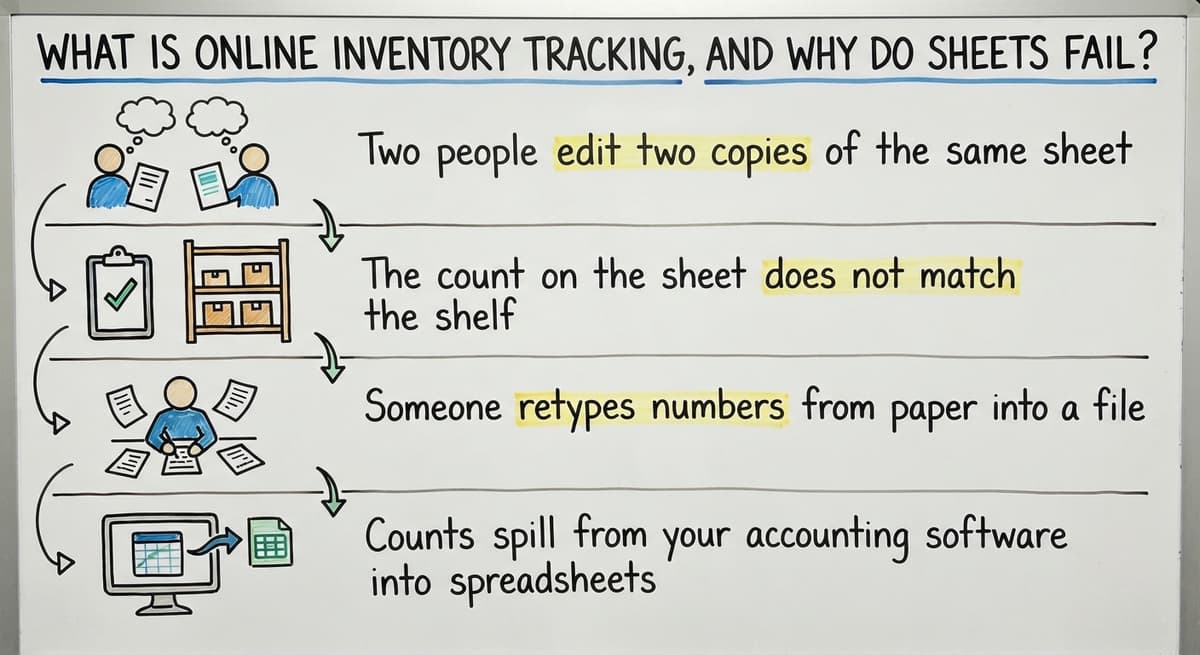
Online inventory tracking means one shared system holds every stock count. Each receipt, pick, move and fix gets recorded when it happens. No one waits for an end-of-day update.
Paper and spreadsheets break as you grow. These are the common signs:
- Two people edit two copies of the same sheet.
- The count on the sheet does not match the shelf.
- Someone retypes numbers from paper into a file.
- Counts spill from your accounting software into spreadsheets, database files and email.
The cost is real. Say 3 people spend 6 hours a week retyping counts at $22 an hour. That is $20,592 a year on retyping alone.
Barcodes cut the typing. GS1 sets the barcode standards that scan-based counts rely on. Retyping is the first thing to remove.
We build it for your operation, and the first look is free
If you would rather not compare products, describe how your operation already works and we build the system around it.
No build cost. You see it running on your own process first, and the monthly subscription starts only once it is live.
Book a callWhat Should You Track First?
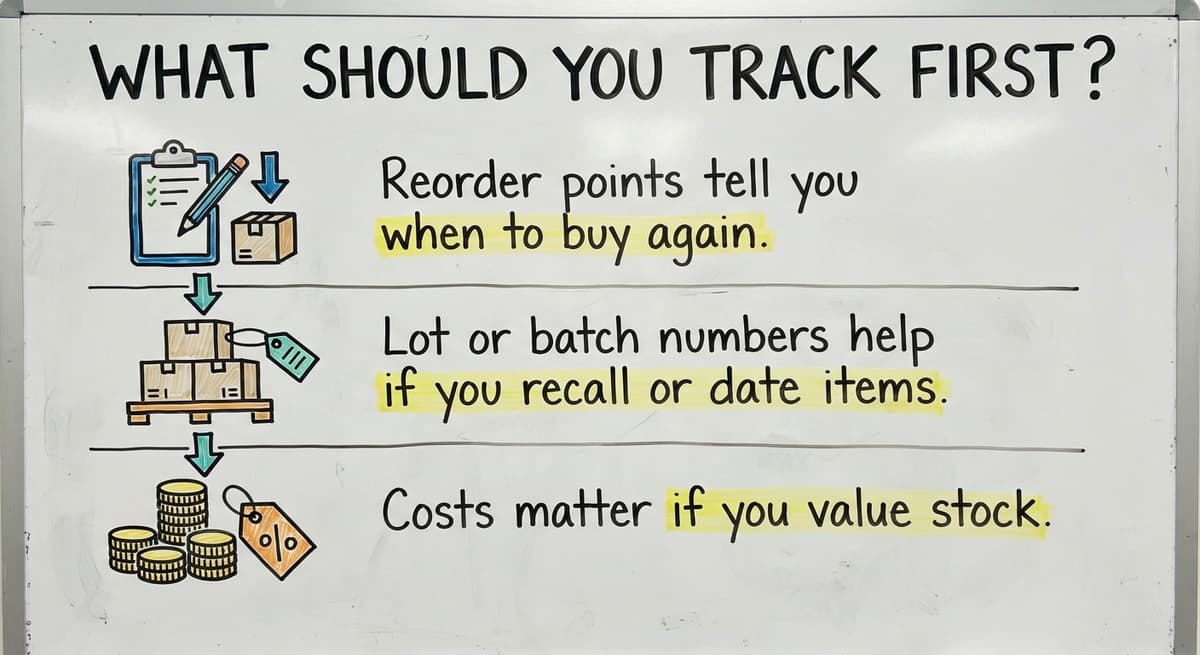
Track four things first: item name or SKU, quantity on hand, location and unit of measure. A SKU is a short code that names one item. A unit of measure says if you count by each, case or pallet.
Add more only when the work needs it:
- Reorder points tell you when to buy again.
- Lot or batch numbers help if you recall or date items.
- Costs matter if you value stock.
Keep version one small so staff use it. A small list that people fill in beats a large one they skip.
How Do I Track Inventory Online? 6 Steps
Each one fixes a gap that costs you time or sales.
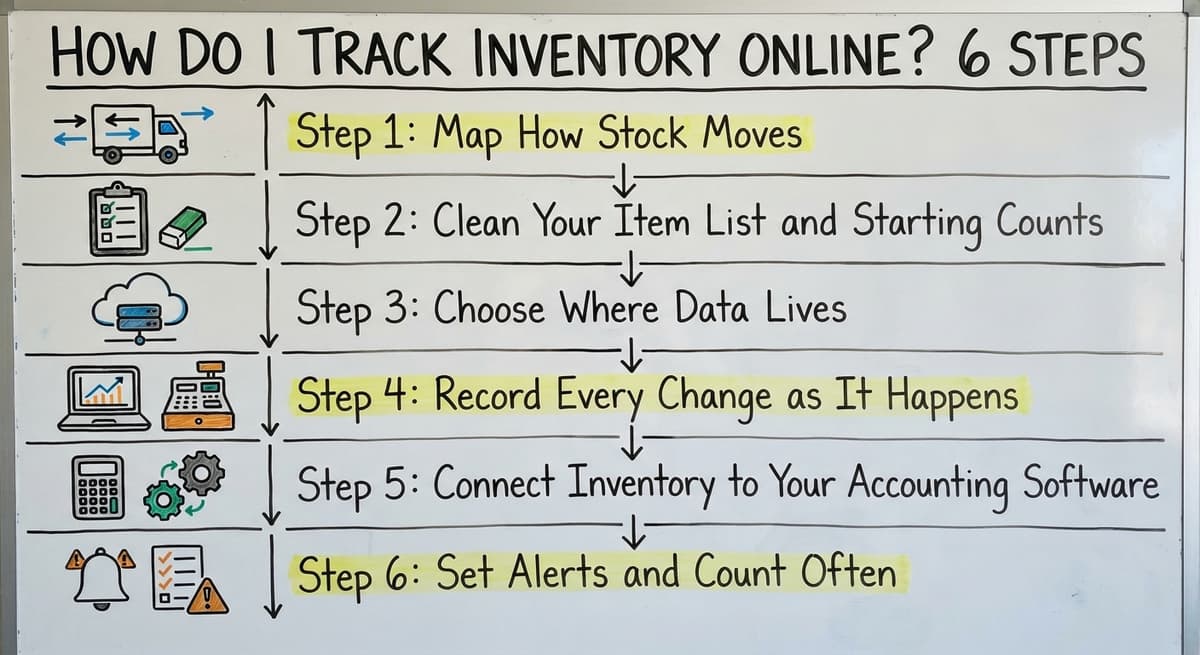
Step 1: Map How Stock Moves
Walk the path your stock takes. Mark where someone writes, types or emails a number.
- Receiving
- Putaway
- Picking
- Packing and shipping
- Returns
Those handoffs are where the online system must catch data.
Step 2: Clean Your Item List and Starting Counts
Merge duplicate items and fix odd names. Then do one full physical count to set a trusted start. Give every item a clear location. A bad start number spoils every number after it.
Step 3: Choose Where Data Lives
You have 3 choices. A shared online sheet costs little but still needs hand entry. Off-the-shelf inventory management software is a ready-made app with set screens. Custom software is built around your process. Judge each by how well it fits your workflow, not by how many features it lists. The right fit is the one your crew will use daily.
Step 4: Record Every Change as It Happens
Log receipts, picks, moves and damage at the moment they occur. Use a phone, tablet or scanner. Set one rule: no stock moves without a record. An e-commerce platform's finance report says, "When you open a finance report, the data is up-to-date, give or take about 1 minute." That is the speed to aim for when you track inventory in real time.
Step 5: Connect Inventory to Your Accounting Software
Can you track inventory online with your accounting software? Yes. Keep your accounting software for the books and sync stock detail with it. Replace only the manual parts, such as retyping counts or orders. Inventory tracking setups built around accounting software like this skip a long, costly move to a new system.
Step 6: Set Alerts and Count Often
Set a low-stock alert at each reorder point. Then run cycle counts. A cycle count is a short count of a few items on a set day. Count 25 items a week instead of one giant yearly count. Chase every gap between system and shelf to find where stock leaks.
Not sure this is the right shape for your operation
Describe how the work runs today. We map it on a call and show you what it would look like built around that, before you spend anything.
Book a callDo You Need an ERP to Track Inventory Online?
No. Most 5-to-100-person operations do not need an ERP. A lighter inventory tracking system that matches how your team works is enough.
Big systems carry two risks:
- Rollouts can run for months before staff see value.
- You pay for features no one on your team opens.
The IRS says in Publication 538: "To figure taxable income, you must value your inventory at the beginning and end of each tax year." A clean count meets that rule. It does not call for an ERP.

When Does Custom Inventory Software Pay Off?
Custom software pays off when your process has quirks that off-the-shelf tools force you to bend around. It also fits if you want to keep your accounting software and fix only the manual steps.
The Software Society builds custom working software around how your operation already works. We work at small scale from Columbus, Ohio. One team handles software, website and search.
Read our guides on how to keep track of inventory in warehouse and how to keep track of inventory small business for more detail. Start by listing your 3 most manual steps, then book a review with us.

What Mistakes Slow Down Your Start?
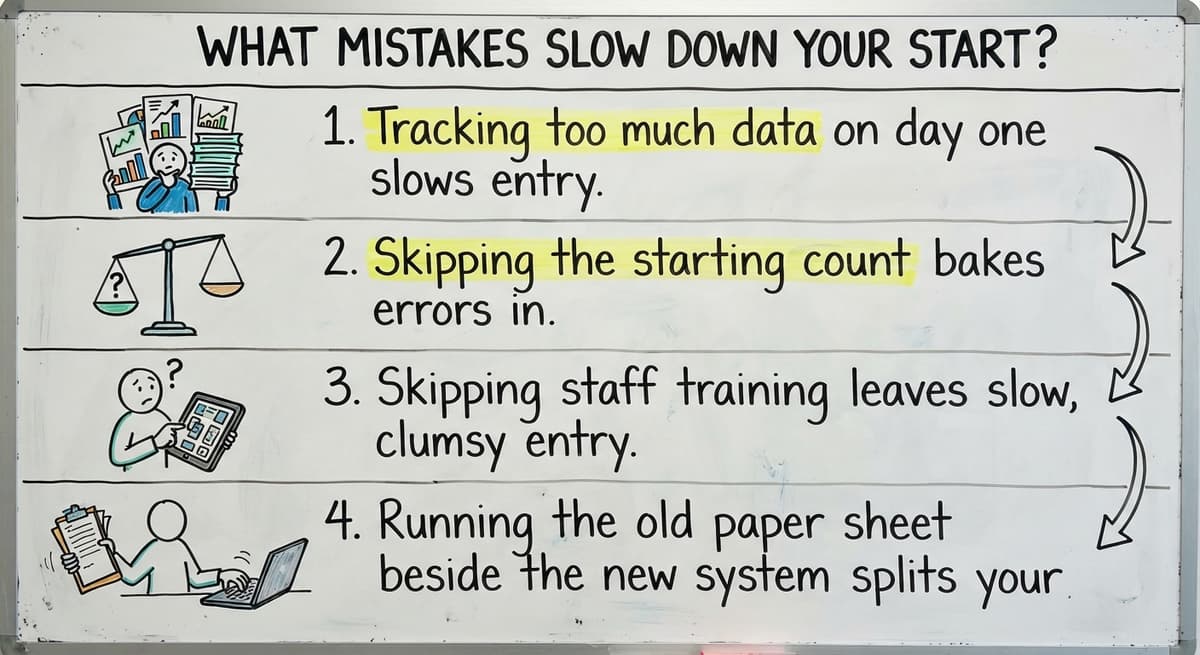
Four mistakes cause most failed rollouts:
- Tracking too much data on day one slows entry.
- Skipping the starting count bakes errors in.
- Skipping staff training leaves slow, clumsy entry.
- Running the old paper sheet beside the new system splits your numbers.
Retire the paper sheet the day the new system goes live.

The comparison is easier when one option is built for you
Off-the-shelf means fitting your process to the software. We do it the other way round, and the first look costs nothing.
Book a call



See it running on your own process first
No build cost. The subscription starts once it is live and doing the job, not before.
Book a call


Frequently asked questions
What is the easiest way to track inventory online?
Start with a shared online sheet or a simple app. Log every stock change on a phone the moment it happens. Move to a synced system when retyping starts to cost you time.
How do I move inventory from Excel to an online system?
Clean the item list first. Merge duplicates and fix names. Do one physical count. Load those counts into the new system, then stop using the old file the same day.
How often should I count inventory?
Count a few items every week with cycle counts. Count fast-moving items more often. This beats one giant yearly count and finds leaks sooner.
Can I track inventory online with my accounting software?
Yes. Your accounting software keeps the accounting. Stock detail can sync with it so no one retypes counts or orders by hand.
When is custom inventory software worth it?
It is worth it when off-the-shelf tools force you to bend your process. It also fits when you want to keep your accounting software and fix only the manual steps.
Start with a free first look
A 30 minute call, your operation mapped, and a clear picture of what we would build. No obligation and nothing to install.
Book a callRelated guides
More on the same work.
- How to Keep Track of Inventory
- How to Create an Inventory Tracking System?
- How to Keep Track of Inventory on Clover
- How to Keep Track of Computer Inventory
- How to Keep Track of Consignment Inventory
- How to Keep Track of Alcohol Inventory
- How to Keep Track of Product Inventory
- How to Keep Track of Ebay Inventory
- How to Keep Track of Poshmark Inventory
- How to Track Inventory for Home Staging
- How to Keep Track of Dental Inventory
- How to Keep Track of Boutique Inventory
- How to Keep Track of Vaccine Inventory
- How to Keep Track of Liquor Inventory
- How to Track Inventory Qbo
- How to Track Non Inventory Items
- How to Keep Track of Grocery Inventory
- How to Track Inventory in Salesforce
- How to Keep Track of Lularoe Inventory
- How to Keep Track of Freezer Inventory
- How to Track Ps5 Inventory
- How to Keep Track of Cigarette Inventory
- How to Keep Track of Inventory on Etsy
- How to Keep Track of Inventory Electronically