


Web Based Inventory Management System
A web based inventory management system is software you open in a web browser to track stock, orders and locations. No server sits in your back room. Nothing installs on each computer. Everyone sees the same numbers at the same time.
Reviewed November 2026.
It is for owners and managers of small warehouses and wholesalers. It shows how to keep your accounting software, replace only the manual work, and start with one painful process.
Book a callWhat Is a Web Based Inventory Management System?
A web based inventory management system is a shared stock record that lives online. Staff open it in a browser. Your team reads and writes to one database instead of many files. That is the whole idea, and it is why web-based inventory software fits small teams well.
How a Web Based System Works Day to Day
Barcodes make this fast. GS1, the standards body, calls its codes "the global language of business" on its barcode standards page. Receiving, picking, shipping and counts all use that same scan.
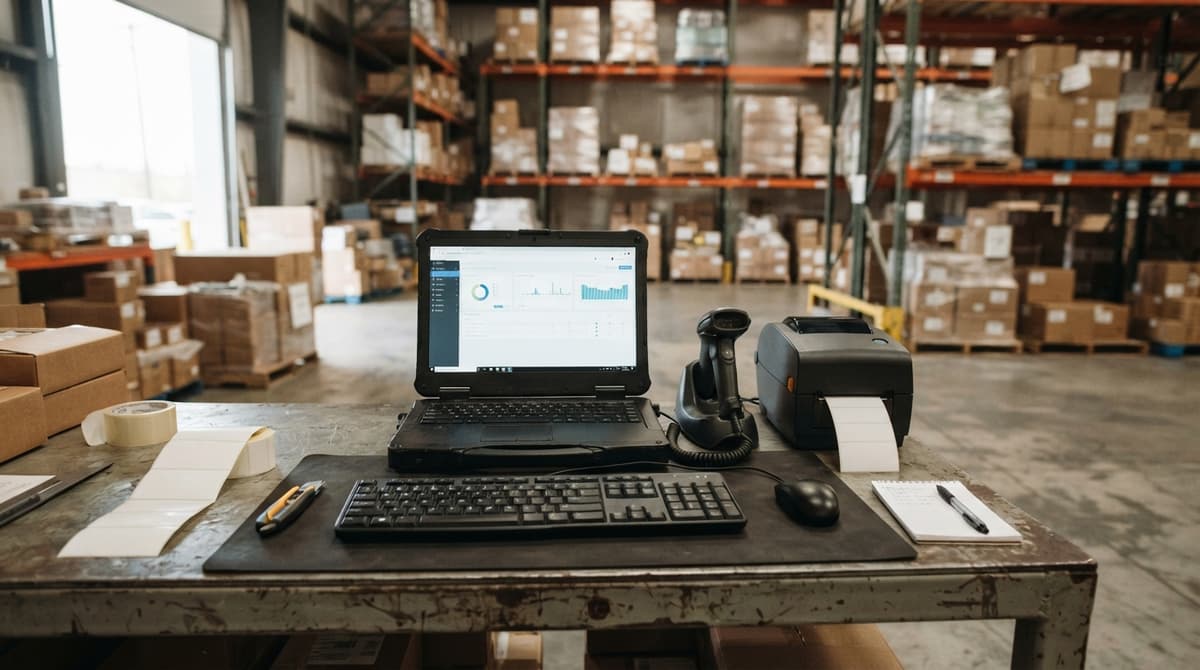
Staff log in on a computer, tablet or phone. Each action updates stock right away. Picture a pallet arriving at your dock. A worker scans it, the count goes up, and the sales desk sees it in seconds.
Is Web Based the Same as Cloud or On-Premise?
Web based and cloud mean the same thing in most sales talk. Both describe software you reach through the internet, and cloud inventory management is just another name for it. On-premise software runs on servers you own and host yourself.
| Point | Details |
|---|---|
| Access | Web based or cloud: Any browser, any place. On-premise: Your office network. |
| Upkeep | Web based or cloud: Provider runs the servers. On-premise: Your team runs them. |
| Updates | Web based or cloud: Applied for you. On-premise: You install them. |
Web based systems move the server work off your plate.
We build it for your operation, and the first look is free
If you would rather not compare products, describe how your operation already works and we build the system around it.
No build cost. You see it running on your own process first, and the monthly subscription starts only once it is live.
Book a callSigns Excel and Paper Are Holding You Back
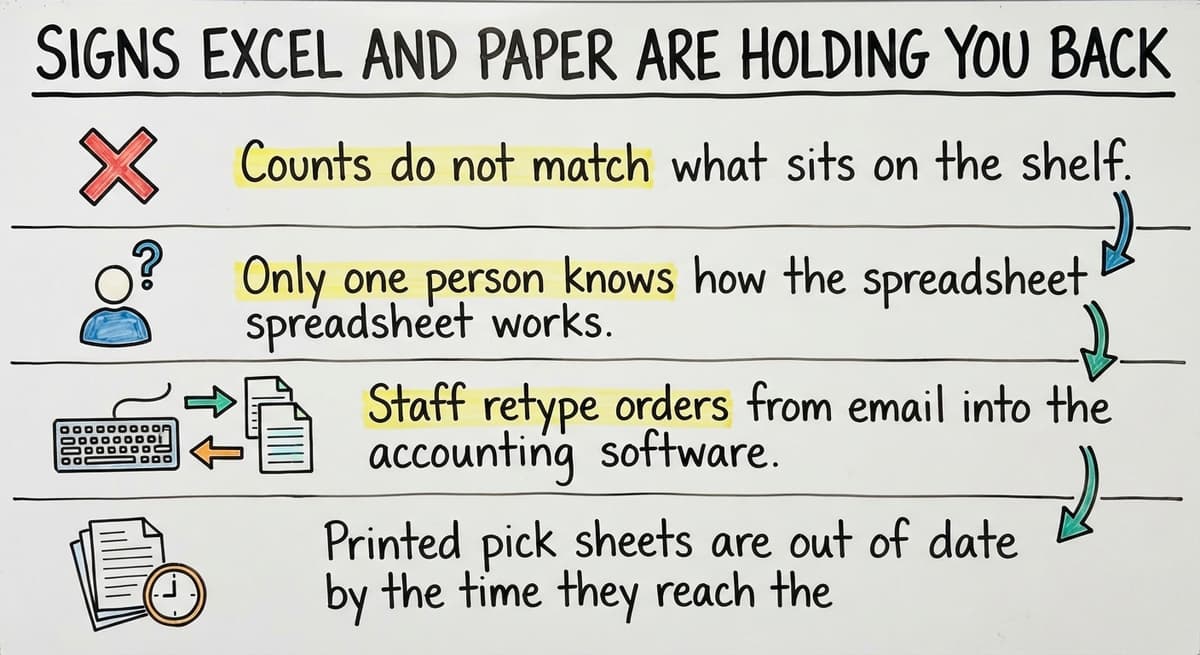
You have outgrown spreadsheets when four things happen. Each one costs time and money. If you want to replace Excel inventory files, start by checking this list.
- Counts do not match what sits on the shelf.
- Only one person knows how the spreadsheet works.
- Staff retype orders from email into the accounting software.
- Printed pick sheets are out of date by the time they reach the floor.
What Do Weak Inventory Counts Cost You?
The cost adds up. Say 3 people spend 6 hours a week fixing counts at $22 an hour. That is 3 x 6 x 52 x $22, or $20,592 a year. The Bureau of Labor Statistics publishes pay data for this kind of work, so you can swap in your own wage.
Counts also matter by law. IRS Publication 538 says, "To figure taxable income, you must value your inventory at the beginning and end of each tax year." A guess on a spreadsheet is a weak base for that.
What Problems Does It Solve for Wholesale and Distribution?
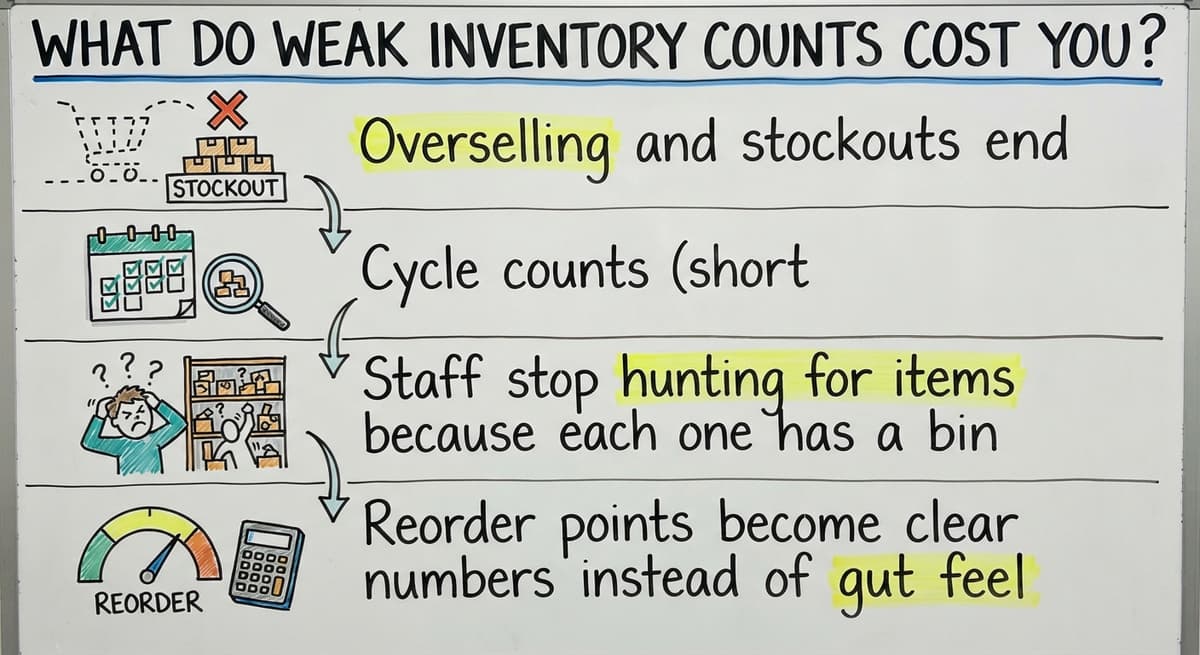
Wholesale inventory software removes four daily headaches. Each one comes from stale or hidden data.
- Overselling and stockouts end when sales see true available stock.
- Cycle counts (short, rolling counts of a few shelves) run faster with a scanner.
- Staff stop hunting for items because each one has a bin.
- Reorder points become clear numbers instead of gut feel.
The FTC mail order rule expects you to ship when you said you would. An accurate count is how you keep that promise.
Not sure this is the right shape for your operation
Describe how the work runs today. We map it on a call and show you what it would look like built around that, before you spend anything.
Book a callCore Features of a Warehouse Inventory System
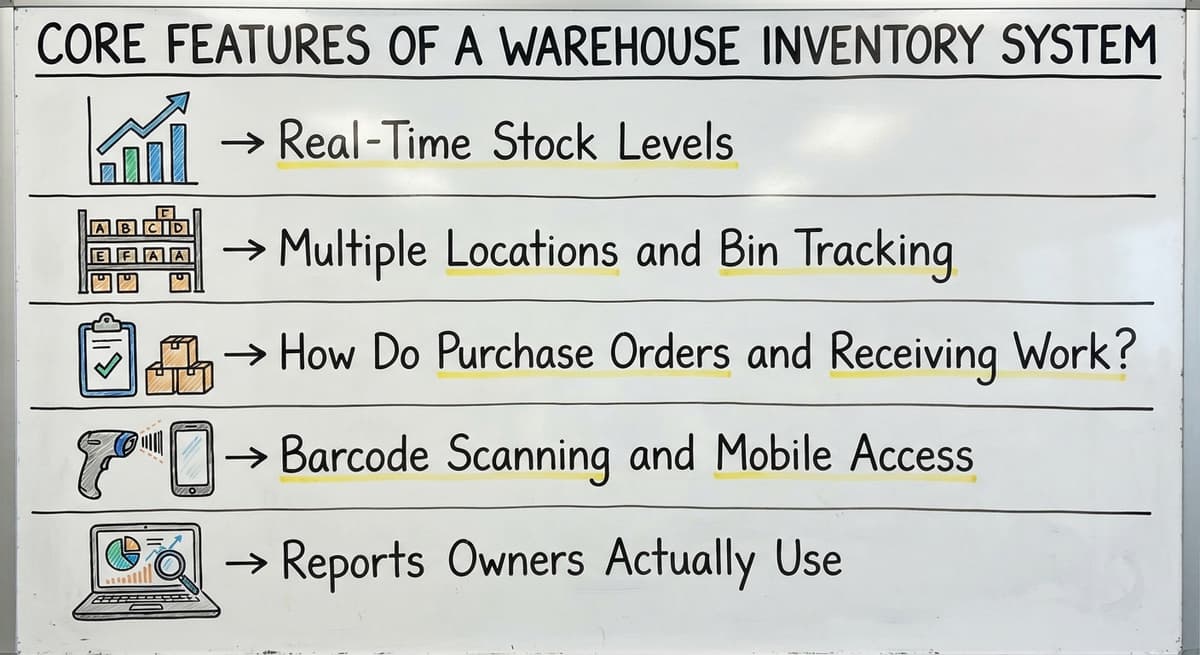
A good warehouse inventory system needs five features. Small warehouses do not need more than these to start. Skip the rest until a real problem asks for it.
Real-Time Stock Levels
Real-time inventory tracking shows three numbers per item: on hand, committed and available. On hand is what physically sits in your stock. Committed stock is promised to open orders. Available is what is left to sell. For example, 100 on hand with 30 committed leaves 70 available. The numbers change when you receive or ship. Sales then cannot sell what you do not have, and customers are not promised items that are already spoken for.
Multiple Locations and Bin Tracking
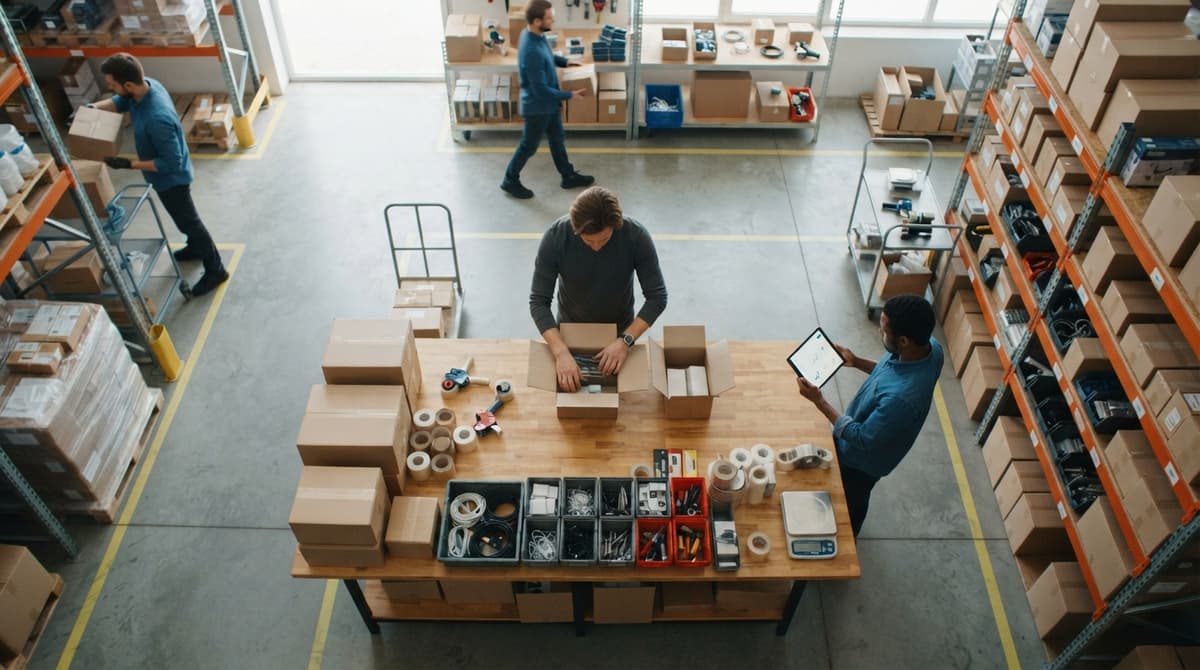
The system tracks stock by warehouse, shelf and bin. A bin is one marked spot on a shelf. Each item is tied to a specific place, so staff know where it lives. Transfers between locations are logged, so nothing vanishes in transit. Fulfillment centers with busy floors gain the most, because pickers go straight to the right spot instead of searching the aisles for each item.
How Do Purchase Orders and Receiving Work?
Buy orders (POs) are orders you place with suppliers, and the system lets you create them, receive against them and flag shortages. When a shipment arrives, staff check it against the PO, and any gap between ordered and received quantities is flagged. Staff stop retyping the same data. You also set your own reorder thresholds, and alerts fire when an item drops below one, so you can reorder before stock runs out.
Barcode Scanning and Mobile Access
Barcode inventory tracking lets staff scan to receive, pick and count. It works with phones, tablets or handheld scanners, so staff can use the device that suits the job. Each scan records the item and the action right away. Scanning cuts typing mistakes at the source. A wrong digit cannot slip in when no one types it, and your counts stay closer to what is on the shelf.
Reports Owners Actually Use
Owners need a few simple screens. Stock value, slow movers, fast movers and reorder lists answer most buying questions. The Census Bureau tracks wholesale inventories against sales, and your own reports let you do the same for your firm. Plain screens beat complex dashboards.
How a Web Based System Works With Your Accounting Software
The goal is to replace only the manual parts. Your books, reports and accountant stay as they are. Many owners search for inventory management software that works with their accounting package, but the better move is often to add a focused tool beside it.
Your accounting software stays your accounting system. The inventory system handles the detail your accounting software does not do well, such as bins, lots and picking. Inventory management with accounting software integration syncs items, orders and costs. No one retypes anything.
Do You Need a Big ERP?
Most operations with 5 to 100 staff do not need an ERP, which is one large package that runs every part of a company. Rollouts of that size run long and cost a lot. A focused system can cover receiving, stock and orders first. Add other pieces later, only if a real need appears.
The comparison is easier when one option is built for you
Off-the-shelf means fitting your process to the software. We do it the other way round, and the first look costs nothing.
Book a call
Off-the-Shelf or Custom Web Based Inventory Software?
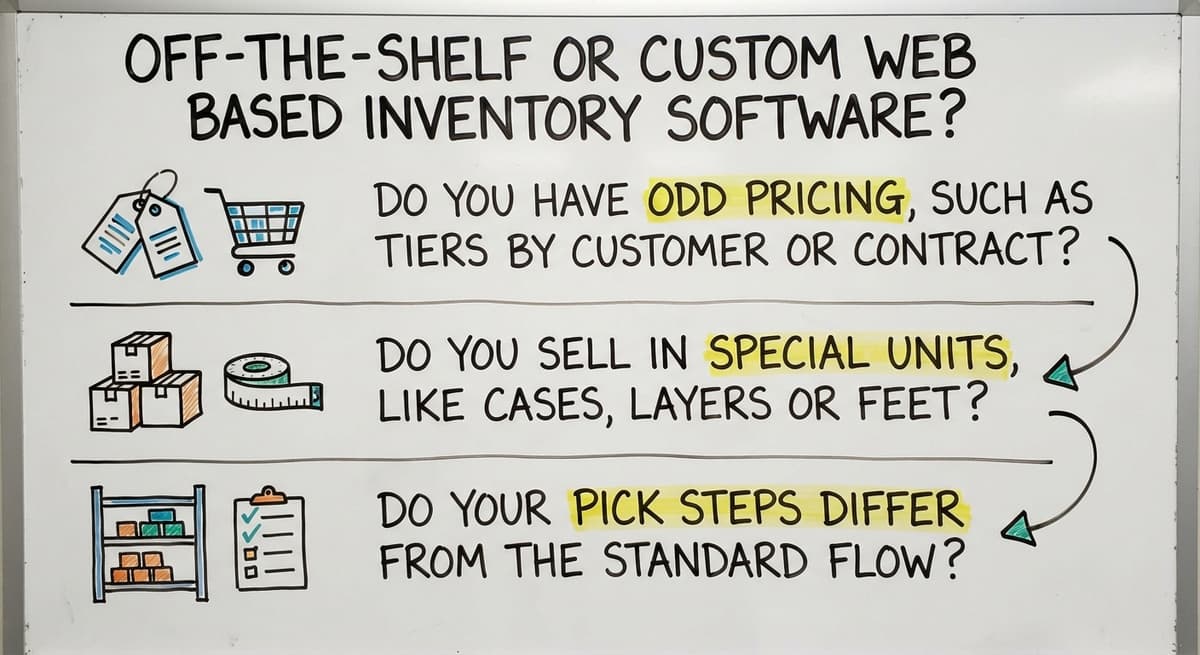
Off-the-shelf software starts fast, but your team adapts to it. Custom inventory software is built around how you already work. Neither wins every time. Ask these questions to decide:
- Do you have odd pricing, such as tiers by customer or contract?
- Do you sell in special units, like cases, layers or feet?
- Do your pick steps differ from the standard flow?
Three yes answers point toward custom. Zero points toward off-the-shelf.
What Does a Custom Build Look Like at Small Scale?
A custom build at small scale starts with one painful process, such as receiving. Screens keep the spirit of what your team knows. You do not move all data on day one. The Software Society, local to Columbus, Ohio, builds the software, the website and the search presence as one team.

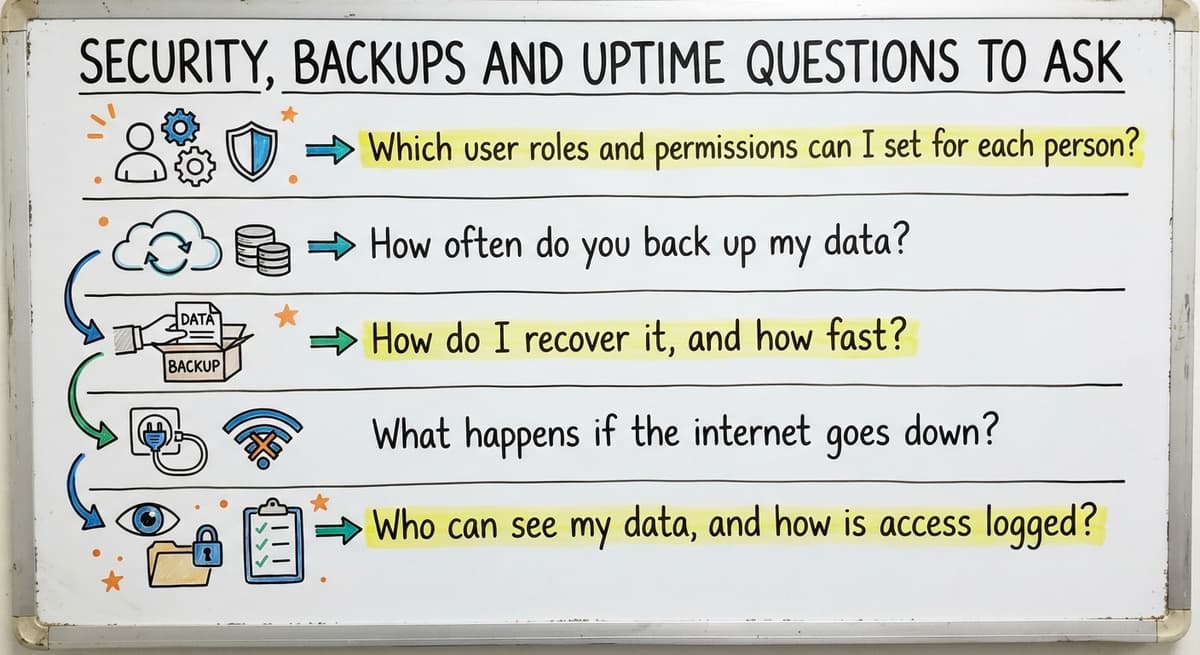
Security, Backups and Uptime Questions to Ask
Ask any provider five plain questions. Ask them to answer in plain language, and walk away from vague replies.
- Which user roles and permissions can I set for each person?
- How often do you back up my data?
- How do I recover it, and how fast?
- What happens if the internet goes down?
- Who can see my data, and how is access logged?
If the internet drops, plan a paper fallback. Staff note counts by hand, then enter them when service returns. A good provider explains this clearly.

How to Move Off Spreadsheets Without Disruption
Moving from Excel or Access works best in four short steps. A phased move keeps orders flowing.
- Clean up item lists first. Remove duplicates and fix names.
- Import from Excel and Access files.
- Run old and new side by side for a short time.
- Train a few people first, then the rest.
Clean data on day one saves weeks of cleanup later.

Choosing a Web Based Inventory Management System
Choosing takes five steps. Each one is a short job for one afternoon.
- Write down how stock moves today.
- List your top 3 problems.
- Decide what must connect to your accounting software.
- Pick a small first phase.
- Ask your floor staff to test it.
Avoid four mistakes. Do not buy features you will never use. Do not skip input from the floor. Do not move everything at once. Do not ignore dirty data. Teams that skip step 5 often rebuild later.

How to Measure Success and What It Costs
Pick 2 or 3 measures before you start. Good ones are count accuracy, fewer stockouts, faster picking and less re-entry. Record each number today so you can compare later. Use your own counts, not industry averages.
What Drives the Cost of a Web Based System?
Four things drive the cost: number of users, custom steps, integrations and data cleanup. Users are the people who log in. Custom steps are workflows built to match how you work. Integrations connect the system to other software, such as accounting. Data cleanup prepares your existing records. Pricing comes in two forms. A subscription is a monthly fee. A one-time build is a single project cost. Ask for both, and compare them over 3 years.
See it running on your own process first
No build cost. The subscription starts once it is live and doing the job, not before.
Book a call
Next Steps for Your Warehouse or Distribution Business
One shared view of stock beats many files. Your accounting software stays in place. Only the manual parts go.
The Software Society is local to Columbus, Ohio, and serves operators nationally. Book a short talk about your current process. We will walk through how your team handles stock today and find the one painful step to fix first.


Frequently asked questions
What is a web based inventory management system?
A web based inventory management system is software you open in a browser to track stock, orders and locations. You need no back room server and no install on each computer. Everyone sees the same numbers at the same time.
Can a web based system work with your accounting software?
Yes. Your accounting software stays your accounting system. The inventory tool handles bins, receiving and picking, then syncs items, orders and costs. No one retypes data, and only the manual parts are replaced.
Do I need an ERP to manage inventory?
Most operations with 5 to 100 staff do not. An ERP rollout runs long and costs a lot. A focused system can cover receiving, stock and orders first, and you can add pieces later if a need appears.
What happens if the internet goes down?
Most web based systems need a connection. Keep a paper fallback, note counts by hand, and enter them when service returns. Ask the provider how it handles outages and whether scanners can store scans for later.
Is web based inventory software only for large companies?
No. Small warehouses and wholesalers with 5 to 100 staff gain the most. A web based system needs no server, so upkeep is light. You can start with one process, such as receiving, and grow from there.
Is custom inventory software worth it for a small operation?
It can be when you have odd pricing, special units or unique pick steps. Custom software fits how you already work. If your process is standard, off-the-shelf software starts faster and costs less.
Start with a free first look
A 30 minute call, your operation mapped, and a clear picture of what we would build. No obligation and nothing to install.
Book a callRelated guides
More on the same work.
Guides
- Cloud Based Inventory Management Systems
- Inventory Management System for Manufacturing
- Automated Inventory Management System
- Best Inventory Management System
- Cloud Based Warehouse Management
- Hospital Stock Management System
- Inventory Bin System
- Manual Inventory System
- Perpetual Inventory System
- Periodic Inventory Systems
- Multi Location Inventory Management Software
- Inventory Management for Multiple Locations
- Inventory Management Pics
- B2B Inventory Management
Common questions
- What is Kanban System of Inventory Management
- What is Online Inventory Management System
- What is Sales and Inventory Management System
- What is Rol in Inventory Management System
- What is Inventory Management System Project
- What is the Use of Inventory Management System
- What is the Difference Between Aggregate and Item Inventory Management
- What is Jit Inventory Management
- What is the Definition of Inventory Management
- What is an Important Factor in Inventory Management